CHANGELOG
Everything we shipped
Every Ploy release, newest first.
- 2026NEWIMPROVED
SMTP email, four new integrations & more
Ploy can now send its emails through your own SMTP server, and four more integrations join in beta.
- Your own SMTP server: A new email sender option in your notification settings. Enter your mail server, port 587 or 465, a username and password, and the from address. Ploy logs in and sends from there, under your own SPF and DKIM. The connection is always encrypted, and the password is stored encrypted and never shown again.
- New integrations: Dynatrace, Duo Security, Dropbox and Doppler now connect in beta. Ploy brings in their users and groups, and Duo administrators if you turn them on. Flows can add and remove people in each: invite, suspend and remove Dropbox members, create, disable and remove Duo users, create and remove Dynatrace users, and change a Doppler user's role or their projects.
- Policy matrix: The matrix builds faster, and while it builds you see a small drawing of it being worked out, with each step named.
- Access review search: Search a review's or cycle's accounts by the account's login or display name, not just the person's name or email, so service accounts with no owner are easy to find.
- 2026NEWIMPROVED
Docker Hub, Datadog teams & more
Ploy now connects to Docker Hub, and Datadog now brings in your teams and who is in them.
- Docker Hub: A new beta integration. Ploy syncs your organisation's members with their roles, and your teams with their members. Flows can invite someone, change their role, remove them, and add or remove them from a team. Connect with your organisation name, a username and an access token.
- Datadog teams: Ploy now brings in Datadog teams as groups, with each person's team role. The Grant and Revoke access to resource flow steps can now add people to Datadog roles and teams, or take them off.
- GitHub apps and secrets: Each GitHub App's installation permissions, such as contents read, now show as entitlements on its access, along with whether it reaches all repositories or selected ones. Actions secrets now show the repositories they apply to, on the secret's Resource Access tab and in each repository's access list.
- Policy preview: On a grant policy that covers several resources, the policy builder's preview now shows which of them each person will get.
- 2026NEWIMPROVED
Compliance evidence, non-human identities & more
You can now send access review evidence straight to Vanta, Hyperproof or Oneleet, and Ploy now brings in non-human identities from GitHub, Datadog and Atlassian.
- Compliance integrations: A new Compliance tab under Integrations connects Vanta, Hyperproof or Oneleet. From a campaign cycle, Push evidence sends the certificate for one review, or for every completed review in the cycle, to the document or control you pick. Vanta can also submit it to your auditors. The reviews table shows whether each push was sent, is sending or failed, with Retry on a failure.
- Non-human identities: Ploy now brings in GitHub app installations, fine-grained tokens, Actions secrets and deploy keys, Datadog service accounts, API keys and application keys, and Atlassian service accounts and API tokens. Each is linked to the person who created it, with its scopes where the vendor reports them. One that disappears is marked inactive, not deleted.
- Microsoft member fields: The Microsoft setup now asks whether to pull in members. Say yes and you can map any user property, custom attribute or directory extension to a Ploy employee field and preview the result on sample users.
- Salesforce sandboxes: Turn on "Is this a sandbox org?" in the setup wizard to connect a Salesforce sandbox. Existing connections are unchanged.
- Ploy integration: The Update user in integration flow step now covers Ploy, so a flow can set a Ploy user to Active or Disabled. Like every Ploy action, it waits for an admin to approve.
- Onboarding: Each day-one access row on a joiner's page now names the policy that grants it and links straight to it.
- Command line tool: A new page in the employee portal's user menu shows how to install the tool, sign in and request access, with a command to copy for each step.
- New integrations: Avalara, Box, Buildkite, Celigo, ClickUp, Close, Cloudflare Zero Trust, ConnectSecure, Contentful, Coupa, CrowdStrike and Broadcom Secure Access Cloud, all in beta.
- 2026NEWIMPROVED
Access review tags, Bitbucket & more
Access review campaigns can now carry tags, and Ploy now connects to Bitbucket and Beeline.
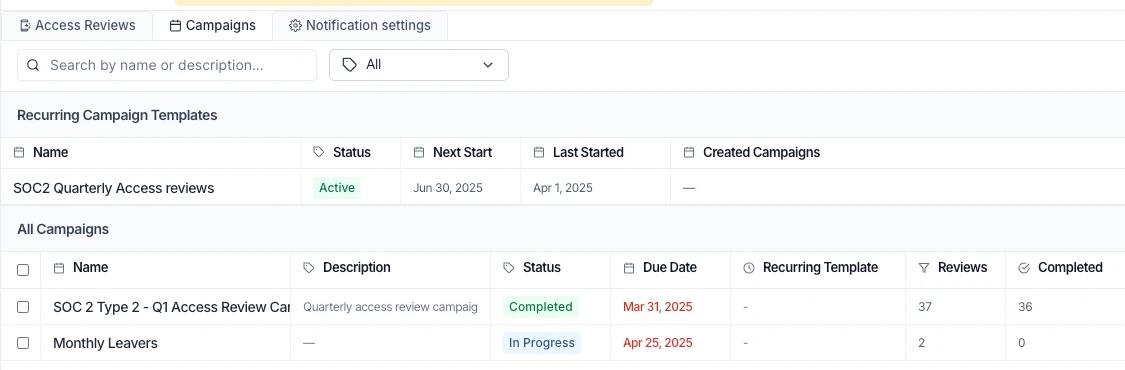
- Access review tags: Give a campaign tags such as PCI, SOC or ISO when you create it. Filter the campaign list by a tag, then download the certificates for every completed review in that tag's campaigns at once.
- Reschedule a cycle: Move the start date of a campaign's next cycle from the campaign page. Apply the new date to that cycle only, or to that cycle and every one after it.
- Not started: A review stays Not Started until a reviewer opens it, and you can filter a cycle's reviews by it.
- Group-held access in reviews: When a reviewer adjusts access someone holds through a group, the employee portal now lists the groups that grant it, with each group's entitlements beneath. Ticking a group flags only what the person would actually lose.
- Bitbucket: A new beta integration for Bitbucket Cloud. Ploy syncs your workspace members and their roles, plus who can read, write or administer each repository, and can grant or remove someone's access to a repository.
- Beeline: A new beta integration for Beeline. Ploy syncs your Beeline users, so you can review their access alongside your other apps.
- AWS: You can now suspend and restore AWS IAM users from their identity in Ploy. Identity Center users cannot be suspended, as AWS offers no way to do it.
- Jira: The Create ticket flow step now takes an optional Status, and the new ticket moves there as soon as it is created.
- Tabs: Turn on Tabs (beta) in the organisation menu to open pages in browser-style tabs. Each tab keeps its own page, keyboard shortcuts open, close and switch them, and the setting is saved per browser.
- Employee fields: Options for a select field are now added one at a time as chips, and pasting a list adds them all.
- 2026NEWIMPROVED
Auth0 actions, runbook variables & more
You can now manage Auth0, Atlassian and Attio users from flows, and onboarding runbooks can build their own values with Create variable.
- Auth0: Flows can now create, update, block, unblock and delete Auth0 users, add or remove their roles, and sign them out of every session. A new user goes into the connection you pick, and a user in a database connection gets a temporary password the flow can email to them. Existing connections need the write scopes granted to Ploy's app in Auth0. Auth0 is now in beta.
- Atlassian: Flows can now remove someone from your Atlassian organisation, suspend and restore their access, and create groups. Atlassian is now in beta.
- Attio: Flows can now add people to your Attio workspace, suspend and reinstate them, switch their role between admin and member, and remove them. These steps need SCIM on your Attio plan and a token that can manage users.
- Ashby: A new beta integration for Ashby. Ploy syncs your Ashby users and their roles, so you can review Ashby access alongside your other apps.
- Onboarding runbooks: Create variable is now available as a runbook step. Later steps can insert its value into their fields, one variable can be built from another, and a step waits until the value it uses is ready.
- Access requests: The request drawer in the dashboard now matches the employee portal's design, with a History section that shows past approved and denied requests for the resource and how common it is in the requester's team.
- Tickets: A Sync failed entry on a ticket's timeline now shows why the sync failed.
- 2026NEWIMPROVED
Self-service revoke, new integrations & more
People can now give up access they no longer need from the employee portal, and every access request now shows how it was decided.
- My Access: A new Revoke button removes access you requested, the same way an admin revoke does. Where your action approval policies apply, the removal is sent for approval first. Access granted by an access rule stays an admin's call.
- Access requests: A request's details now list every policy Ploy considered, the deciding one first, with a plain reason for each (such as outranked, didn't match or outside its time window) and a link to the policy. Requests decided before this change keep their current view.
- Flow runs: A step held for approval now shows a Held for approval callout with each policy's reason and a link straight to the approval. A step stopped by a rejected, cancelled or timed-out approval links to it too.
- Access reviews: Adjusting entitlements on access someone holds through a group can now go to the resource's adjustment flow. The Manual Provisioning trigger says whether the access is direct or through a group, and which group grants it.
- AWS: Ploy now picks up when each IAM user last signed in or used an access key, when each IAM role was last used, and Identity Center sign-ins, so AWS last-active dates reflect real use.
- New integrations: Atlassian Statuspage, Asana, BILL, Aruba Central, Workato, UKG Ready, Apollo and Expensify, all in beta. Statuspage brings in incident subscribers, matched to people by email or phone number, so an offboarding flow can stop a leaver's incident texts.
- Aircall, Zendesk and ADP: Flows can now create and remove Aircall users and change their teams, and create, update, suspend and remove Zendesk users and change their groups. Suspending someone in ADP now terminates the worker. All in beta.
- 2026NEWIMPROVED
NetSuite, Exchange shared mailboxes & more
Ploy now connects to Oracle NetSuite, and Exchange shared mailboxes are now resources you can grant and revoke.
- NetSuite: A new beta integration for Oracle NetSuite. Ploy syncs the employees who can log in and their roles, so you can review NetSuite access alongside your other apps. Flows can remove someone's NetSuite access, or deactivate and reactivate them. Connect with your NetSuite account ID, client ID and a certificate.
- Exchange shared mailboxes: Shared mailboxes now appear as resources on your Exchange integration, and the Grant and Revoke access to resource flow steps can give someone full access to one or take it away. Convert Mailbox to shared now outputs the new shared mailbox, so one flow can convert a leaver's mailbox and then give their manager access.
- Access requests in the public API: Revoke access that an approved request already granted, under a new permission of its own. Try a request first without creating anything to see whether policy allows it, see who would approve a resource for a given person, and see who is holding up an open request. A create you retry with the same key never makes a second request.
- Luna: Luna can now halt a flow run that is in progress, just like the Halt button on the run.
- Access reviews: In the employee portal, the review table now lists accounts A to Z by name, and the Account header flips the order. Once a reviewer's last decision leaves the review ready, Ploy asks them to submit it.
- Imports: The Review step of an import now lists only the rows you can fix. Rows with no email or ID to match on, and rows an ignore rule dropped, are counted as skipped in one line.
- Action approvals: Filtering held actions in the queue, and writing a policy's conditions, now support and/or, grouped conditions and "is not".
- 2026NEWIMPROVED
Late September update
A big two-week stretch: a full pass on access reviews, Luna picking up access policies and offboarding work, new flow actions, SAP SuccessFactors, and a public API for access reviews.
Access reviews
- Failed reassignments: When an escalation cannot move an overdue review to someone new, the cycle's Issues tab lists it under a new Failed reassignments group, leading with why it was refused, who still holds it and the accounts affected, with Assign reviewer or Assign attestor to hand it on yourself. It clears once someone new holds the work, it is submitted, or it is no longer overdue.
- Reassignment history: On the review overview, each reviewer group carries a tag saying whether it was reassigned by an escalation or by an admin and who it came off. The Activity tab names the reviewer, the resource and the reason on every reassignment.
- Mark as resolved: A failed remediation on the Issues tab now offers Mark as resolved beside Retry, for a removal whose access is already gone or an entitlement change already made outside Ploy. Each one is recorded in the activity stream.
- Faster close-out: Approving the submitted account sets now completes the review as well when nothing else is holding it, so it no longer takes a second approval.
- Reviews table: Search by resource, sort by resource, due date, status, started and completed, and see who each row is waiting on to attest.
- Open queries: An open query is now visible on the review itself, beside its status and on each reviewer set, with who raised it and a link to the cycle's Queries tab.
- Review scope: An entitlement review can be scoped as everything except the entitlements you name, with a new Not Equals option on the Entitlements filter.
- Performance report: A new Access Review Performance report shows the calendar year's cycles against schedule, overdue cycles, median time to complete, on-time rate by month and the outcome of individual reviews, filterable by review type.
Luna
- Access policies: Luna can now draft, preview and edit access policies and check how much of your estate they cover, asking you to confirm before anything changes. The Access policy starter playbook draws your agreed access areas as an interactive graph, and any chat can now load a playbook when your request matches one.
- Offboarding tasks: Ask Luna which offboarding tasks nobody owns and she will hand them to a colleague once you approve, then send the open tasks to the people holding them.
- Identities: Luna can find identities waiting for review and mark them approved, to be removed, or back to needs review, one at a time or in bulk.
- Access catalogs: Luna can create a new access catalog, not just add tiles to an existing one.
- Attachments: Word and Excel files can now be attached in Luna chat.
Flows
- Create variable: Build a value once from earlier steps' data and offer it to every step below, stacking transformations such as stripping accents, taking the text before a separator or capitalising each word.
- Split into multiple: Turn one value, such as a form field holding several email addresses, into a list that a For each step loops over.
- Yes/No questions: A question can now offer up to four answer buttons, each with its own branch.
- Deprecated actions: Steps using a deprecated action wear a Deprecated badge, and those actions can no longer be added to new flows.
- Full canvas: Run logs and a step's settings panel can fill the whole canvas, so long runs are easier to read.
Integrations, channels and API
- SAP SuccessFactors: A new beta integration connects SAP SuccessFactors Employee Central as a read-only HR source of truth, so your employees appear in Ploy's directory.
- Default channel: Mark a Slack or Microsoft Teams channel as your default, and Ploy uses it whenever a step doesn't pick a channel.
- Public API: Read access review campaigns, cycles and reviews, including reviewers and due dates, and create, update and delete access policies.
- Imports: When importing users through a chain, each leg can name the integration its names come from, so a group name held in two integrations no longer creates a duplicate.
Employees and portal
- Start date filter: The Employees list has a Start date filter on the Active and Onboarding tabs.
- Request access button: A new portal setting hides the Request access button in the portal header.
- 2026NEWIMPROVED
Custom metrics in Reports & more
You can now define your own metrics in Reports, feeding them by hand, from the public API, or from things that happen in Ploy.
- Custom metrics: A new Metrics tab in Reports. Name a metric, give it a unit, then feed it however suits: type values in by date, push them from the public API (the drawer gives you a command to copy), let a Ploy event add to it automatically, or calculate it from a number Ploy already counts, multiplied by a rate you set. Countable events include access requests created, approved or declined, access granted or revoked, offboardings, completed access reviews and flow runs. Each metric charts over time in its drawer and comes with two new report widgets, and Luna can create, update and record against them. Every organisation also starts with a Luna review accepted count, tracking how often reviewers go with her recommendation.
- Ploy as a managed app: Ploy itself now sits in your estate like any other app. Its Owner, Admin and Member roles show as resources with their members, so a review or a request can cover who administers Ploy, and Admin can be granted or removed from the role's page. Every change Ploy makes to its own workspace is now held until an admin approves it.
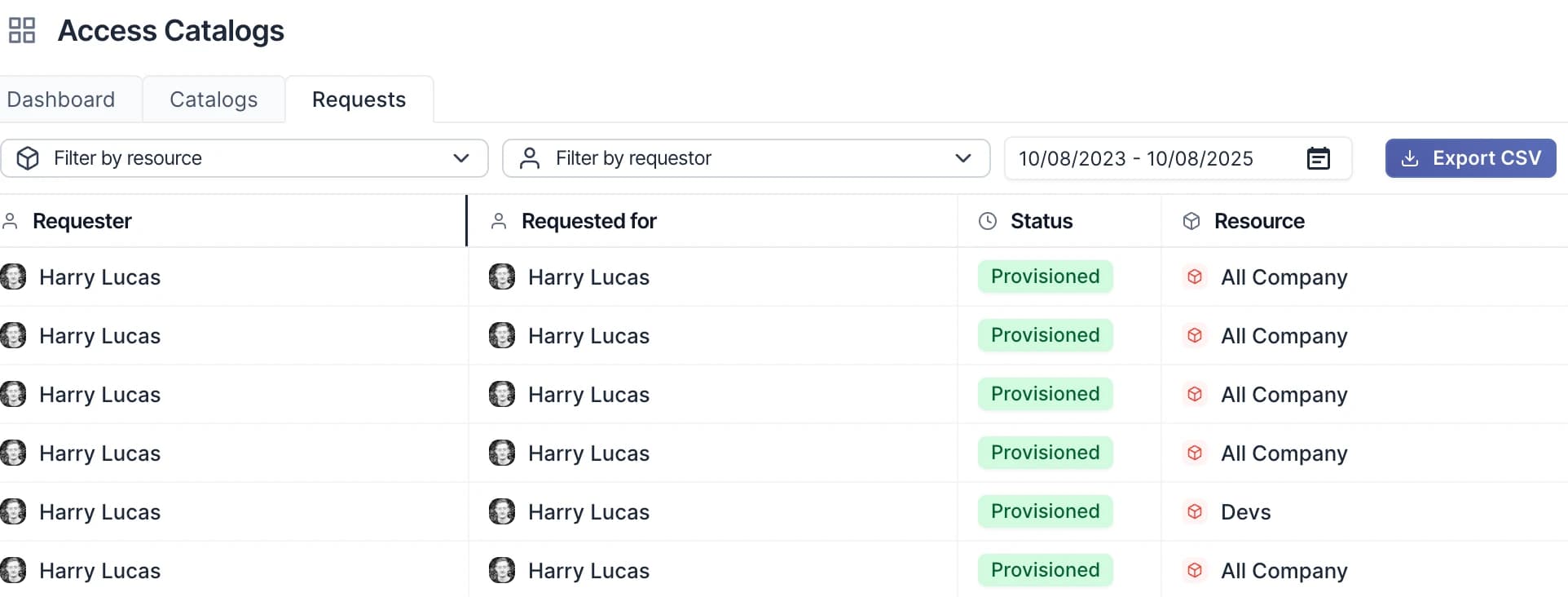
- Access requests: The request list filters by several resources, requestors and statuses at once instead of one of each, with a Clear filters button that resets everything including dates. A CSV export carries the same selection.
- App imports: When importing users into an app you can drop in an Excel workbook as well as a CSV. Ploy reads the sheet that looks like your user list and tells you if it skipped others.
- Luna: Luna can now read an access request's full history, not just its current state, so she can say when it was approved and by whom, which stage it is waiting on, and what happened if provisioning failed.
- 2026NEW
Task handovers and offboarding cancellations in Luna
Luna can now hand a member's open tasks to someone else, and close an offboarding task that is never going to happen.
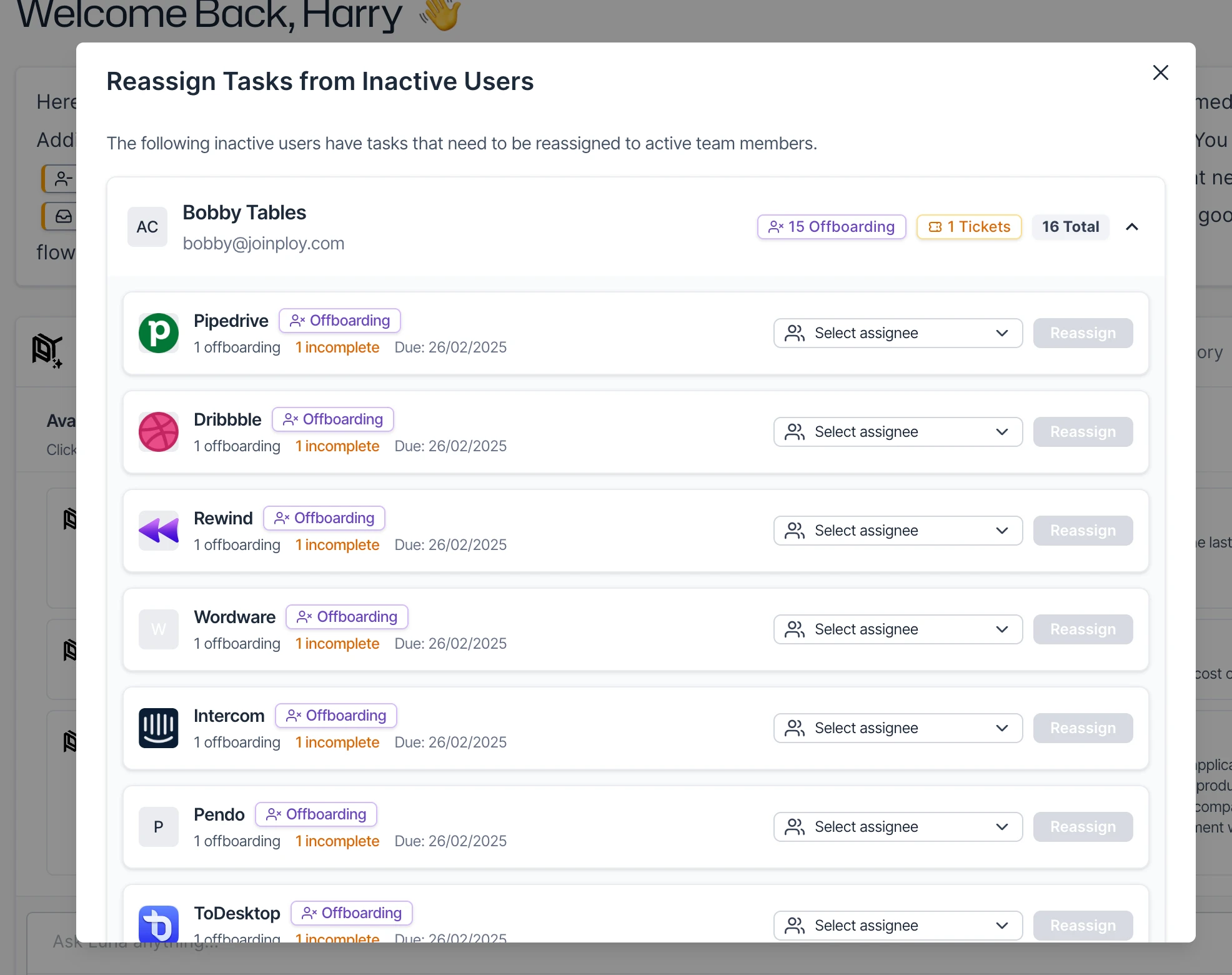
When someone leaves or goes on leave, ask Luna to pass their open work to a colleague, for every app or just one. Once you approve, she moves their offboarding and provisioning tasks, access request approvals and task lists, and tells you about any access review tasks or tickets that still need handing over.
Luna can also cancel an offboarding task, for example for an app you have already offboarded, and a reason is always required. A cancelled task shows its own Cancelled badge and reason on the offboarding and in task details, and it counts as resolved, so the offboarding can complete and nobody is asked to remove the account.
- 2026NEWIMPROVED
Redesigned flow builder and team permissions
We've redesigned the flow builder around a new canvas, and you can now narrow a team member's permissions to just the pages they need.
- Flow builder: Steps now come from a step list on the right of the canvas, which opens a new flow on its triggers. Drop a step straight onto a wire, and read each step's key settings on its pill without opening it. Lay a flow out down or across, and right-click to align, space out or tidy steps.
- Step settings: A step can now retry up to three times before it counts as failed, or carry on if it fails so the run keeps going. Where two paths lead into one step, choose whether it waits for both, runs on whichever arrives first, or runs once for each arrival. A run shows which steps were skipped and which attempt a step is on, and these settings come through the public API and Terraform export too.
- Notes and groups: Add sticky notes in a choice of paper colours, and group steps to rename, fold or move them together. Both save as you go.
- Runs: Picking a run opens a logs panel along the foot of the canvas with each step's outputs and errors. A failed run can be retried straight from the executions list, which now filters by status, start date and run number.
- Folders: The flows list now has a folder tree down the left, and you can drag flows and folders to move them.
- Permissions: The permissions editor under Settings > Team is now a grid, with toggles for each row and column plus Select all and Clear all. Identities and tickets have their own permissions, and the sidebar and command menu show only the pages a team member can open, so you can give someone just access reviews and flows.
- 2026NEWIMPROVED
Entitlement-only reviews, flow testing & more
Access reviews can now put each role a person holds on its own row, and testing a loop in the flow builder shows exactly what a run will work through.
- Access reviews: A new review type, Entitlement only, joins Review each user in Ploy and Attestation only. Each role is reviewed on its own, and a removal takes away just that role rather than the whole account. Use it for systems where one account carries several roles. Reviewers see the role named on the row and in the confirmation, and routing rules can send specific roles to different reviewers. When importing access by CSV, a role's type can now come from a column, so roles that differ only by environment stay distinct.
- Flow testing: Testing a loop step now says how many items a run will repeat over and names them, with a note that the test itself uses the first item. A step that returns a collection now shows how many results it found.
- Flows: A new only equals operator on the entitlement filter continues only when the entitlement you name is the only one that access row grants. On the Update member action, a custom employee field now shows the input its type implies, so a date gets a date picker and a number gets a number box.
- Tasks: Provisioning and deprovisioning tasks now show who raised the request and when, with a link straight to the access request behind them.
- Luna: Luna can now retry a failed access review remediation, or nudge the owners of one that has stalled, rather than only telling you which never landed.
- Integrations: The failure banner names the integration and connection that failed, so a stack of failures says which one to look at. Ploy now keeps the full Conditional Access policy from Microsoft too, including target applications, device platforms, named locations and session controls.
- 2026NEWIMPROVED
Flow Error Analyzer for everyone & more
Ploy's Flow Error Analyzer is now switched on for every organisation, and Luna builds on what it finds.
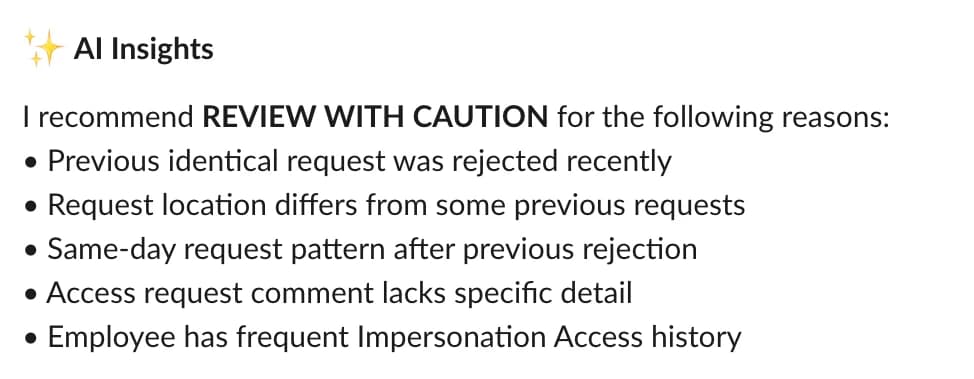
- Flow Error Analyzer: The built-in agent that watches your flows is now on for every organisation. It wakes on a failed run, works out what actually broke, and retries a transient failure once you confirm. Anything it cannot safely fix comes back as a notification naming a concrete remediation, and a weekly rollup summarises the failures across your organisation. Every run it looks at keeps a visible note of what it found. If you turned it off, it stays off.
- Luna: Analyse with Luna on a failed run now opens knowing what other agents have already done about it, so she starts from an existing diagnosis and checks it rather than repeating the work, and says so when an agent is investigating right now. Ask her to list runs and each one shows whether an agent is on it or has left a note, so an already-diagnosed failure is easy to skip.
- Dashboard: When a newer version of Ploy is live, a prompt now appears beside Luna with a Reload button, so you can pick up the latest version without a hard refresh. Dismiss it and it stays away until your next page load.
- 2026NEWIMPROVED
Luna handoffs, closing tasks & more
Luna now shows the work she hands off and keeps moving while it runs, and provisioning tasks can be closed from the Tasks page.
- Luna: When Luna dispatches a subagent, reaches out to someone, or starts provisioning or deprovisioning, that work now appears in the session with its own live status, alongside a count of what is still outstanding. She dispatches and carries on rather than sitting parked on a single handoff, and each result reaches her as it lands. Luna also now reports which folder a flow is filed in.
- Tasks: Provisioning and deprovisioning tasks can be marked complete or cancelled, from the row on the Tasks page or by asking Luna. Cancelled covers work that will never happen, so it stops counting as outstanding without anyone being recorded as having done it. Each task now also shows who the access is for and who asked for it, with the access request behind it.
- Access reviews: A reviewer override can now match any of its filters instead of all of them, so "Okta reviewers, or anyone in Engineering" is one rule rather than two. You can also ask Luna to re-sync a review row against the access Ploy holds now, or to bring in access the review never covered.
- Account set approvals: Approving an account set is now where you choose what happens to access nobody responded to or marked as not required: deprovision it, or leave it in place. Allow it per campaign, and the escalation tier reads simply "Record no response".
- 2026NEWIMPROVED
Flows as Terraform, access reviews & more
You can now take a flow built in the builder into Terraform, and access review admins get new ways to correct a live review.
- Flows as Terraform: A new Copy as Terraform button in the flow builder renders the flow as Terraform you can copy straight out. Choose Adopt to manage that exact flow, with an import block and pinned ids so history is preserved, or Template for a portable copy you can adapt and apply elsewhere.
- Access reviews: Two new actions on a review, one row at a time or in bulk. Re-sync from source re-reads a row from live data and re-routes its reviewer, and Add access brings in access the review missed or puts back a row that was taken out of scope. If the set has already been submitted, Ploy sends it back for revision with a note explaining why.
- Review escalation: Attestation-only reviews can now use escalation. Set tiers to remind the reviewer, reassign the sign-off, or notify someone else when it runs late. Deadline extensions and corrections stay on reviews with account rows, where they apply.
- Action approvals: A policy can now apply to every action rather than only those matching a condition. Tick "Apply to every action" in the policy editor and the condition builder is replaced by a single rule covering everything.
- Luna: Luna can now reassign reviewers on a live access review, either a reviewer's whole set or chosen account rows, and add, change, remove or reorder a single reviewer override rule on a campaign without resending the rest. She can also read and manage your action approval policies.
- Flow filters: Filter and multi-filter nodes can now branch on the entitlements a piece of resource access grants, not just the resource, member and access level.
- 2026NEWIMPROVED
New Agents view and custom fields in flows
A live agent now opens on a rebuilt view that makes it far easier to see what your agents are doing and how they got there, and flows can now set your organisation's custom employee fields.
- Agents: The conversation runs full height down the left. Your prompt sits at the root of a canvas you can pan and zoom, tasks fan out of it, and each agent hangs off the task or the agent that started it, so you can follow how any piece of work came about. A panel collects everything waiting on you, and each agent's panel opens its session transcript, so you can read why it acted.
- Agent runs: Ploy now names an unnamed agent from its prompt, and a run shows as needing input whenever any of its agents is waiting on you. Confirmations name the person, account and resource an action will touch instead of internal ids, and the run history opens on a new Last activity column, with every column sortable.
- Flows: The Update member action can now set your organisation's custom employee fields. Text, number and date fields accept values carried from earlier steps, dropdown and true or false fields offer Leave unchanged, and a box left empty leaves the stored value alone.
- Access reviews: Review rows in the employee portal now label an identity by its username instead of the provider's internal id, so you can tell two accounts on the same resource apart. Search covers usernames as well as ids.
- Profiles: You can now filter members by profile on the members list, in survey audiences and in the bulk member selector. Approver assignments that draw from a profile now offer the same round robin settings as group assignments, so you can leave people out of the rotation.
- Error page: A page that fails to load now shows the error inside the app, with buttons to go back or reload and a Luna composer that opens a chat about the page that broke.
- 2026NEWIMPROVED
Action approvals, Luna-built reports & more
You can now hold integration actions for approval before they run, and build a report by describing it to Luna.
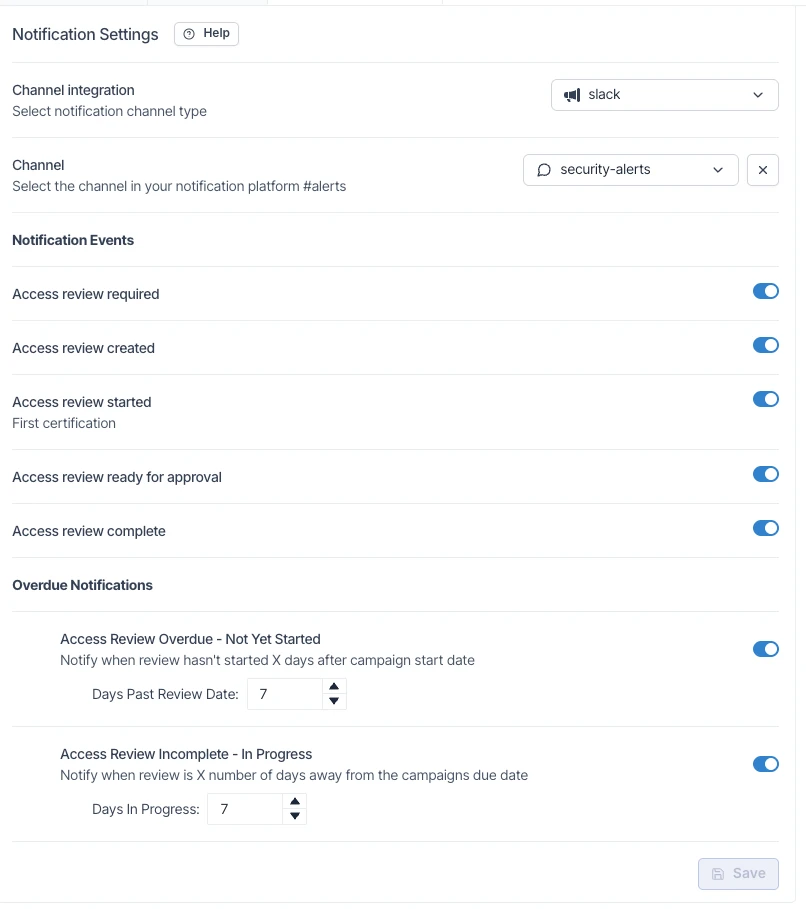
- Action approvals: A new organisation-wide gate holds integration actions for approval before they run, on every match or once a volume threshold is passed. Set it up on the Action approvals tab under Managed Access, with default approvers and an auto-reject window, and held steps show on the run timeline with a link straight to the approval.
- Reports: Create a report by describing what it should show and letting Luna build it. Your edits and hers stay as pending changes until you save, so viewers keep seeing the published version until you are ready.
- Luna chats: Star a chat to pin it to the top of your own list, or settle one to mark it done for everyone in your organisation, which records who settled it.
- Luna actions: Every action Luna can run is now a named action with its own permission and guardrails, instead of one general-purpose action covering them all. Confirmations name what she is about to do rather than showing raw configuration.
- Luna presets: When Luna drafts a preset for you, the prompt can now be edited in place before you save it.
- Access reviews: Query rows on a cycle now expand to the full access detail, entitlements and identity included, and accounts with no linked person show their name from the connected app instead of "Unknown user".
- Employee profiles: Job title now accepts a typed value, so you can set a title nobody else currently holds.
- 2026NEWIMPROVED
Markdown files in Luna, HighQ provisioning & more
Luna now reads Markdown attachments and picks up two more abilities, HighQ joins the integrations Ploy can create users in, and profile filters get free-text matching.
- Luna: You can now attach Markdown files to Luna, alongside the PDFs, spreadsheets and CSVs she already reads. Luna can also archive a custom employee field when you ask her to (she confirms before it stops being shown or written), and she can explain what an access review campaign covers and which routing rules decide who reviews each part.
- HighQ: Ploy can now create HighQ users, so the "Create user in integration" flow action and provisioning strategies work for HighQ accounts.
- Profiles: When a profile filter uses "contains", "starts with" or "ends with", you now type the text to match instead of picking a whole value from a dropdown. The equals and one-of operators keep their dropdowns.
- 2026IMPROVED
Luna generated flows
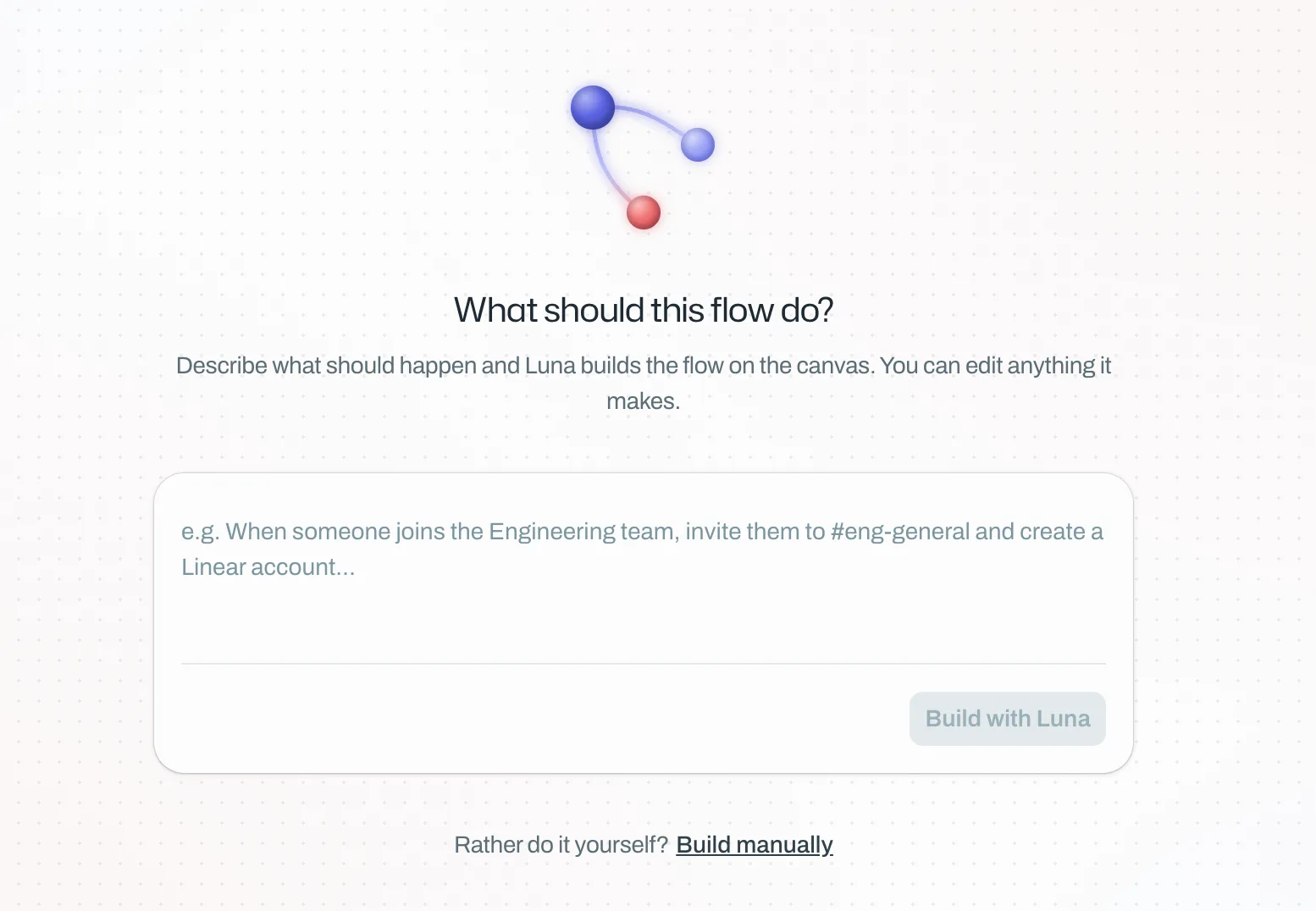
Luna can now help you build and generate flows for you automatically, simply describe what you want and watch Luna build it for you.
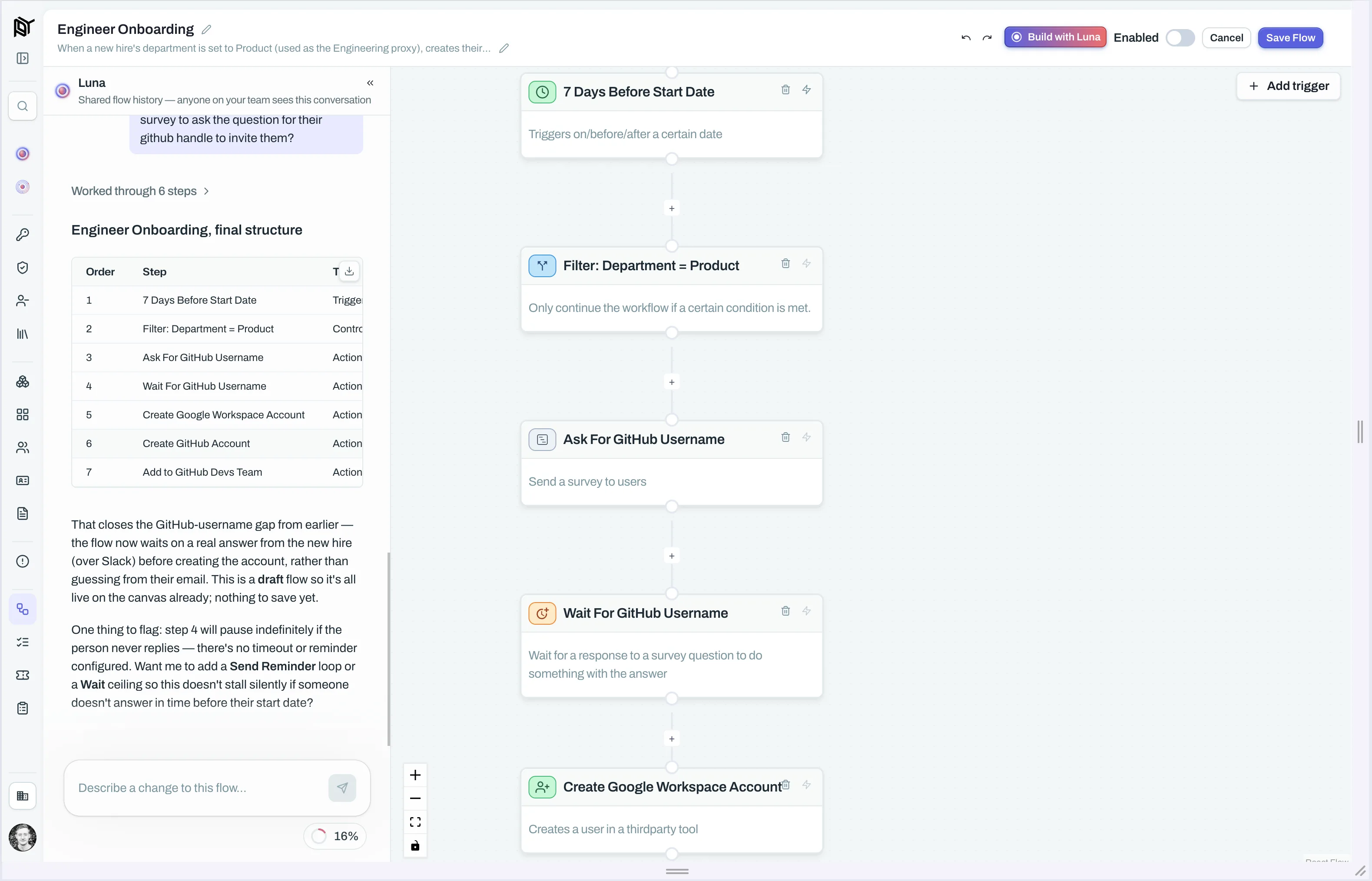
Luna has access to all the tools and learnings from the 1000s of flows we’ve implemented at Ploy to ensure you get the most optimised outcome, tailored to your use case (as always). This is a beta feature so as always, we’d love to get any and all feedback you have.
- 2026
On-call access conditions, Redis Cloud & more
A wide release across access policies, integrations, flows, and the employee portal:
Access conditions: On-call status is now available as an access condition, automatically revoking break-glass access once a shift ends.
Active Access: You can now mark a stuck access row as deprovisioned, from the row menu or in bulk, without Ploy contacting the provider.
Redis Cloud: New integration for Redis Cloud, syncing team members and roles so you can review and revoke access alongside your other apps.
Flows: The "Update user in integration" action can now write to your organization's custom Google Workspace profile fields, picked from a live dropdown.
Luna: Steering chat on an in-progress agent run now accepts file attachments, and mentions in Luna chat now render as chips with a photo or app icon.
Employee portal: Time-limited access requests show clearer countdown text near expiry, and resources offered through multiple catalogs now show as already covered once requested.
- 2026NEWIMPROVED
Mid August update
A big three-week stretch: a full pass on access reviews, Luna picking up provisioning and policy work, five new integrations, and a new terminal sign-in flow.
Access Reviews
Per-app reviews: A new Reviews tab lists one row per single-app review campaign — resource, frequency, progress, and due state at a glance — built for teams running lots of one-off reviews rather than a single big multi-app campaign.
Reviewer overrides: Route specific accounts (non-human identities, admin-level entitlements) to a different reviewer than the campaign default; the first matching rule wins.
Self-approval control: Approval steps now have an "Allow self-approval" switch so the person a request is for can be excluded from approving it themselves (off by default on new steps).
Self-review prevention: Reviewers can no longer be assigned to approve their own access. Conflicts are blocked at cycle creation with a clear message, or rerouted at runtime to the account holder's manager, the resource owner, or an org admin. Bulk decisions silently skip a reviewer's own accounts and note how many were excluded. Opt out per-cycle with "allow self-review."
Duplicate identities: Reviewers see one row per person instead of duplicates when someone holds more than one identity on a resource; campaign creation flags duplicates up front.
Exclude from a cycle: Exclude a review or a specific account from an in-progress cycle, with a required reason captured in the audit trail.
Escalation attribution: Decisions completed by an escalated reviewer now show an "Escalated" tag with a handoff tooltip, carried through to the evidence pack.
Data freshness: Review details show a "Data as of" date, source, and extraction date for imported access data.
Custom remediation routing: The "adjust entitlements" outcome can route to a dedicated flow configured on a resource's provisioning strategy instead of always creating an internal task.
Mid-cycle additions: Add resources to a review cycle that's already running, right from the cycle page — no need to wait for the next cycle. Luna can do this on request too.
Corrections toggle: Campaigns can now disable reviewer corrections entirely — useful for campaigns fed by integrations or controlled uploads.
Escalation tiers: Tiers can fire before the due date (e.g., "3 days before due"), each tier can carry its own custom message, and a new no-response tier action auto-closes undecided accounts on deadline and applies the campaign's configured remediation.
Evidence pack certificates now display your organization's logo.
Luna
Knows which admin sent each message in shared sessions, improving responses when multiple admins message Luna in one conversation.
Can read a resource's current access policy and apply bulk updates across many resources at once.
Can answer a reviewer's question directly when they flag an item instead of approving/denying, unblocking the review without an admin.
Confirmation cards now group related settings and show real dropdowns (e.g., seat type) instead of leaving them unset.
New "Setup new integration" playbook walks Luna through connecting and configuring an integration end to end.
After connecting a new integration, Luna checks if it supports account creation/removal and offers to build provisioning/deprovisioning flows, a provisioning strategy, managed access, and a catalog entry (new flows are created disabled for review).
New guided onboarding playbook for admins covering org settings, SSO, IP restrictions, notifications, and app connections.
Can create new custom employee fields on request (e.g., a cost centre), not just fill in existing ones.
Can update access review campaign settings and manage standing cover assignments from chat.
Can report the provisioning method assigned to each access catalog entry and flag entries with none configured.
New Memories section: explore what Luna knows about your org as a graph or filterable list (grouped by fact/episode/procedure/preference), with the ability to add or delete your own entries.
Provisioning & Flow Builder
Provisioning strategies can name a flow that auto-creates a missing account when a request is approved, instead of failing with an identity error.
New "Create Resource" flow action creates a resource inside a connected integration (starting with Microsoft Entra security/M365 groups) — chainable straight into a grant-access step.
"Get resource access" now outputs both a resource's friendly display name and its full name in one flow.
New licence-availability gate step: branch flows based on whether a licence has free seats.
Alchemer users can now be created, disabled, or updated directly from flows.
Scheduled flow triggers can be pinned to a timezone with automatic daylight-saving handling.
Integrations
Simployer One (HRIS) — new integration syncing your full employee roster for onboarding, offboarding, and provisioning.
Attio, Datadog, ngrok, Vercel, and Xero are now available to connect, alongside a new capabilities view in the setup wizard and integrations table showing what each integration can detect and action.
Google Workspace: custom member fields now appear in the field mapper and sync into Ploy (matching HiBob, Okta, Workday).
Google Drive: shared drives now show their organisational unit (name and path), captured automatically during scans.
Freshservice: flow ticket labels now sync as native tags; the Update ticket step supports setting closure fields.
Jira: can now connect via a service-account API token instead of OAuth for tighter least-privilege access.
Microsoft Entra (bring-your-own setup): scan-scope settings (users without mailboxes, guests, apps without a website) are now configurable, matching the Ploy-managed flow.
Dialpad is now available as an offboarding flow action.
Security & Access Control
Terminal sign-in approval: Employees can approve or deny Ploy CLI sign-in requests from the employee portal by entering the short code shown in their terminal, reviewing the origin address, client, and timestamp. Approved sessions stay valid up to 30 days.
Passkey elevation: Require a fresh passkey check before sensitive actions (offboarding, API key creation, security changes), with a configurable re-verification window. The elevation settings page lists which admins still need a passkey, and a key icon flags who already has one.
Employee Portal & Admin UX
Choose which sections (Home, My Access, Reviews, Tasks, Catalog) appear in the employee portal — useful for a reviews-only rollout.
Assignment Configuration moved to its own Settings page, with a new Issues tab (offboarded assignees, incomplete configs) and a usage view showing where a configuration is referenced.
Standing reviewer swaps can carry an optional expiry date, so temporary reassignments (e.g., parental leave) end automatically.
Resource access records show a new Story timeline plus Field origins, surfacing which integration last confirmed each piece of data and when.
Notifications to Slack, Teams, and email (including from Luna) now render headings, lists, tables, and images properly instead of raw formatting characters.
Identity Inventory gained bulk actions to associate/remove employee links, matching the older Identities list.
Shift-click range selection now works across every dashboard table.
Saved private resource views show a "Private" badge, with an edit button for name, icon, colour, and visibility.
Billing & API
App Spend billing frequency now includes "Biannually" (every 6 months), with annual cost projections updating automatically.
Identity segments API's update endpoint is now full-replace (omitted fields are cleared); duplicate segment names return a clear conflict response.
- 2026NEWIMPROVED
Luna Memory
Ploy now connects to Alchemer and ships improvements across employee profiles, access reviews, Segments, and Luna.
Alchemer: Ploy now scans your Alchemer account for users, teams, and licence seats and supports provisioning and deprovisioning directly from Ploy.
DocuSign: You can now provision and deprovision users directly from Ploy, and manage their group memberships. Invite someone by email (DocuSign sends them an activation link), close their account to revoke all access, or move them between groups, all without leaving Ploy.
Luna: Luna now has a separate read permission. Grant it to colleagues who need to browse and read existing chats without being able to start new sessions or send messages. The message composer stays hidden for read-only users.
Employee Resources: The Resources tab on an employee's profile now has a Dynamic membership filter. Use it to isolate groups where membership is controlled automatically by rules in Microsoft or Okta, or hide those groups to focus on manually-managed access.
Licence availability check: A new gate step in the flow builder lets you branch based on whether a specific licence has free seats. Choose a resource and one of its licences, set the direction (available or not), and the step passes current seat counts to downstream steps for end-to-end seat-rotation flows.
Range selection: Hold Shift and click a second row to select everything in between, across every table in the dashboard.
Saved resource views: Private saved views in Resources now show a "Private" badge. An edit button lets you update a view's name, icon, colour, or visibility at any time after saving.
- 2026NEW
Terraform, OneLogin integration & Luna Tools
Last week's release adds a full OneLogin integration, richer Luna responses and tools, and improvements across access reviews and the app catalog.
OneLogin: Ploy now integrates with OneLogin as a full IdP. Connect your tenant to pull in users, MFA enrollment and methods, roles, and app assignments, plus last sign-in activity. Open the Integrations page to get started.
Luna: Responses now render tables, cards, and structured blocks directly in the chat, at their natural position in the conversation, instead of inside collapsed thinking steps. The underlying model has also been upgraded for sharper, more reliable answers.
Access reviews: Reviewers in the employee portal now land on the full entitlements list by default when opening a review, with Luna's recommendations one click away via a tab at the top.
Agent actions: Luna agents can now suspend and restore user accounts at connected integrations as part of automated workflows, with confirmation required before each action and every suspension recorded in the audit trail.
Catalog search: The app catalog in the browser extension now matches underlying resources when searching, so "billing" surfaces the AWS tile via its Billing resource, with a hint showing what matched.
Assignment configs API: Reviewer routing rules can now be created, updated, and deleted via the public API, making them straightforward to manage from external tooling.
Escalation notifications: Escalation message wording can now be customised for access reviews. Open the escalation editor and choose "Customise the message" to edit the notification template that reaches reviewers at each stage and save it for reuse.
Access reviews: Reviewers in the employee portal now see department, job title, and last-active date columns switched on by default, so relevant context is visible without manually enabling columns.
Flows: You can now filter Microsoft and Entra accounts by guest status in flows, making it straightforward to target low-usage guest accounts for automated action.
Luna: Luna can now find failed or stalled access-request provisioning and retry it on demand, completing the full lifecycle from approval through to recovery.
App catalog: Employees browsing the app catalog now see a badge on any app they already have access to, preventing accidental duplicate requests.
Public API: New endpoints let you read and manage provisioning strategies and their folders via a dedicated API scope, and manage resource sources of truth per row via the API.
Luna: CSV imports, Luna can now preview what a CSV mapping will produce before you run it, showing which rows will import, merge, or be skipped and why. Ask Luna to load a saved import template or save the current mapping for reuse in later imports.
Luna: catalog management, Luna can now archive a catalog item so employees no longer see it in their access catalog, and permanently delete an access policy that is no longer needed.
Terraform and Public API improvements: You can now configure your core Ploy resources via Terraform. Contact your account rep to get access to the provider
Access catalogs in the API, Create, update, publish, and archive access catalogs and their items from Terraform or your own tooling, including visibility rules by department, group, or profile, and the access options offered within each item.
Resource access policies in the API, A resource's full access policy (approval stages, time limits, provisioning setup, and eligibility conditions) can now be defined and managed from infrastructure-as-code.
Organisation settings in the API, Internal email domains and IP restrictions for the admin dashboard and employee portal are now manageable via the API, making them part of your version-controlled configuration.
- 2026NEWIMPROVED
Freshservice integration
Ploy now connects to Freshservice for ticketing, plus a range of other improvements.
Freshservice Ticketing integration: You can now integrate with Freshservice as your ticketing system, helping you manage access requests and other identity related issues in your native ITSM, or use it as a centralised backup for identity related work.
API key management: Existing keys can now be edited (rename or change permissions) without revoking them. Scope options are grouped by category in the picker.
Tags API: Create, update, and delete tags via the Ploy API using a key with tags permissions.
Access review scoping: Campaigns can now be scoped to access rows carrying a specific tag, not just tags on the employee or resource.
Luna: Luna can now draw on Ploy's accumulated knowledge about your environment when answering questions.
User importer: Human identities can now be imported using an external ID alone, without an email address.
Employee page: "Last Working Day" is now available as a column in the custom view picker.
Profiles in the public API: create, read, update, and delete profiles via the API, with the full filter definition included.
Resource and integration lookups: the resources endpoint now accepts exact-match filters by name, external ID, domain, and application status; new read-only endpoints for integrations and messaging channels are also available.
Jira knowledge source, service-account auth: when setting up Jira as a knowledge source, you can now choose between OAuth and a service-account API token scoped to specific projects, so Ploy can only read what that account can access.
Signup source on active access: the origin of a shadow-IT signup, captured by the browser extension, now stays visible after access moves to the active tab, so you can always trace how it started.
API docs: nested object schemas now expand inline, and the navigation panel scrolls independently of the content panes.
- 2026NEW
Access review updates & More
A large set of updates shipped the last few days headlined by our changes to access reviews.
Access reviews:
Multi-stage reviews: You can now have multiple stages of reviews, on all or a subset of entitlements allowing support for usecases such as ‘Managers revieiwing employee access’ followed by an SME reviewing admin only roles
Escalation paths: Automatically re-assign reviews if users don’t complete in X days or notify their manager
Extension Requests: Users can request an extension if they need more time
Queries: Reviewers can also make queries, such as clarifying questions to your IT admins while completing reviews.
And a lot more
Bulk retry provisioning: Filter the access request list by status, select failed requests, and retry their provisioning in one action.
Tag management: Create, edit, and color-code tags from the Settings page. Assignment configurations can now be deleted directly from the configuration modal.
Tasks: Filter the unified Tasks list by app or resource.
User importer: Human accounts can now be imported using an Ext ID alone, without an email address.
Identities: Bulk convert human identities to non-human identities from the Inventory page.
- 2026NEW
SIEM integrations, Microsoft AI agents & more
You can now stream your Ploy audit log to an external SIEM, with Microsoft Sentinel as the first destination.
SIEM integrations: Connect from the new SIEM tab on the Integrations page. The wizard uses federated identity credentials so no client secrets are stored.
AI agent visibility: Ploy now tracks Copilot and Claude agents, so you can see which are active, who is using them, and what resources they reach on behalf of users.
HiBob: Mobile and work phone numbers now sync from HiBob for use in flows and automations.
Agent access view: The access-on-behalf-of panel on an agent page now groups entries by permission, with stacked member avatars replacing one row per individual account.
Employee portal: Employees outside an approved IP range now see a clear screen directing them to connect via VPN or contact IT, instead of a generic error.
- 2026NEW
IP restrictions, custom employee fields in flows & more
Four improvements shipped today covering security, automation, access management, and the Luna experience.
IP restrictions: You can now limit which networks can reach Ploy. In Settings > Authentication, configure separate IP allowlists for the admin dashboard and for the employee portal and browser extension. Leave a list empty for no restriction, and a warning flags if a saved range would lock you out of the dashboard.
Custom fields in flows: Custom employee fields now appear as audience filter options and as a flow trigger, so you can build flows that target or activate based on fields specific to your org, like a cost center or contract type.
Expiring Soon: The Managed Access > Expiring Soon page now has per-row Manage access and Deprovision access buttons, plus a bulk deprovision option when you select multiple entries, so you can act without opening the resource page first.
Luna and agent runs: The Luna indicator is now animated across the sidebar, chat, and agent pages, reflecting live state. On the agent runs page, task cards expand inline to show session detail, and the runs navigator is now called Active Runs.
- 2026IMPROVED
On-call status, Google guest invitations & more
You can now see on-call status in employee profiles, delete Entra accounts and Exchange shared mailboxes from flows, and import users in update-only mode.
On-call status: Employee profiles now show whether someone is currently on call, pulled from your Grafana IRM or PagerDuty connection. A green badge marks an active shift; the row only appears for members on a rota. "Is on call" is also available as a filter when building segments.
Entra and Exchange deletion in flows: A new "Delete shared mailbox" step is available in the flow builder for removing Exchange shared mailboxes. The "Remove user from integration" step now also supports deleting an Entra account directly.
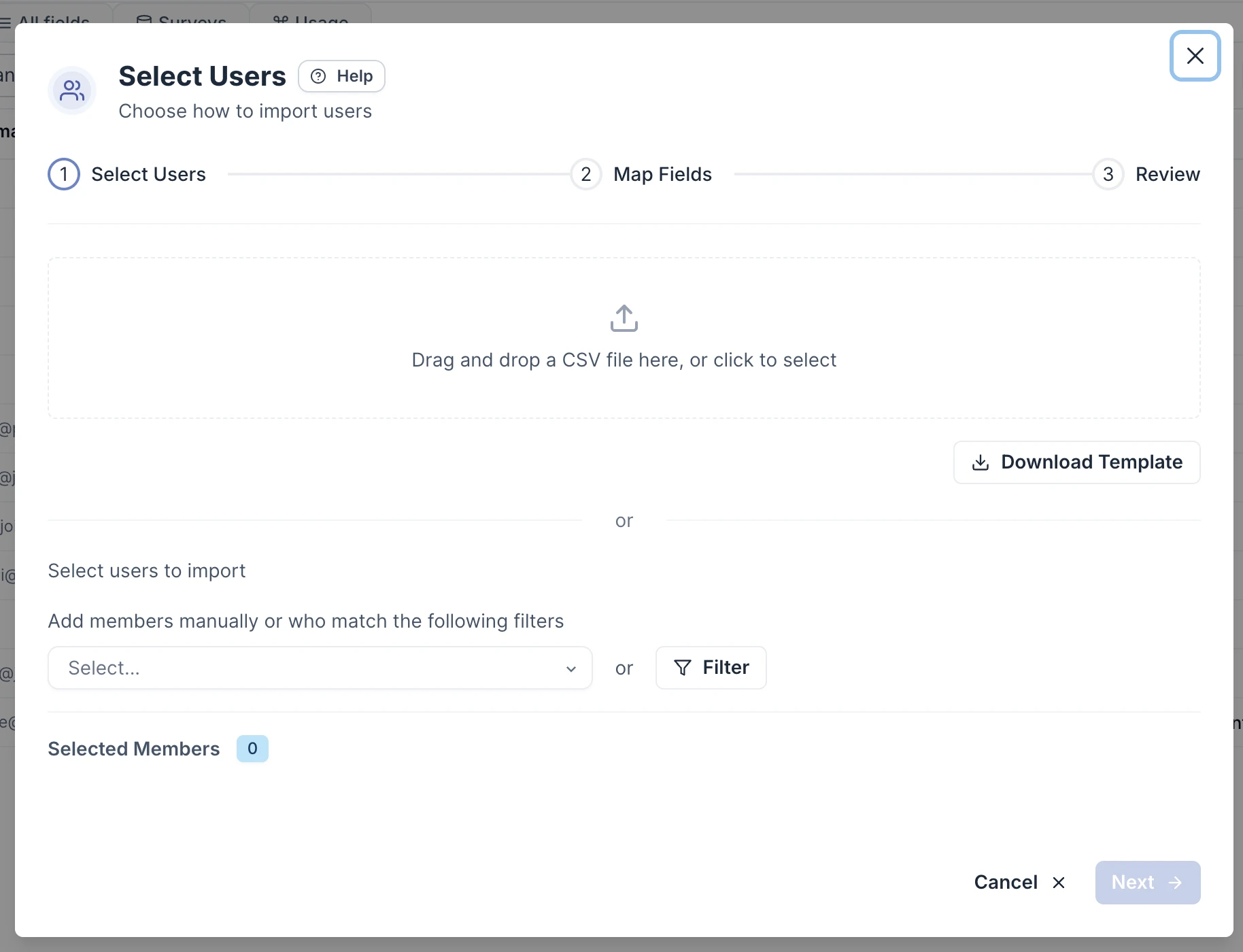
User import update-only mode: When importing users via CSV, you can turn on "Only update existing users" at the mapping step. Existing records are refreshed in place; rows that don't match anyone are skipped, nothing new is created, and the grant date and identity type become optional.
Google Workspace: The invite-external-user flow action now supports Google Workspace alongside the existing Microsoft support. Guests are automatically detected in scans and attributed to their real external email address.
Unmanaged accounts: You can now select multiple accounts on the Unmanaged tab and convert them to non-human identities in bulk, rather than one at a time.
Low usage detection: When previewing how many accounts a low-usage threshold would flag on a resource, you can now click "View accounts" to see the full list, each account's last activity date, and when access was first granted.
- 2026
Identity-aware access requests, user importer & more
Users can now select which of their identity they are making the request for when making an access request as well as making requests on behalf of owned NHISs, alongside other improvements across the user importer, Google Drive, and the access catalog editor.
Access requests: Employees can pick which account or service account they own gets the grant, per resource. People with multiple accounts on the same integration, or who own service accounts, see a dropdown on each item in the request basket. Admins see "Requested by" and "Requested for" as separate rows in the request detail panel.
User importer: Both the column-mapping dropdown and the person-preview picker now have a type-to-filter search box. A new "Apply to more columns" option copies one column's mapping to several others at once, and a "Use column name as type" checkbox auto-fills the entitlement type from the mapped column name.
Google Drive: Shared drives now show the org unit they belong to as a resource attribute. Luna can filter drives by org unit when answering questions about specific areas of your Drive environment.
Access catalogs: The catalog editor now has a "View in portal" button that opens the catalog directly in the employee portal, so you can preview exactly what employees see.
On-call status: Employee profiles now show whether someone is currently on call, pulled from your Grafana IRM or PagerDuty connection. A green badge marks an active shift; the row only appears for members on a rota. "Is on call" is also available as a filter when building segments.
Entra and Exchange deletion in flows: A new "Delete shared mailbox" step is available in the flow builder for removing Exchange shared mailboxes. The "Remove user from integration" step now also supports deleting an Entra account directly.
- 2026NEWIMPROVED
AI agent governance, Custom Employee fields and Luna agents v2
A lot has changed over the past couple of days here at Ploy. Let’s dive in.
AI agents: AI agents (Copilot Studio, custom GPTs, and others) now have dedicated resource pages in the admin dashboard. Each shows the platform the agent runs on, its direct app permissions, delegated access held on behalf of users, who is using it, and a visual access graph. To get access please contact your account manager
Microsoft own-app setup: When connecting Microsoft, you can now use your own Entra app registration instead of Ploy's managed app. A setup wizard covers capability selection, the app manifest, and the Azure configuration values, with a toggle to enable or disable all optional permissions at once.
Luna: Reports can now filter apps by tag dynamically, so querying for "procured" apps (or any other tag) always reflects the current tagged set rather than a stale list.
Edge on Mac: A deployment profile for Edge on Mac is now available, letting admins push the Ploy extension to managed Mac devices running Microsoft Edge.
Custom employee fields: Define custom fields for employee profiles from the Employee Fields settings page, pick from text, number, date, select, or yes/no types, and connect each to HiBob, Okta, or another integration so values sync automatically. Fields appear in a dedicated section on every employee profile.
Agent runs and success criteria: Agent detail pages now show a success scorecard for each defined criterion, a run history with declared outcomes and confidence level, and a full activity timeline. Non-human identities can also now submit access requests using dedicated API keys, which appear in the standard review queue.
Multi-file app fields: App custom fields can now hold multiple files, letting you attach several contracts or documents to a single field without overwriting previous uploads.
Integrations: BrowserStack service accounts now appear as non-human identities in Ploy. DigiCert now captures last-login dates for usage tracking. Microsoft enterprise app service principals now show the application permissions they hold. AWS classic IAM group memberships can now be provisioned directly.
Access policies: You can now delete an access policy directly from the resource detail view or the managed resources table. Ploy checks for active access reviews and open requests first and blocks deletion until those are resolved.
Flows: Yes/No confirmation steps now support a "No response" path. Set a timeout in minutes, hours, or days, and your flow continues automatically if the recipient never clicks Yes or No.
Microsoft guest accounts: Ploy now shows the sponsor for each Microsoft Entra B2B guest, the person in your organisation responsible for that account. Their name and email appear on the guest's identity record, and Luna can reach out to them when a guest account goes dormant.
Custom integration logos: When configuring a custom integration, you can now search Ploy's app logo library and pick a matching logo. It then appears consistently across cards, resource rows, and graphs.
- 2026NEW
Jira sub-tasks, Luna attachments & more
Ploy shipped two new capabilities today alongside several reliability fixes.
Jira sub-tasks: Using flows you can now create Jira sub-tasks
Luna file attachments: Employees chatting with Luna in the employee portal can now attach files alongside their messages. PDFs, spreadsheets, Word documents, images, and CSVs are all supported, up to 4.5 MB per file.
CSV entitlement sync: Update-only imports now replace a member's full set of entitlements rather than only appending new ones, so stale access is removed automatically on each re-run.
- 2026NEWIMPROVED
Last week at Ploy
There’s been a lot shipped in Ploy over the last 7 days, let’s dive in ⬇️
Luna access requests: Requesting access for shorter windows, such as a few hours, now works correctly when chatting with Luna in Slack or Teams.
OneTrust: Login activity now flows into Ploy when the required permission is enabled in OneTrust, so you can see who is actively signing in alongside your full user directory.
Employee profile: The Resources tab now shows a Type column and lets you filter by resource type or integration, making it easier to review what kind of access an employee holds.
User importer: Ignore Rows now supports additional matching conditions, including "contains", "is one of", "is set", and "is not set", so you can filter rows without pre-processing your CSV.
Okta: Fixed a scan issue where the event log could stall on empty filtered time windows, causing outdated events to replay on every scan cycle.
Compliance segment templates: You can now create segments from pre-built compliance-framework templates. On the Segments page, choose "Create from compliance framework" to browse templates mapped to SOC 2, ISO 27001, CIS Controls, and more, with Google and Microsoft vendor packs included. Each card shows a live match count for your org. Select any number and bulk-create them in one click, or customize one before saving.
Claude.ai seat tracking: The Anthropic integration now shows a seat licence view: purchased vs active seats, cost per seat (defaulting to $20 if left blank), and a savings breakdown by usage tier. Set a minimum daily token threshold to define what counts as active for your org.
Access request notifications: The Managed Access "Notifications" tab (previously "Config") now surfaces opt-in notification types, including a new option to notify your team when a request is submitted.
New Relic: Ploy can now create and remove users and manage group membership in New Relic, making it a fully managed integration.
TestRail: Create and remove users, manage project access, and search your user base from Luna.
Confluent: Ploy can now invite users and search for existing users in Confluent.
GitLab: Bulk user search is now available across your configured groups and organisations.
Team member permissions: Granting access directly (outside of an approval policy) is now a separate, opt-in permission. Standard seats no longer have it by default; enable it per person in the permissions editor.
HiBob: Custom fields with human-readable names now sync into Ploy correctly.
Exchange: The setup wizard no longer requires you to grant Ploy the Exchange Administrator role. It now displays a PowerShell script you fill in with your Entra Object ID and copy straight to your terminal, giving Ploy only the permissions it actually needs.
Luna: You can now ask Luna to find identities by a specific MFA method, such as everyone who authenticates by SMS or passkey, rather than just checking whether MFA is on or off.
Low-usage trigger testing: The member field when testing a Low Usage flow trigger is now optional. Leave it blank and Ploy returns the full list of members who would trigger for that app, so you can validate the trigger at a glance without picking a specific person.
Saved CSV import mappings: You can now save a column-mapping configuration during a user import, name it, and reload it on future imports. Mappings are shared across your org, so any admin can reuse a setup someone else has already defined.
Employee status history: Hovering the Active, Inactive, or Onboarding badge on an employee's profile now shows a timeline of who or what changed that status and when.
Suggested alternatives: Blocked and unsanctioned apps can have alternatives set from the app details panel, pointing employees toward approved options.
Luna: Image attachments now preview correctly in chat. The composer and attachment tiles have a refreshed look, and trust level and usage stats now appear below the composer across all chat surfaces.
Report table widgets: Report table widgets now show up to 300 rows, up from 100.
Segments: Service accounts now display their account name in a segment's member list instead of showing the integration they were sourced from.
Custom connectors: You can now delete a connector from the custom integrations tab, which revokes its API keys and archives its linked integrations. The tab has also been redesigned with clearer health and status information at a glance.
Reports: Table widgets now include a download button to export the data as a CSV file.
- 2026NEW
Decision-only access reviews, new provisioning & more
Access review campaigns now support a "Record decisions only" mode. Enable it in the campaign wizard to capture reviewer decisions without any automatic follow-up: no deprovisioning and no entitlement adjustment tasks. Templates display a badge so it is always clear which campaigns run in record-only mode.
New Relic: Ploy can now create and remove users and manage group membership in New Relic, making it a fully managed integration.
TestRail: Create and remove users, manage project access, and search your user base from Luna.
Confluent: Ploy can now invite users and search for existing users in Confluent.
GitLab: Bulk user search is now available across your configured groups and organisations.
Team member permissions: Granting access directly (outside of an approval policy) is now a separate, opt-in permission. Standard seats no longer have it by default; enable it per person in the permissions editor.
Audit log: Opening a log entry with a payload no longer crashes the page.
HiBob: Custom fields with human-readable names (such as team or pod fields) now sync into Ploy correctly.
Expiring access reminders: Employee notifications now list expiring grants in the correct chronological order.
- 2026IMPROVED
BrowserStack & DigiCert integrations & more
Two new integrations are live alongside richer Microsoft identity data and several bug fixes.
BrowserStack: Ploy now scans your BrowserStack organisation for users, their access roles (owner, admin, user), and license assignments.
DigiCert CertCentral: Ploy now scans your CertCentral account for users, app access, and access roles.
Microsoft identities: Identity detail pages now show last non-interactive sign-in separately from last active, a useful signal for service accounts that only authenticate silently. New filter options include on-premises sync status, service principal type, and SSO mode.
Access review exports: The CSV download now includes remediation type, status, due date, and completion date columns so you can track which deprovisioning and entitlement-change tasks remain outstanding after decisions are recorded.
Various Bug fixes
- 2026IMPROVED
Slack/Teams access requests
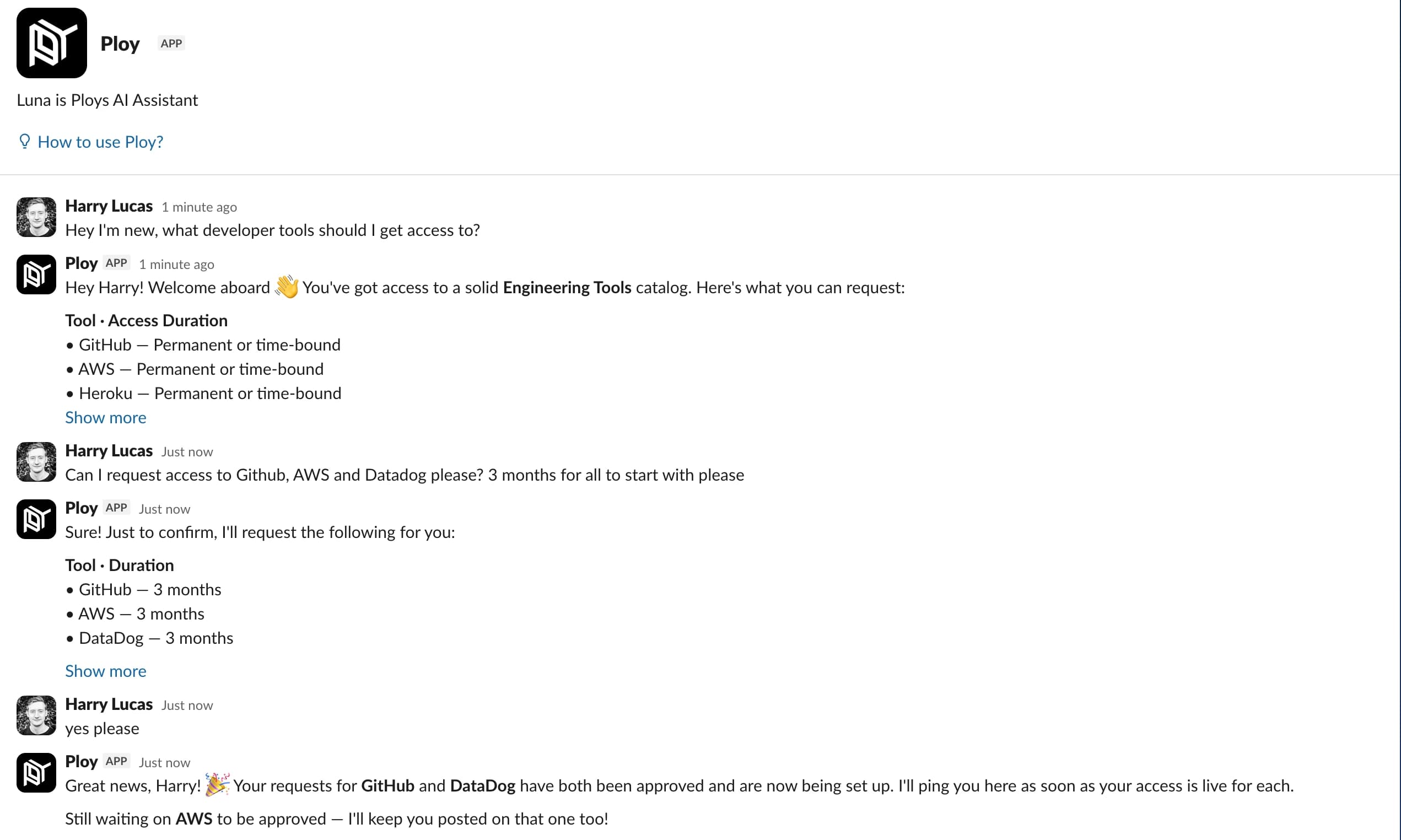
Employees can now request access right from Slack and Teams, without breaking flow to go somewhere else. They ask Luna for what they need, pick how long they need it, and confirm, all in the chat tool they already have open. It makes the whole thing fast enough that people actually request the access they need instead of putting it off or borrowing someone else's, and they get pinged the moment each tool goes live. The same catalog and approvals you've configured power it underneath; the win is that getting access now takes a message instead of a context switch.
- 2026IMPROVED
In-page Luna
Luna now lives as a chat bubble inside the dashboard, available from any page. Open it on a resource, identity, app, or access review and Luna already knows what you're looking at — no need to paste IDs or re-state context. Ask "who owns this?", "summarise the last 30 days of activity", or "find anyone with similar access" and Luna will answer against the entity in view.
You can drag-and-drop files directly into the composer too: screenshots, CSV exports, IdP reports, anything you'd previously have to describe. When Luna queues actions that need your sign-off, you can now bulk approve or deny them by tool type rather than clicking through each one.
Click the Luna icon on any page to try it.
- 2026IMPROVED
Luna Guardrails
Guardrails are admin-authored rules that let Luna take action without a human-in-the-loop when conditions match, a more surgical alternative to broad "auto-approve" toggles. Every Luna tool now has four states: Allowed, Denied, Ask, and the new Guarded state, which only runs when your rule evaluates true.
Rules can reference attributes on the entity Luna is acting on, for example, "auto-approve membership additions to low-risk groups, but always ask for production resources." Permissions inherit from parent agents and playbook configs, with overrides shown explicitly on each tool so you always know which rule fired.
Configure under Settings → Luna → Guardrails.
- 2026IMPROVED
Configurable Access Review Attestations
You can now control exactly who signs off on an access review, what they're agreeing to, and how granular that sign-off is. Choose between three modes: let each reviewer self-attest their own work, require a separately designated person to countersign each account set, or have one person certify the entire review once every set is in. Set an org-wide default, then override it per campaign or per cycle so routine reviews stay light while quarterly compliance certifications can be stricter. Once a cycle starts, its settings are locked, so later changes to your defaults never affect a review already in flight.
You can also tailor the statements each signer must confirm: edit the wording, add or remove statements, reorder them, and mark each as required or optional. Statements can include real values like the cycle name and resource name, captured at the moment the sign-off is recorded so the historical record shows exactly what was agreed.
- 2026
Dynamic group detection
Ploy now detects dynamic-membership groups from your IdPs, the ones whose membership is computed from a rule rather than maintained by hand, and labels them throughout the UI. The membership rule is shown alongside the group, so you can see exactly why a user is included.
Luna can also see these rules and help you make changes/suggestions to better suit how your organisation manages their identities.
- 2026IMPROVED
Source of Truth Suggestions
Ploy now surfaces recommended source of truth configurations in a review queue, so you can set up cascade access relationships in bulk instead of configuring each app one at a time. When Ploy notices a group, license, or role granting access to an app that has no source of truth yet, or a connected integration whose domain matches an app, it adds a suggestion to the queue with sensible defaults already filled in.
For each suggestion you see the target app, its existing sources, and the recommended source, along with a short explanation of why those defaults were chosen. For group, license, and role suggestions you can adjust the defaults before applying: whether the source is the authoritative identity, whether its identities take priority, whether removing someone there revokes their app access, and whether only active members count. Then choose to apply it alongside your existing sources, apply it and replace what's there (with a confirmation step, since that one is destructive), or dismiss it.
Once you apply or dismiss a suggestion, Ploy won't surface that same pairing again. New pairings show up within a minute or two. To get started, open the new Source of Truth Suggestions tab on the Resources page, where a badge shows how many are waiting for review.
- 2026IMPROVED
Time windows on access request policies
Access request policies can now specify time windows users are able to make requests within, such as “only between 9-5”. Combined with conditions, you’re now able to craft complex logic around access policy approvals.
- 2026NEW
Public API
Ploy now has a public API allowing you to manage everything from user access to resource access policies programatically, including via IaC tools.
- 2026IMPROVED
Claude and OpenAI NHI detection
Ploy now scans Anthropic and OpenAI for API keys, service accounts, and other non-human credentials, and surfaces them in your NHI inventory. Each key shows up alongside the workspace or team it belongs to, when it was created, when it was last used, and what scopes it carries.
This is a starting point for governing shadow AI usage - every API key your team has created sitting in
.envfiles, terminal history, and contractors' laptops - without having to chase down individual developers. Combined with the rest of the NHI feature set, you can review and attest AI credentials the same way you handle any other access grant.To get started, integrate with either of the applications and then visit the non human identities page in your dashboard to see them.
- 2026NEW
Self-hosted integrations
We’ve now released the ability for anyone to build a integration with Ploy via our Custom connectors. This means tools, applications and databases that were impossible to integrate with before due to being on-prem or generally in-accessible from third party systems can now be integrated with Ploy and enjoy the full suite of Ploy features including user scanning and identity lifecycle management.
- 2026NEW
3 new integrations: Calendly, monday.com, Kandji
Three new connectors landed recently:
Calendly: pull Calendly user accounts and access into Ploy so scheduling tooling shows up alongside the rest of your SaaS.
monday.com: full coverage including users, accounts, and access.
Kandji: device management visibility, with a setup flow that surfaces device counts and ownership during onboarding.
These join the eight integrations we launched in February and continue our push to cover every SaaS your team actually uses.
- 2026NEW
License tracking
You can now track what your SaaS access actually costs, right alongside who has it. Open the new Licenses tab on any app to record a license, cost per seat, billing cycle, currency, and the seats you've purchased, and Ploy uses the activity it already tracks to show how many of those seats are recently active, lightly used, or sitting idle.
Each app's tab totals up purchased seats, annual cost, and potential savings, and you can flip any license card to see the exact low-usage accounts behind a wasted-spend figure. Licenses in different currencies roll up to your primary currency automatically, and you'll find new license modules across Reports, including total spend, your biggest savings opportunities, and licenses already at capacity.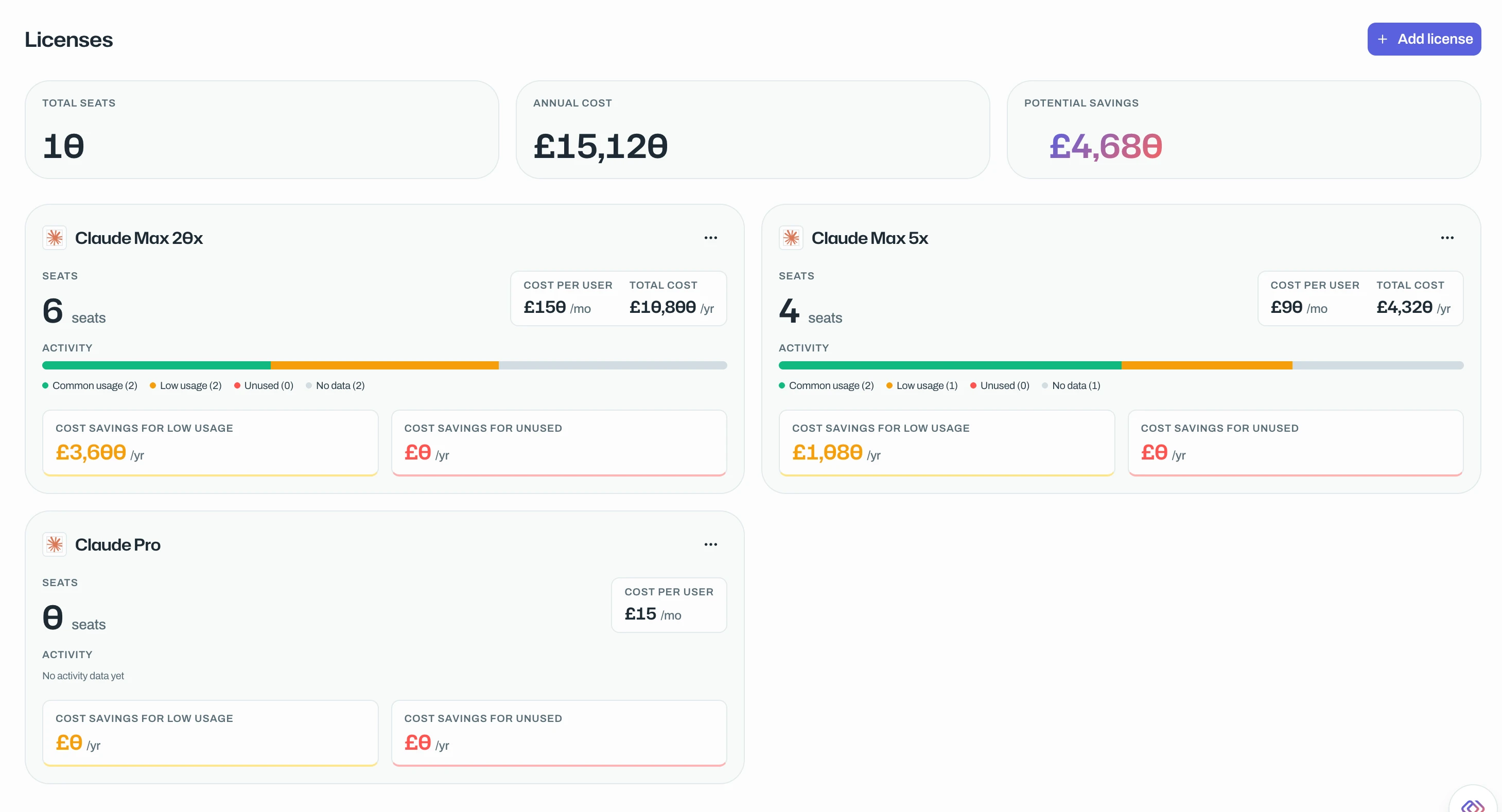
To get started, open any app and visit its Licenses tab.
- 2026NEW
Agent and Non-Human Identity detection
Agents and NHI service accounts, bots, API users, integration credentials, shared mailboxes: are now a first-class identity type in Ploy, alongside humans. Every NHI gets its own page, its own access review treatment, its own status workflow, and lives in a dedicated Non-Human Identities tab in the Identities view.
You can convert existing human-classified identities to NHIs one at a time from a member page, or in bulk from the Identities list, and Ploy preserves the existing group memberships and access grants when it does. NHI-specific filters (provider, type, last seen, MFA status) make it possible to actually act on the long tail of service accounts that have accumulated over years.
This is the foundation a lot of upcoming work builds on: your AI provider keys, scan tokens, integration credentials, and shared mailboxes are no longer mixed in with your humans.
- 2026IMPROVED
New & extended integrations
A batch of integration coverage upgrades over the last six weeks:
- Miro — non-expiring tokens supported, and a new Full-license-holder scanner so you can review Miro spend alongside other paid SaaS.
- Google Drive — shared-drive scans now include external collaborators, closing a long-standing visibility gap for over-shared drives.
- Exchange — shared-mailbox status is now derived from
accountDisabledrather than guessed, so review accuracy improves on mailbox-heavy tenants. - BambooHR —
mobile_phoneis now ingested into Member records and exposed in flow outputs, letting you send SMS-based onboarding from a flow. - Microsoft — flows can now write Entra schema-extension (custom) fields via the UpdateUser action, so HR-system attributes can flow straight into your IdP.
- 2026IMPROVED
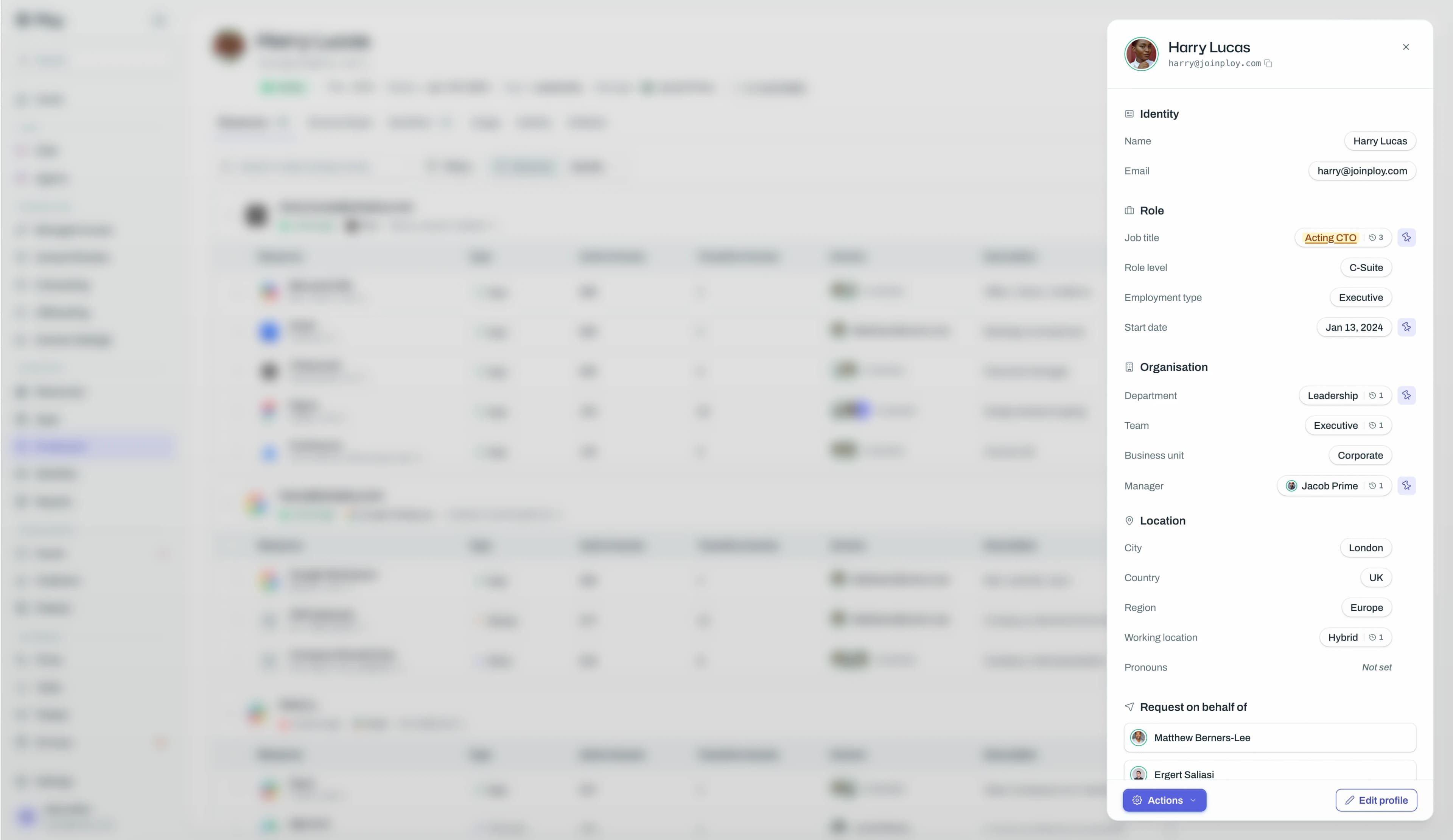
New employee view
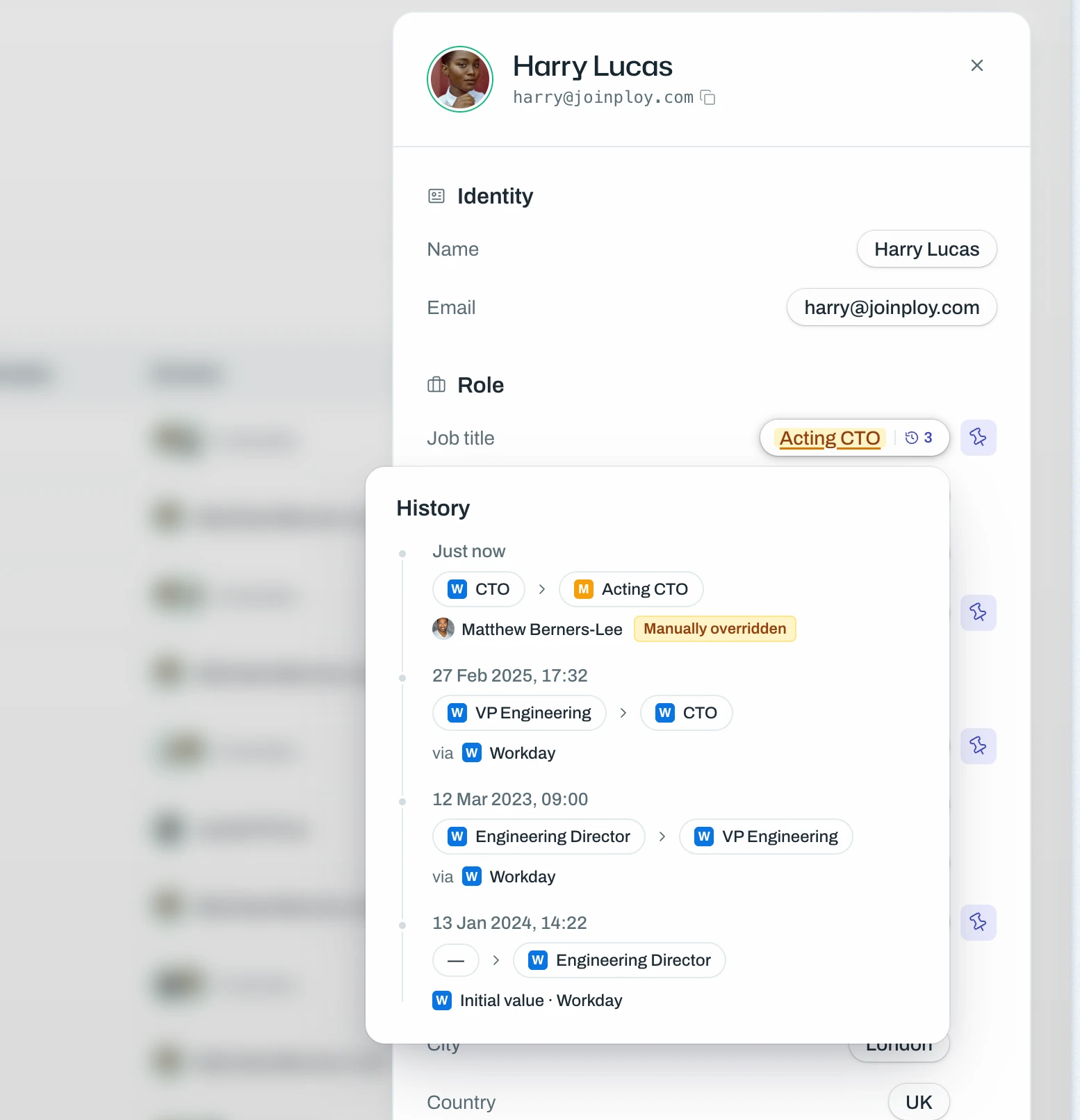
We’ve completely redesigned the employee page in the admin dashboard and added a heap of new features, such as being able to update and lock certain user attributes as well as decide what is shown in the top bar at a glance.
- 2026IMPROVED
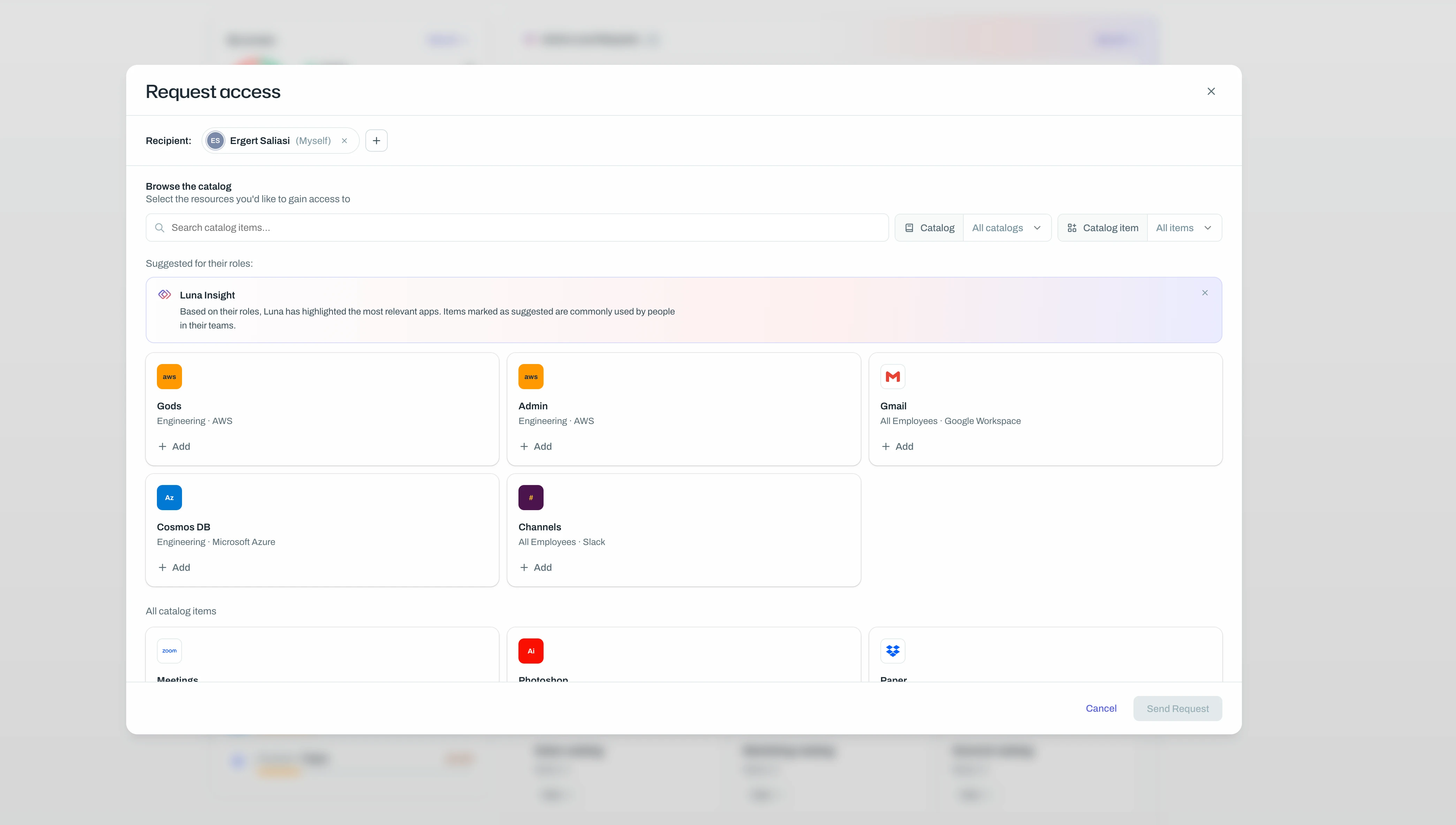
Bulk request access in the employee portal
Users are now able to bulk request access in the employee portal on behalf of themselves or other users, greatly reducing the amount of time taken for users to request access.
This also comes with a brand new design and much more improved interface, allowing users to provide more granularity to their requests.
- 2026NEW
SAML login into the Ploy dashboard
You can now configure your Ploy workspace to use SAML authentication as it’s primary authentication strategy, allowing you to control and restrict access to Ploy based on resources in your IdP.
To get started visit the settings page in the dashboard and configure your IdP.
- 2026IMPROVED
Multi-stage Approvals
Access policies can now require multiple stages of approvals before access to a resource is granted. For example requiring manager approval before the request is sent to the resource owner for final approval.
With this new feature you'll be able to protect sensitive resources by requiring sign-off from multiple stakeholders before access is granted.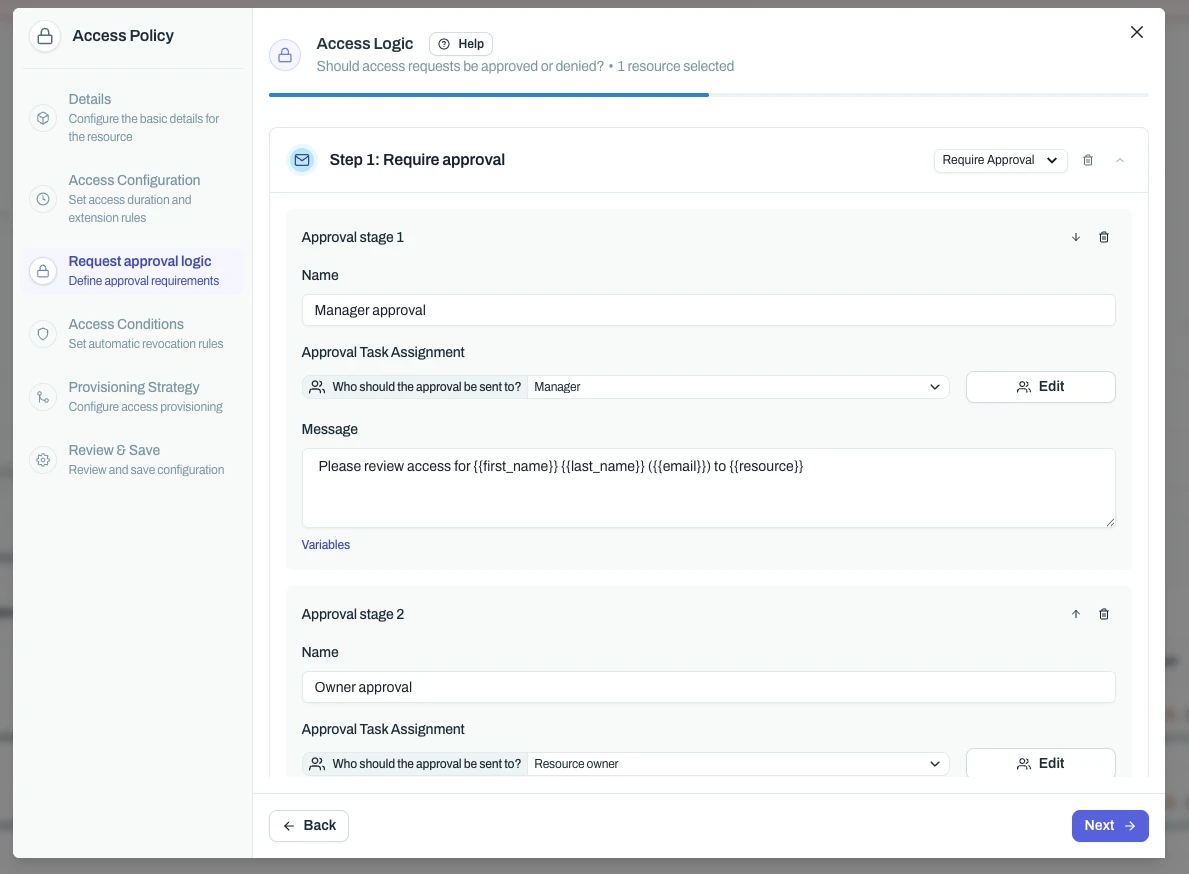
- 2026IMPROVED
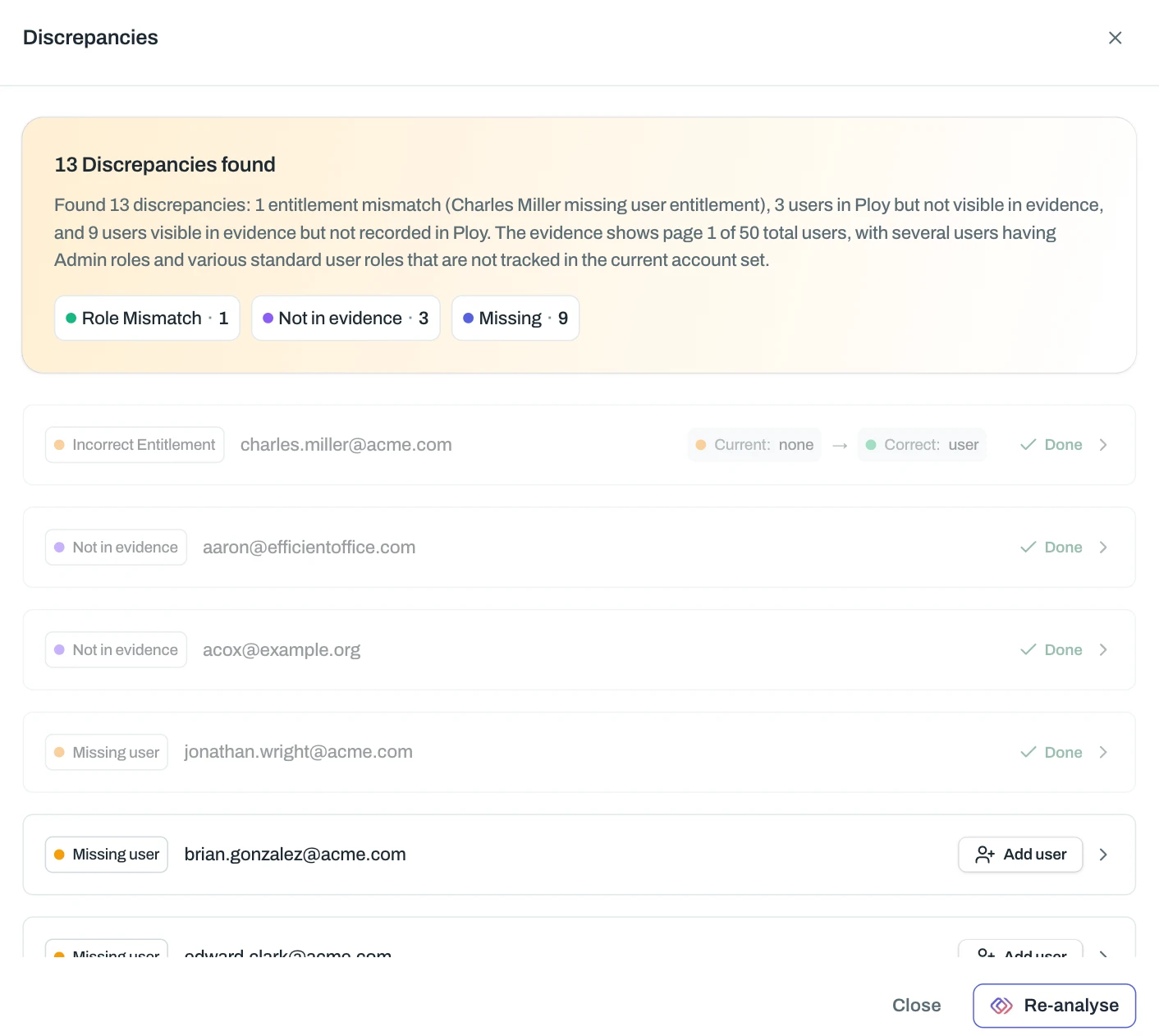
Analyse Access review evidence for discrepancies
Luna can now analyse access reviews evidence like screenshots and CSV’s to automatically detect discrepancies between the uploaded evidence and what’s in Ploy ensuring you’re reviewers are using the most up to date information and your auditors are kept happy.
- 2026NEW
8 New Integrations
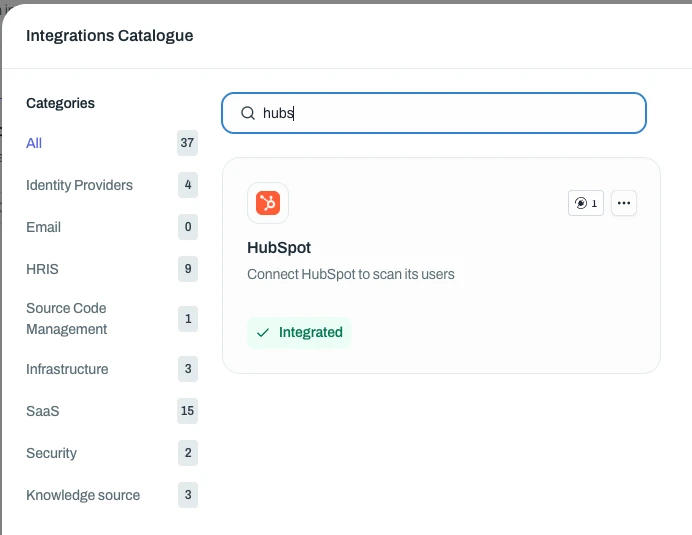
We've added 8 new integrations in the last 10 days: Zendesk, GitLab, Airtable, Miro, SIIT, Intercom, HubSpot, and Notion.
Connect any of these and Ploy will automatically discover all user accounts across your team.
Zendesk
GitLab
Airtable
Miro
SIIT
Intercom
HubSpot
Notion
- 2026
Profiles
We’re really excited to release our Profiles feature which give you the ability to group users by any combination of attributes, not just their role. Instead of rigid RBAC rules like "Engineers get access to XYZ," you can now define precise conditions like "Active, full-time engineers with GitHub access and MFA enabled get access to XYZ."
It's access management that actually reflects how your company works.
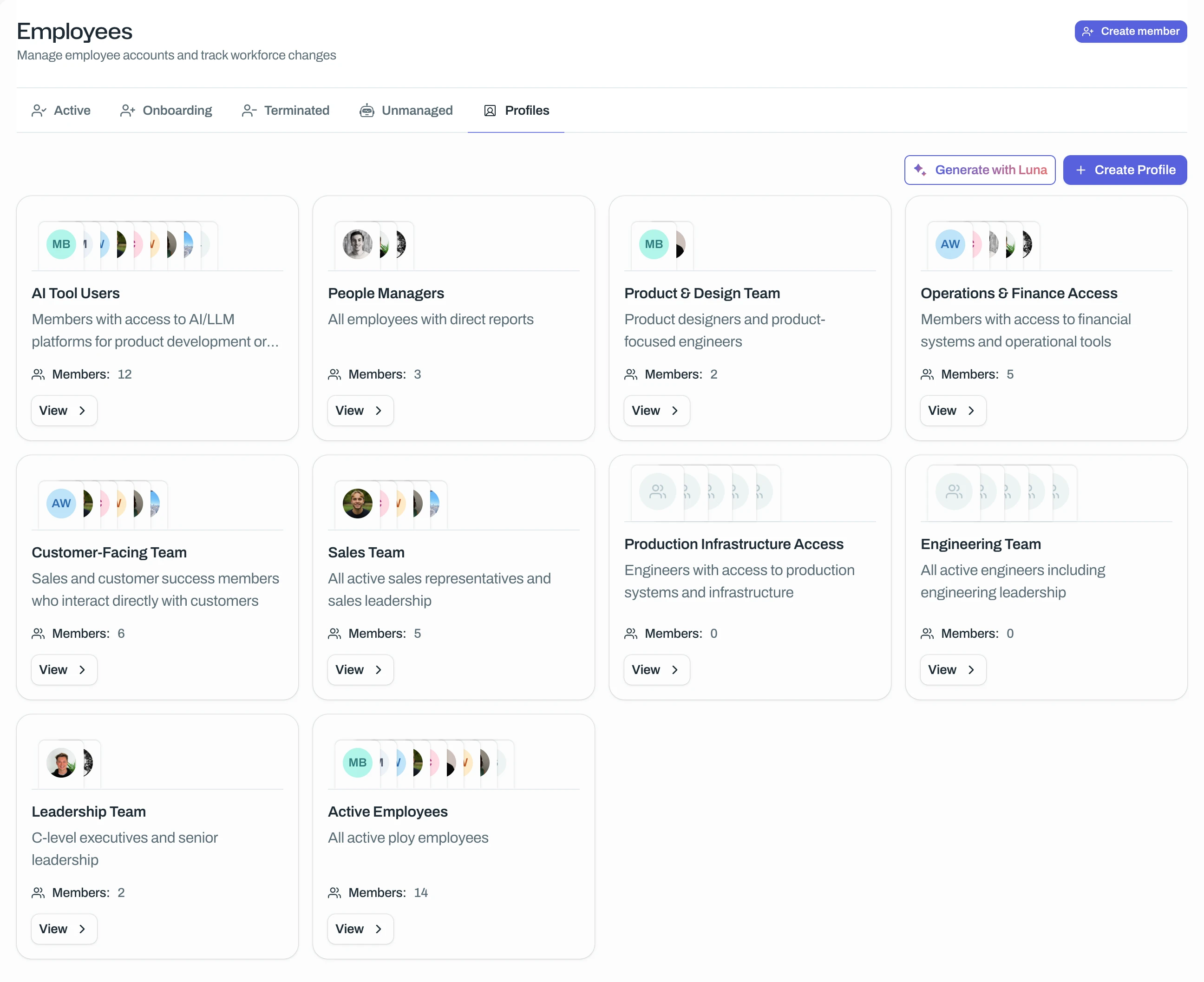
To get started with profiles or to learn more about them, you can read our help docs here:
- 2026IMPROVED
Luna generated flows
Using the brand new Luna Page and the new ‘Generate automation flow’ playbook, you can describe your desired workflow in natural language and have Luna automatically generate the flow for you.
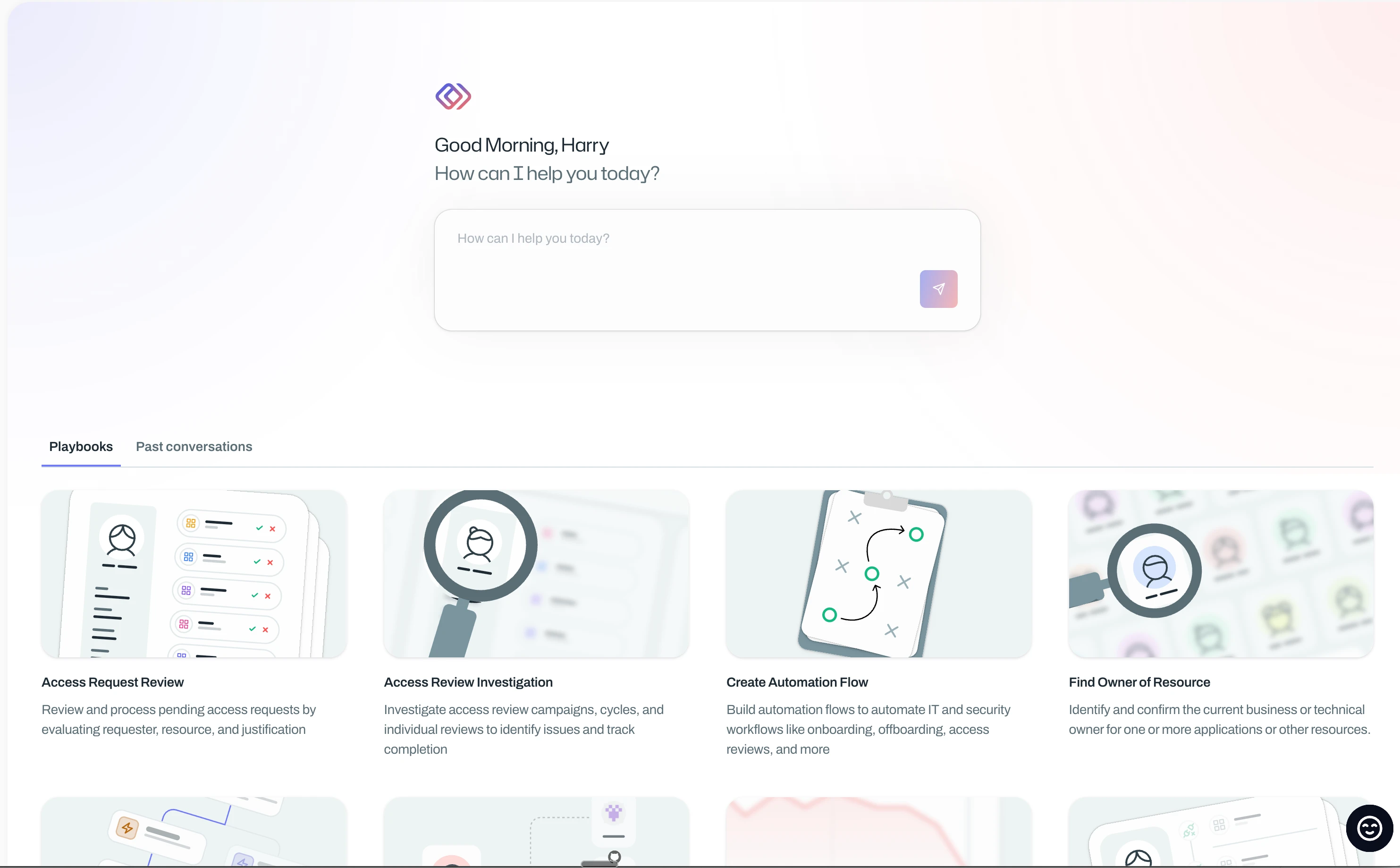
Disclaimer: This feature is very much in beta and Luna will most likely make mistakes. Verify every workflow Luna generates.
- 2026NEW
Ploy API v1
We’re excited to announce that we’ve released the first version of the Ploy api, allowing you to programmatically interact with Ploy. This is great for pulling data from Ploy automatically, or managing configurations via IaC tools like Terraform.
This is currently in beta so if you’d like access don’t hesitate to reach out to the team. - 2026
Luna AI-Powered Access Catalogs
Luna can now automatically generate access catalogs for you. Whether you're going through initial setup or managing catalogs day-to-day, Luna can create the catalog structure you need in seconds rather than hours. Catalogs allow you to define targeted sets of resources that employees can request access to.
How it works
You have two options:
Let Luna take the wheel - Luna will analyse your historical access patterns and generate a complete suite of catalogs tailored to your organisation
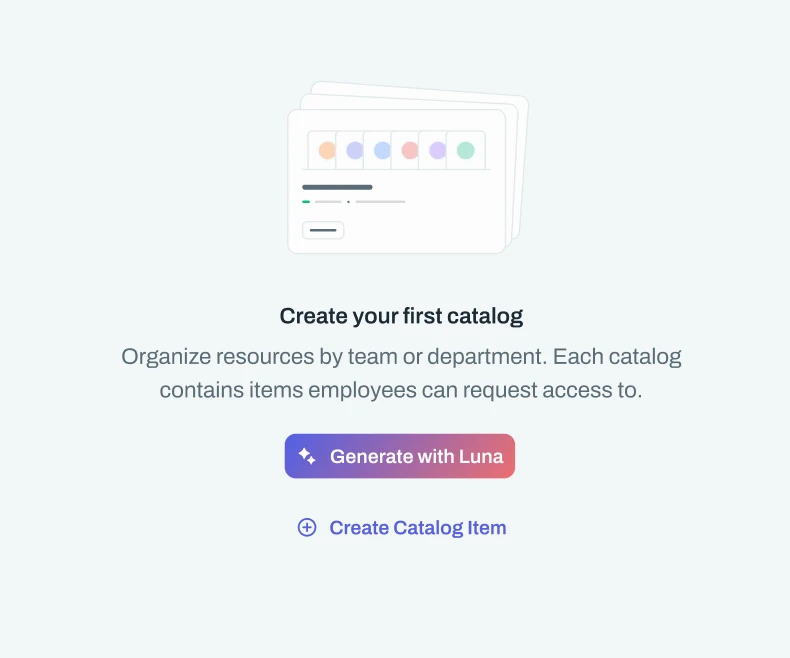
Request specific catalogs - Tell Luna exactly what you need and it will create catalogs to match
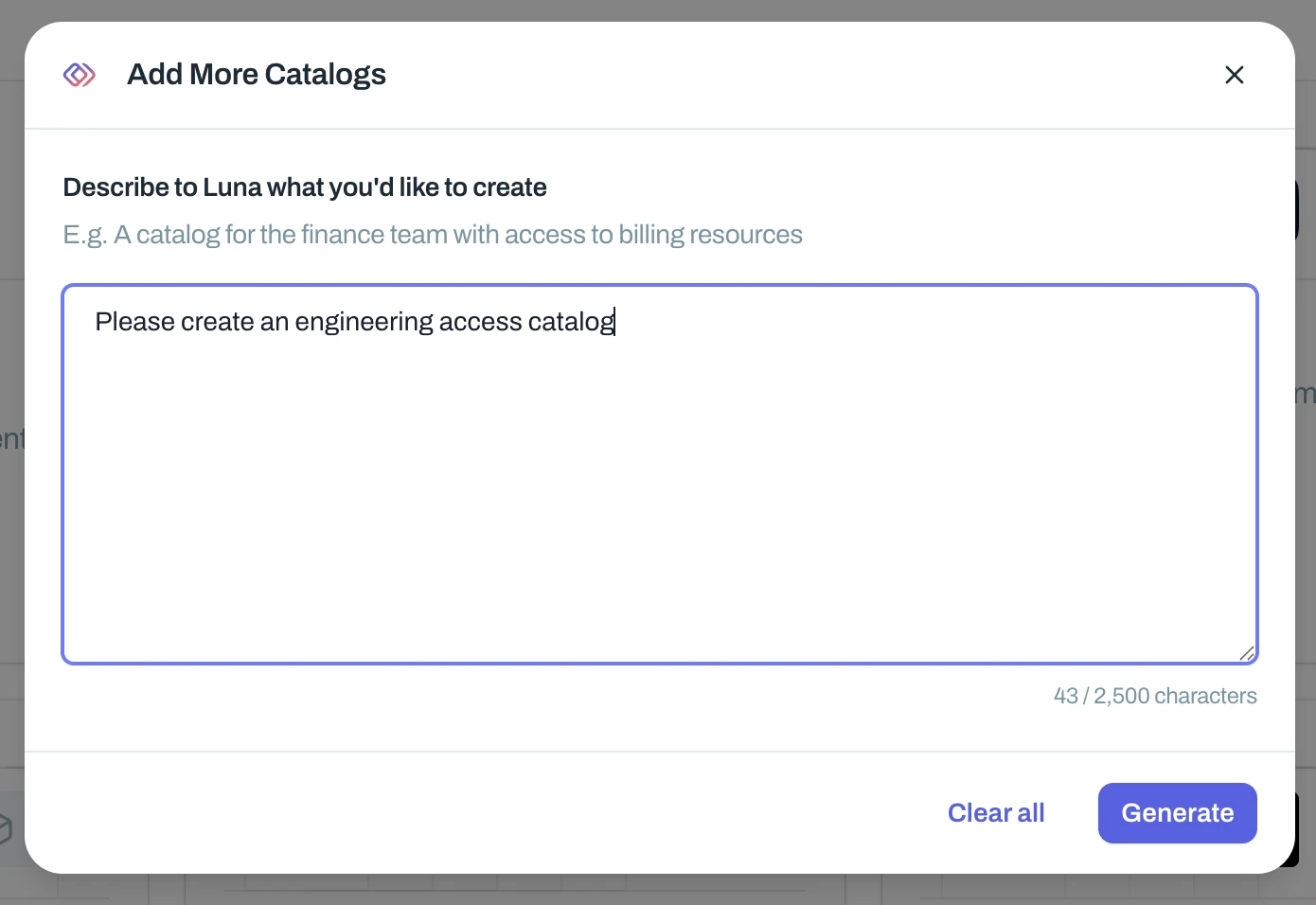
Everything Luna creates starts in draft, so you have full control to review and refine before publishing.
Regeneration with context
Not quite right? You can regenerate your catalogs with additional context to guide Luna toward better results. This is particularly powerful for fine-tuning the output to match your specific needs. Note that regenerating will replace any AI-generated catalogs currently in draft.
Fresh new look
We've also refreshed the catalog list with a more vibrant design to make managing your catalogs a better experience.
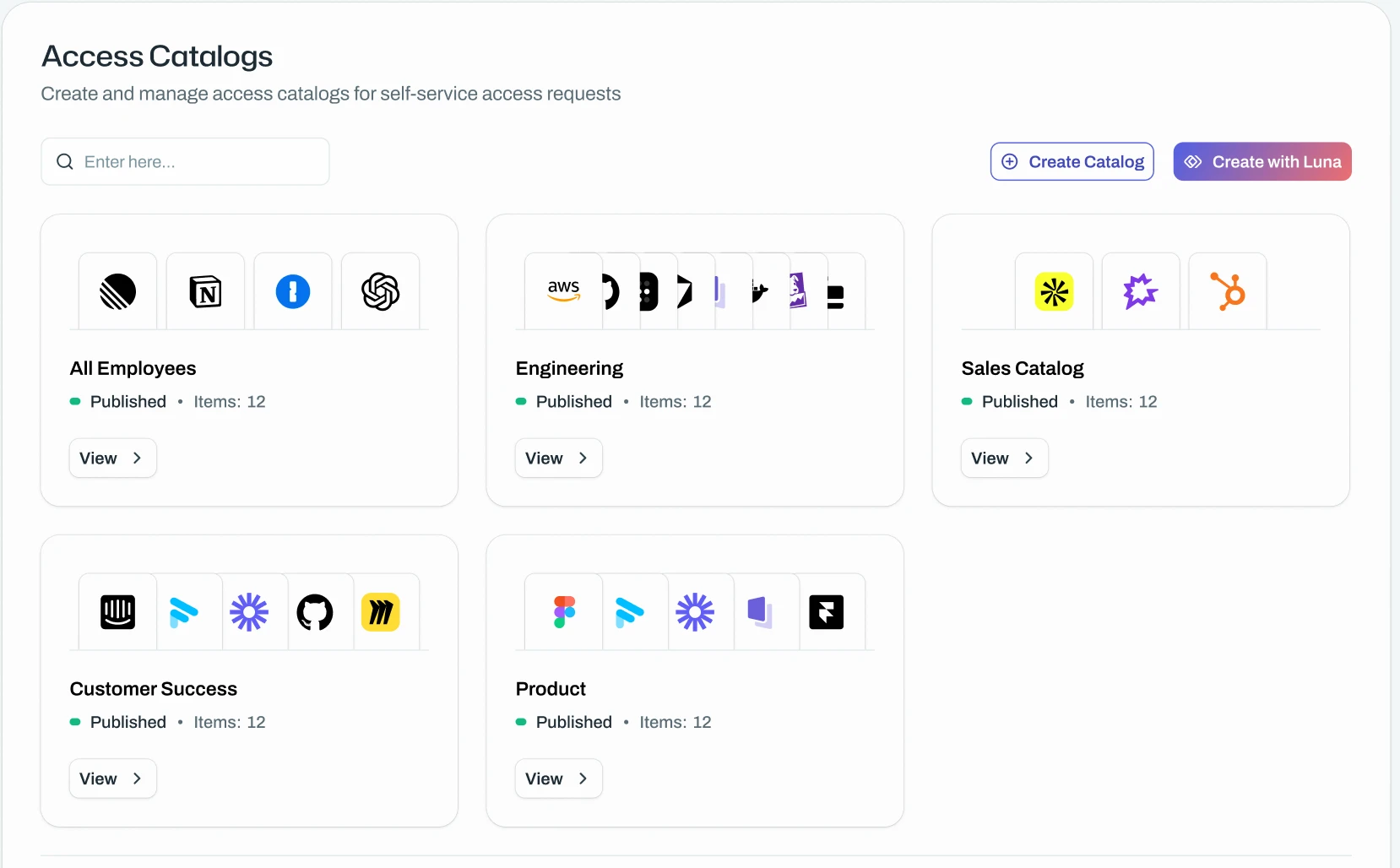
This is an early release - we'll be tuning Luna's catalog generation based on your feedback, so please experiment and let us know how it goes.
- 2026IMPROVED
Microsoft Offboarding: Revoke Sign-ins, Remove MFA devices, Remove mobile devices
We’ve added 3 new offboarding actions for Microsoft based identities in Ploy, Revoking sessions/sign-ins, Removing MFA devices and removing entra connected mobile devices.
This is a great way to further secure you’re identities post offboarding. To get started with these create a flow using any of these actions
- 2026IMPROVED
Slack automatic provisioning and deprovisioning
For Slack Business+ and Enterprise Grid customers, Ploy can now automatically provision and deprovision users. When someone joins your company or changes role, their Slack access follows automatically. When they leave, it gets revoked. No more chasing IT tickets or finding out three months later that a former employee still has access to your channels.
Enterprise Grid customers can also create single and multi-channel guests directly from Ploy, which is handy for managing contractors, vendors, or anyone else who needs limited access without a full account.
Improved usage data
We now pull in Slack session history alongside the existing metadata. This means you can:
See when someone last actually used Slack, not just when their account was created
Spot dormant accounts that might be worth reclaiming (or investigating)
Flag dangling access during reviews. If someone hasn't logged in for 90 days, that's probably worth a conversation
This is especially useful for access reviews where you're trying to work out whether someone still needs access or if they've quietly moved on to a different team.
- 2026NEW
What's New in Ploy
The team at Ploy have hit the ground running in 2026 releasing a huge amount of features, updates and (long awaited) bug fixes to make managing access and identities in 2026 a breeze.
Let’s dive in 👇
New resources page
The biggest change is our brand new resources page which puts everything right at your fingertips. On one page you now have a much more clear breakdown of each resource including any issues Luna’s found, active, removed and shadow access as well as any access requests and usage data we have.
There’s also a heap of new actions you can take from re-granting access for removed users to quickly viewing and remediating users stuck in in-between states. Read more about it here.
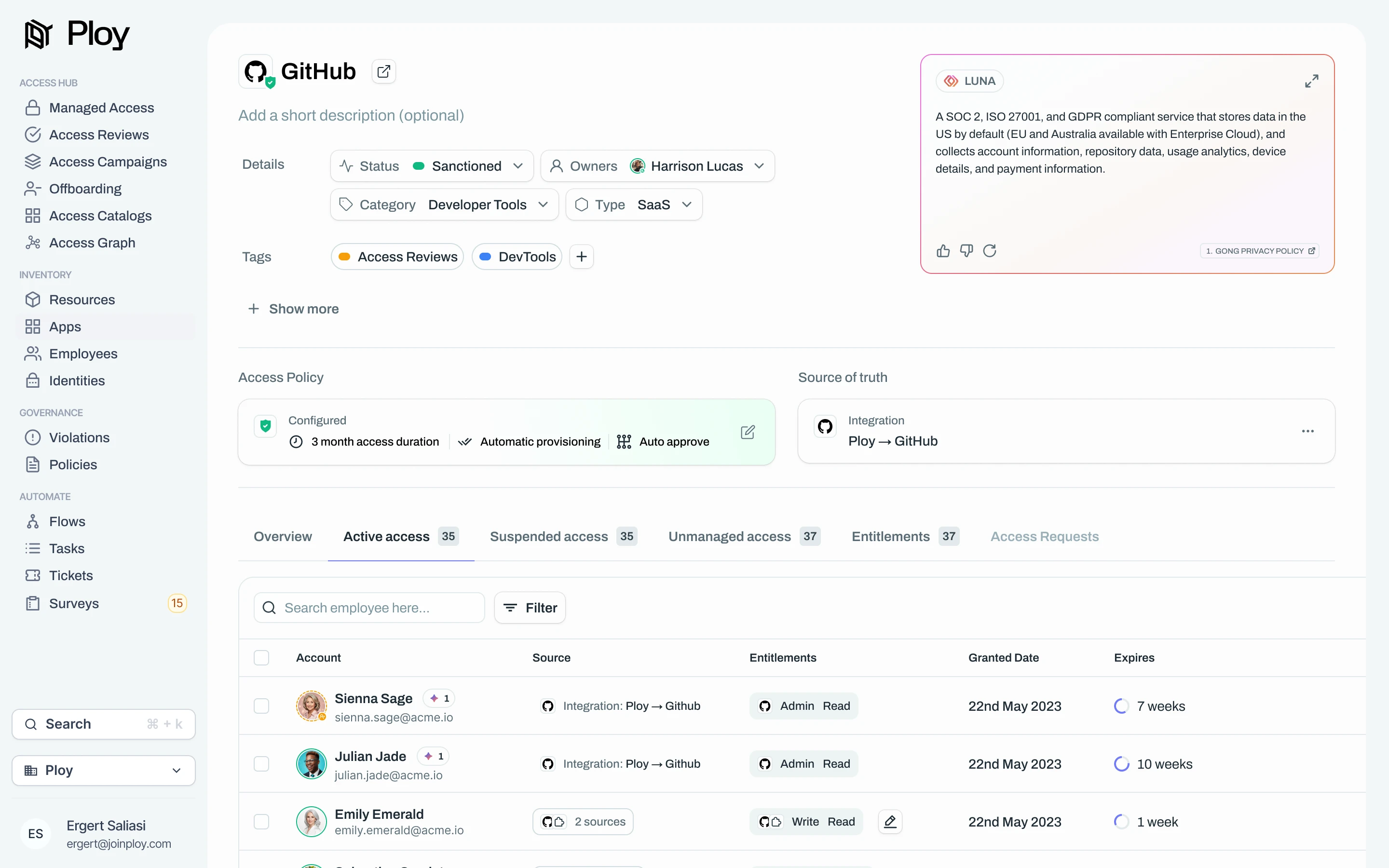
Sources of truth
It’s now easier than ever to see the exact same list of users you see in an app or resource, reflected in Ploy. With sources of truth you define where Ploy gets it’s authoritative list of access for any given resource. This might be an integration, another resource (e.g. if it’s SAML/SCIM controlled) or the Browser extension.
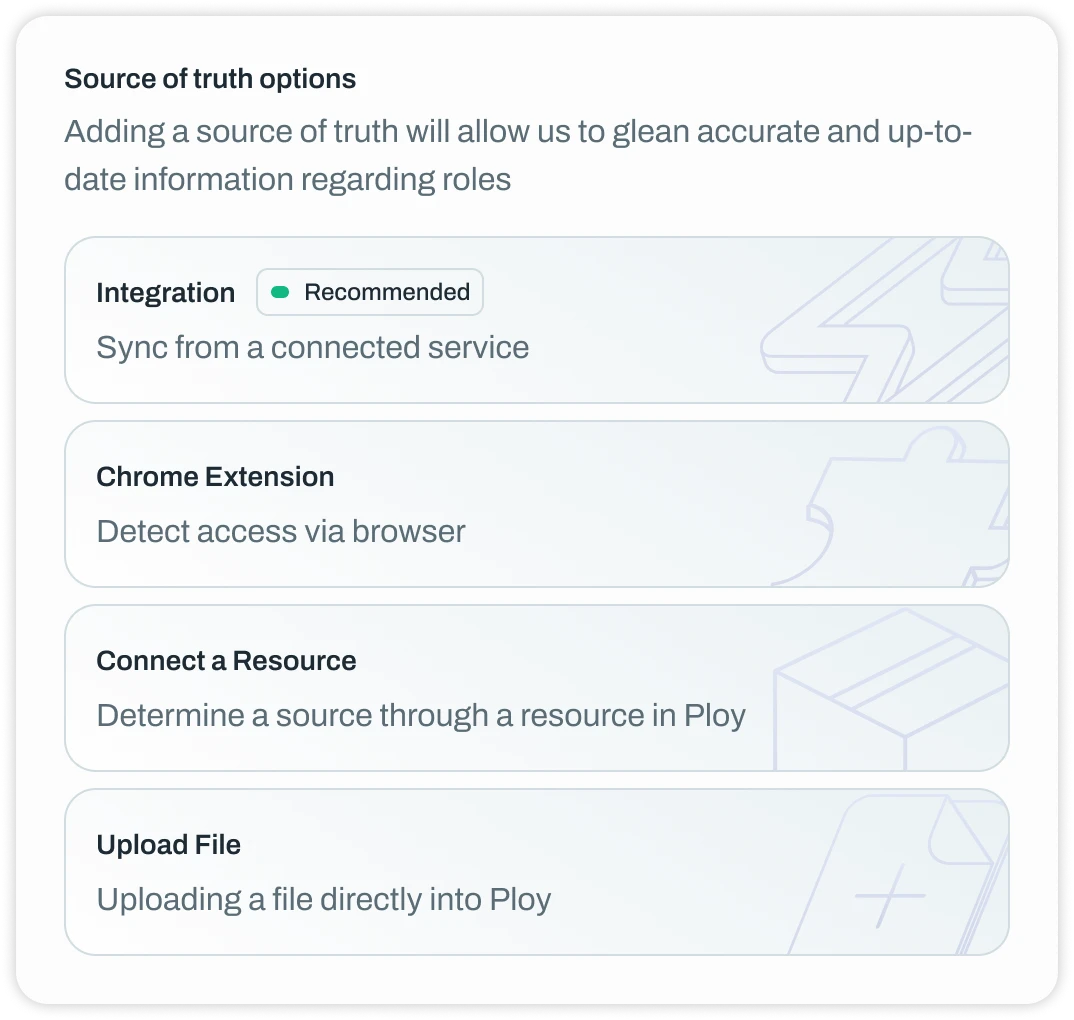
You can also automatically associate entitlements (more on this below) with each source of truth making it easier to know and manage not only who has access to a resource but also what they can do in that resource.
Entitlements
Entitlements in Ploy are now first class citizens, allowing you to easily review, manage and provision permissions, roles and other forms of access across any application and resource. We’ll automatically pull these in from integrations or via connected resources from sources of truth.
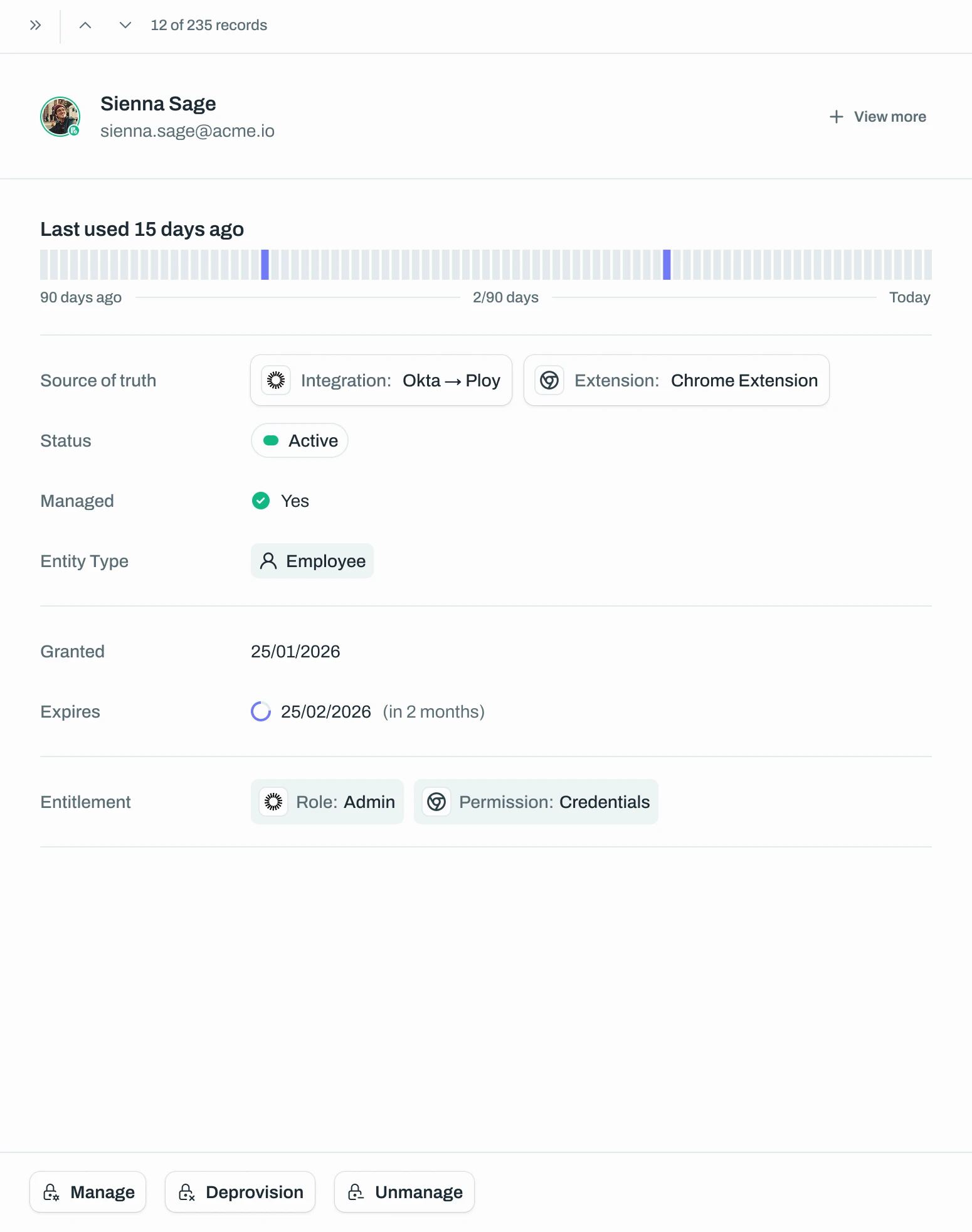
Custom Reports
A long overdue feature is the ability to create custom reports in Ploy allowing you to track (and manage) what’s important for you and your team. We have some prebuilt ones out of the box to help you get started but if none of these fit your needs, you can always create your own.
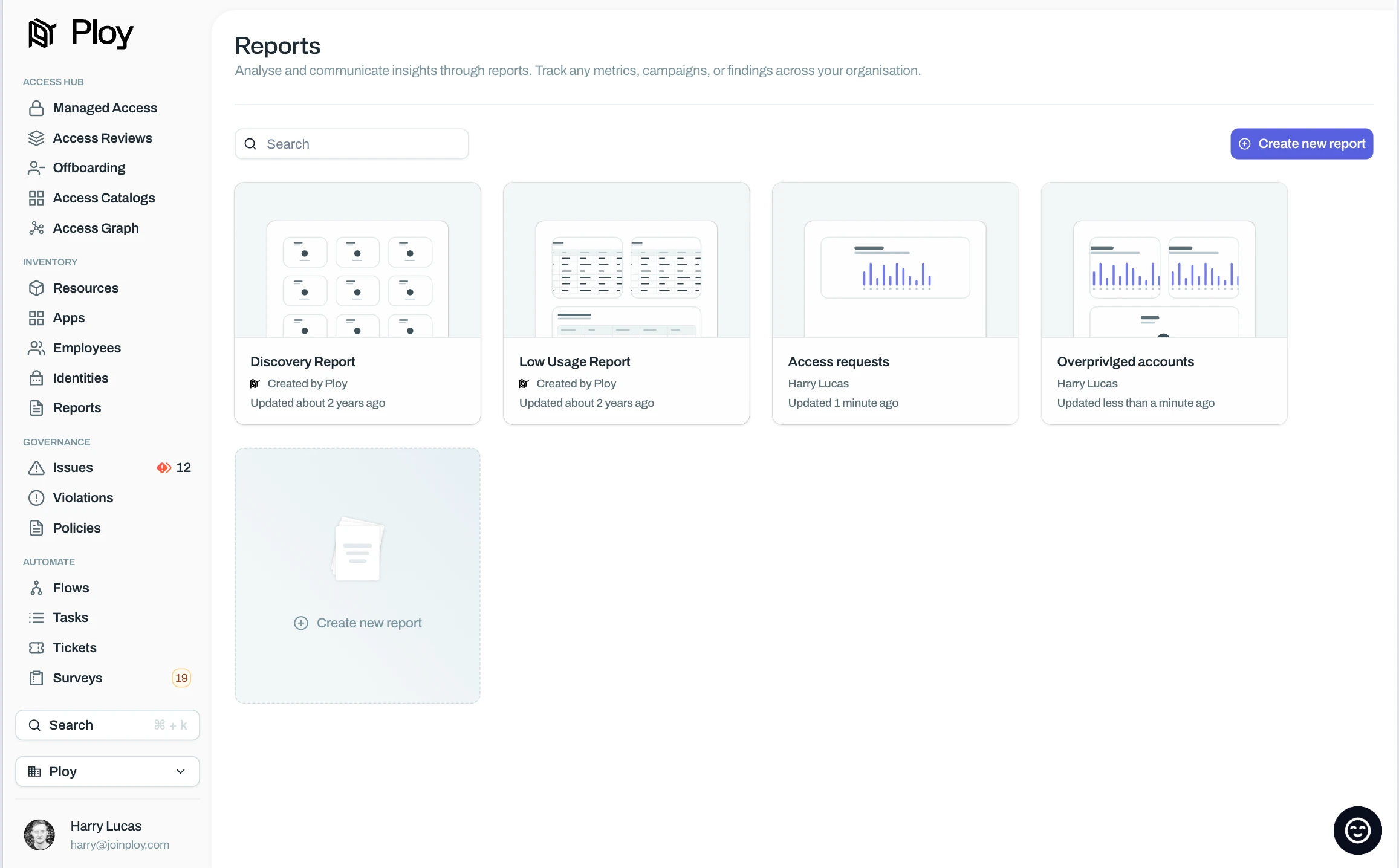
App auto provisioning
Previously with applications, you’d need to use a manual flow to auto provision access, or provision access through a connected resource (e.g. a SCIM group). Now you’re able to directly provision access straight from the application by selecting a resource to grant access to when access is requested.
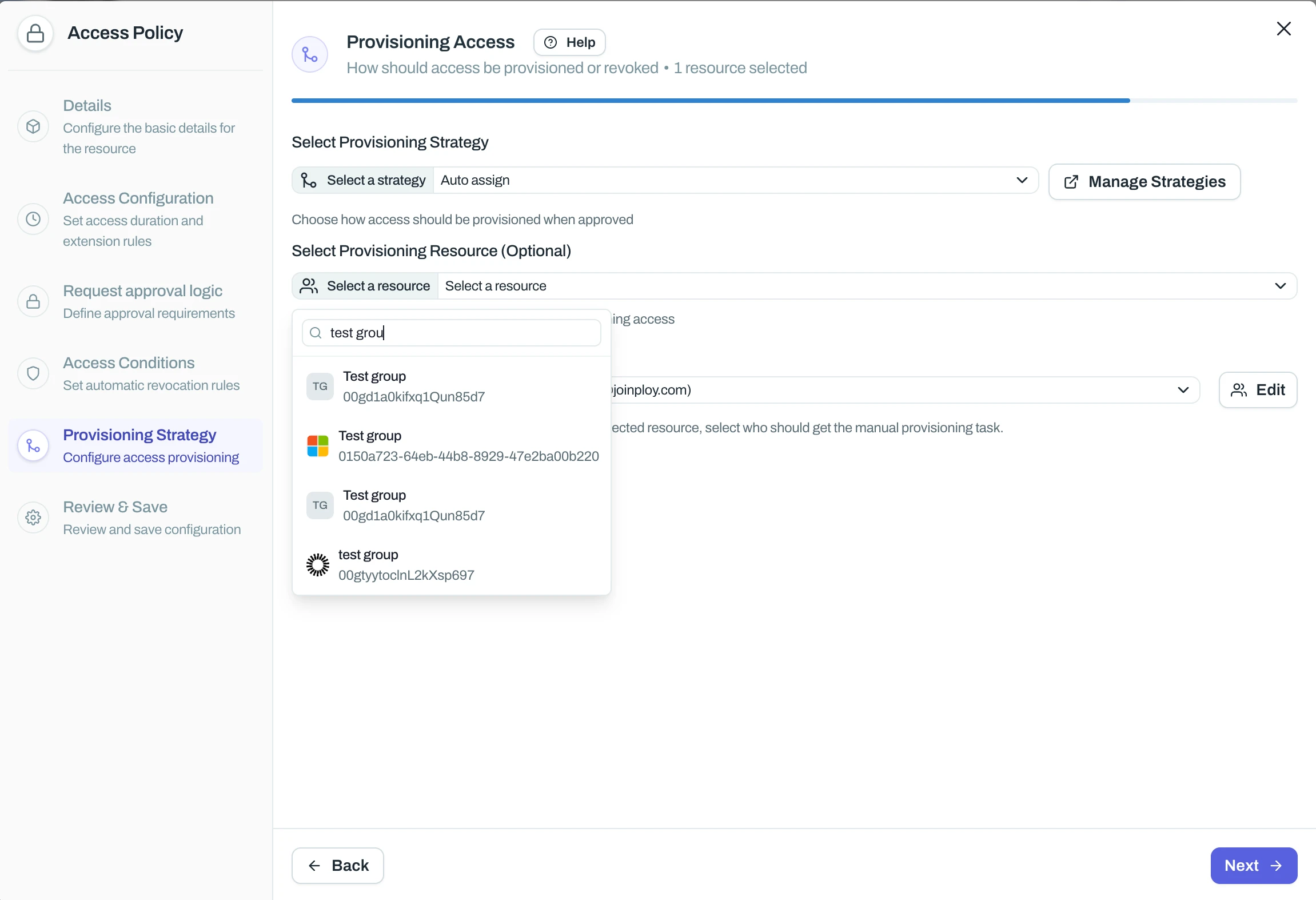
Integrations view
We’ve also completely redesigned our integrations views making it easier to integration with new sources as well as manage existing integrations.
We’ve also added the ability for you to trigger scans manually when you need to see data live after a change in a source system.
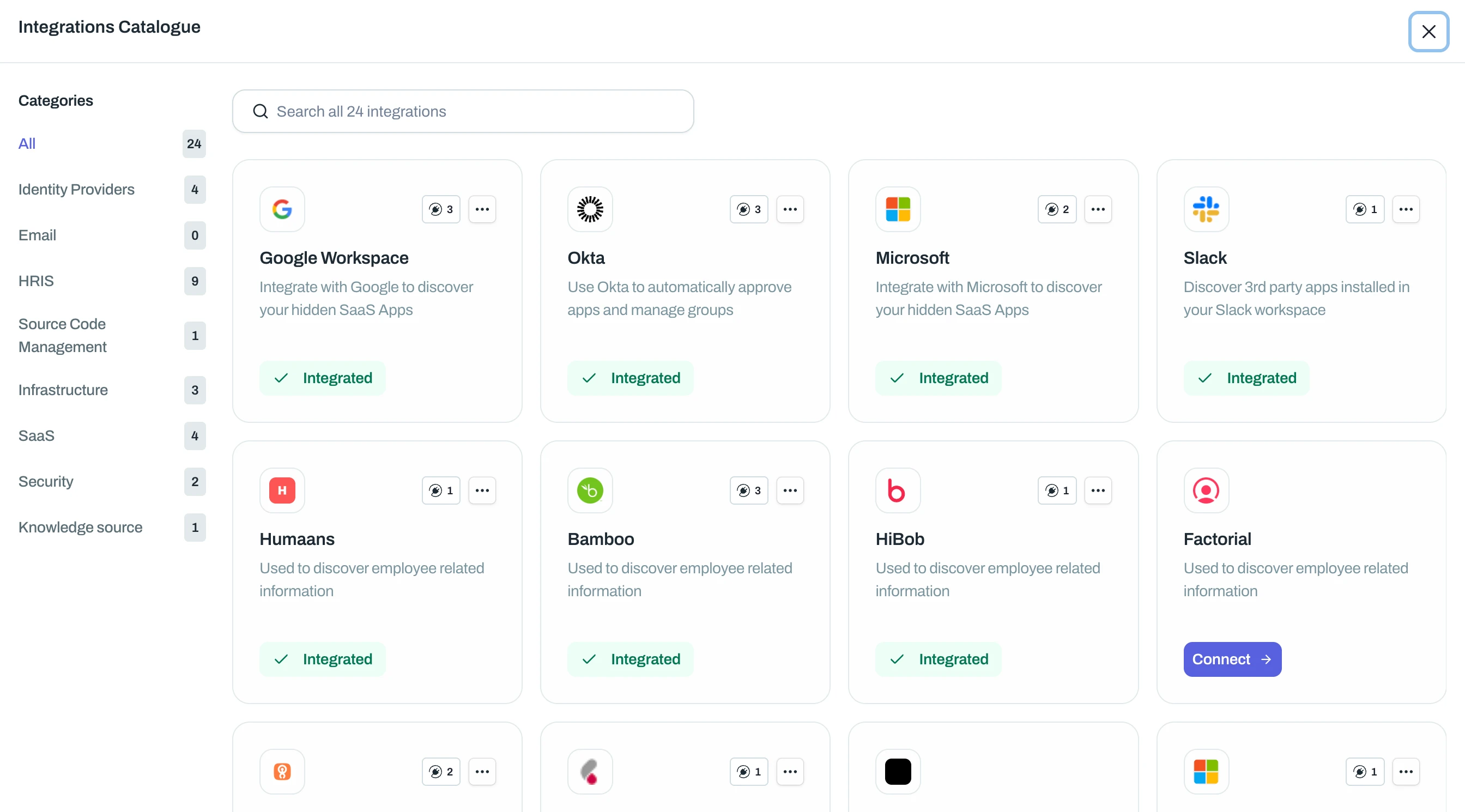
New Integration features
New integration
We’ve just released a new HRIS integration - Personio. This will allow customers using Personio as their employee source of truth pull in all those details into Ploy.
View docs for getting setup here.
Expanded features
Github: You can now automatically grant and revoke users access to teams inside your Org. Great for JIT access to certain Github resources.
JIRA/Atlassian: Via our Flows feature, you’re now able to automatically invite users to your Atlassian organisation when they don’t yet have an account. Great for onboarding or access requests.
Microsoft: You’re now able to invite guest users to your Microsoft tenant and grant them access to any resource in Ploy and wrap access policies around their access. Great for preventing guest access lingering.
And a whole heap of other things
New
New: Bulk add tags to resources
New: Archive old integrations
New: 'Nudge Reviewers' button on admin access request view
New: Option to include/exclude shadow accounts from offboarding
New: Filter access by low usage (e.g. unused in the last 30/60/90 days)
Improved
Improvement: It’s now more clear what access reviews are ready for approval and more obvious how to approve them
Improvement: When creating offboardings manually, the end date of the employee will automatically pull in when present
Improvement: Select fields with large lists will now show a preview instead of having to search to see results
Improvement: App filters on will now persist across refresh
Bugs
Bug: Fixed issue where requesting access on behalf of users in a department would fail
Bug: Fixed bug where month placeholder on campaigns would put the month number instead of text
Bug: Can now chain multiple ‘wait for response’ survey responses and use all results in subsequent nodes
Bug: Fixed issue where unsuspending access would failing
Bug: Fixed new app column views not showing on save
Bug: Fixed annual cost edit not working in managed apps
Bug: Fixed editing campaign reviewer not applying
Bug: Fixed incorrect link for access review started notification
Bug: Fixed reminder saying review is overdue when it isn't
Bug: Fixed create new app reporting failure but succeeding
Bug: Fixed issue with merging employees
- 2025NEW
🔐 Bulk Action Protection
We've added a new safety feature to protect against any automated process making un-intended large-scale access changes e.g. from a misconfigured rule or a policy applied to the wrong resource.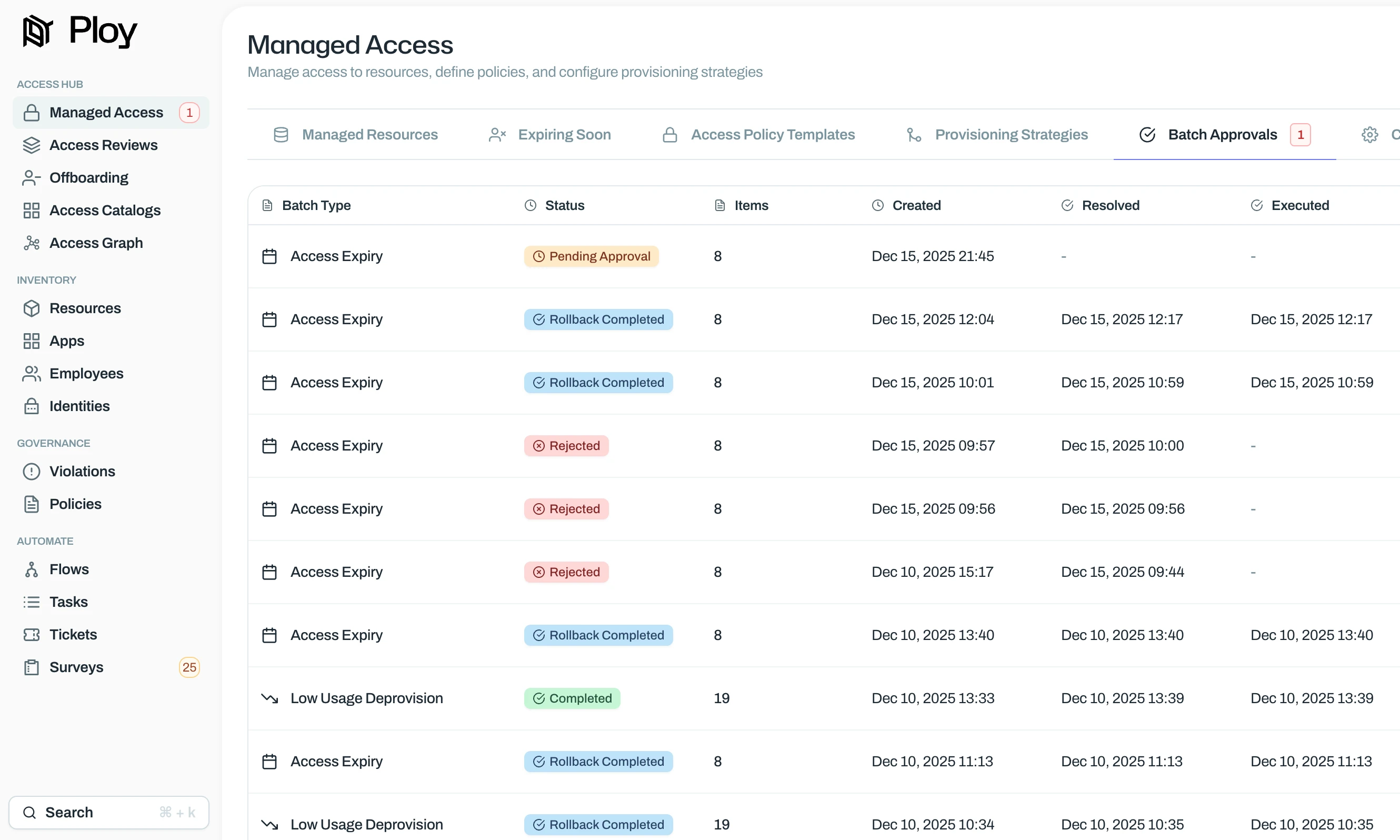
How it works:
You set a threshold (for example, 10 or 15 users). If any automated process like the low usage checker or automatic access expiry would revoke access for more users than your threshold, Ploy will pause the action and send it to an approvals screen. An admin then needs to review and approve it before it goes through. By default this threshold is set to 15 and can be configured here.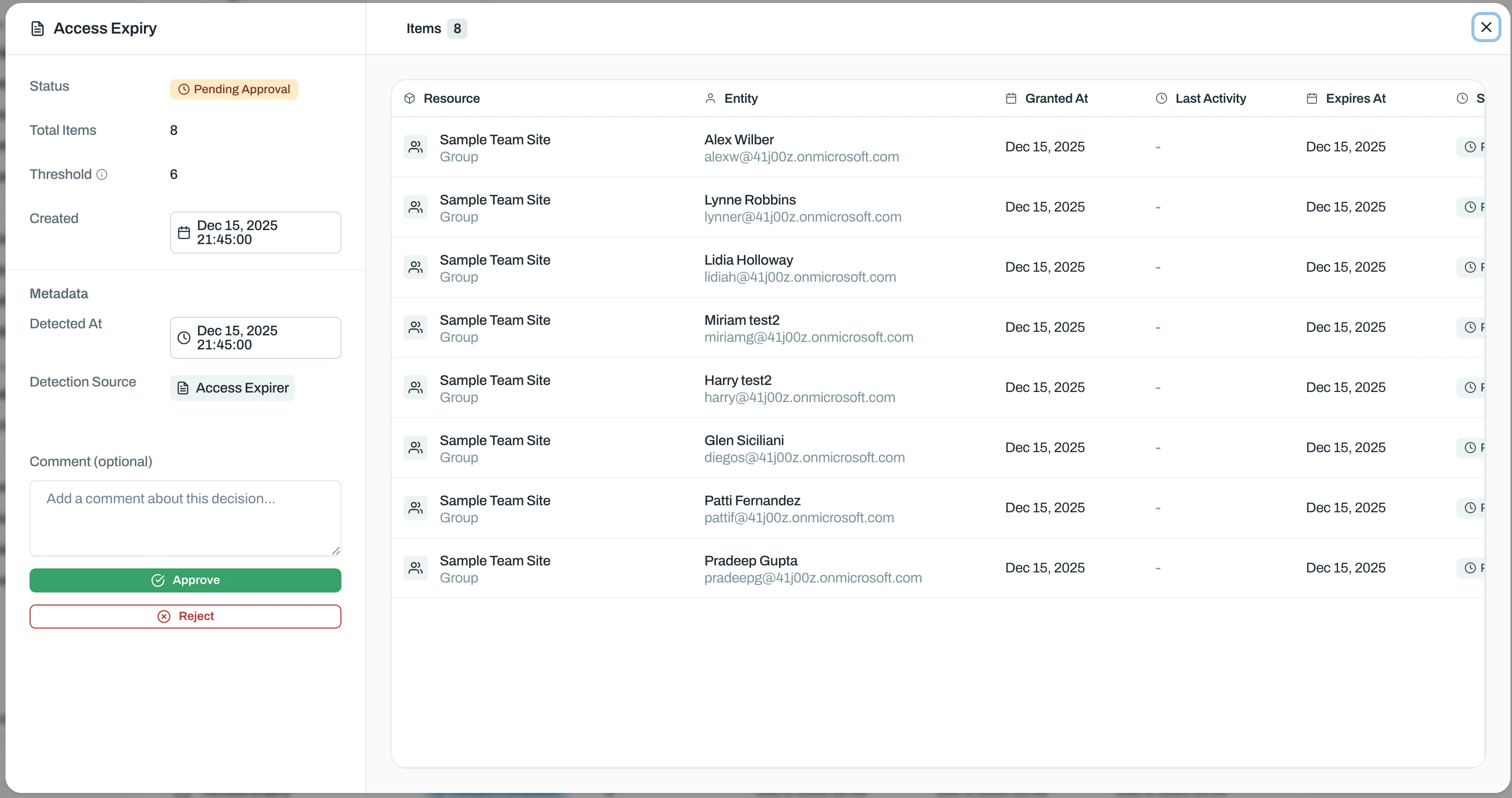
Rollback:
If something slips through, you can undo bulk revocations and restore access. Think of it like ctrl+z for access management. - 2025
Tailscale Role manipulation
You’re now able to wrap your Just-in-time access policies around Tailscale roles, giving users elevated break glass permissions to perform sensitive actions in a secure way. Setup the Tailscale integration to get started today.
- 2025
Nudge reviewers
Employees requesting access via the catalog are now able to Nudge reviewers as a reminder to review their access request, enabling employees to be in control of their requests and reducing IT workload. In coming updates, Luna will automatically keep on top of access requests

- 2025IMPROVED
Requesting access on behalf of other users
For a while we’ve had the ability to say -
this user can request access on behalf of these other usersWhich is done by explicitly specifying each individual for which this can be done. This is useful, for example, when a manager wants to request access to a tool for themselves and a few people in their team.
Now, for extra convenience, it can be done for everyone in the organisation, or by everyone in the same department in the organisation
- 2025
Refreshed Integration Flow
We’ve released a new integration flow that will make it easier to both setup and track the status of your integrations within Ploy. Now, when starting a new integration you’ll see approximately how long it should take to complete, exactly what permissions are required and how many steps will be needed to complete the integration.
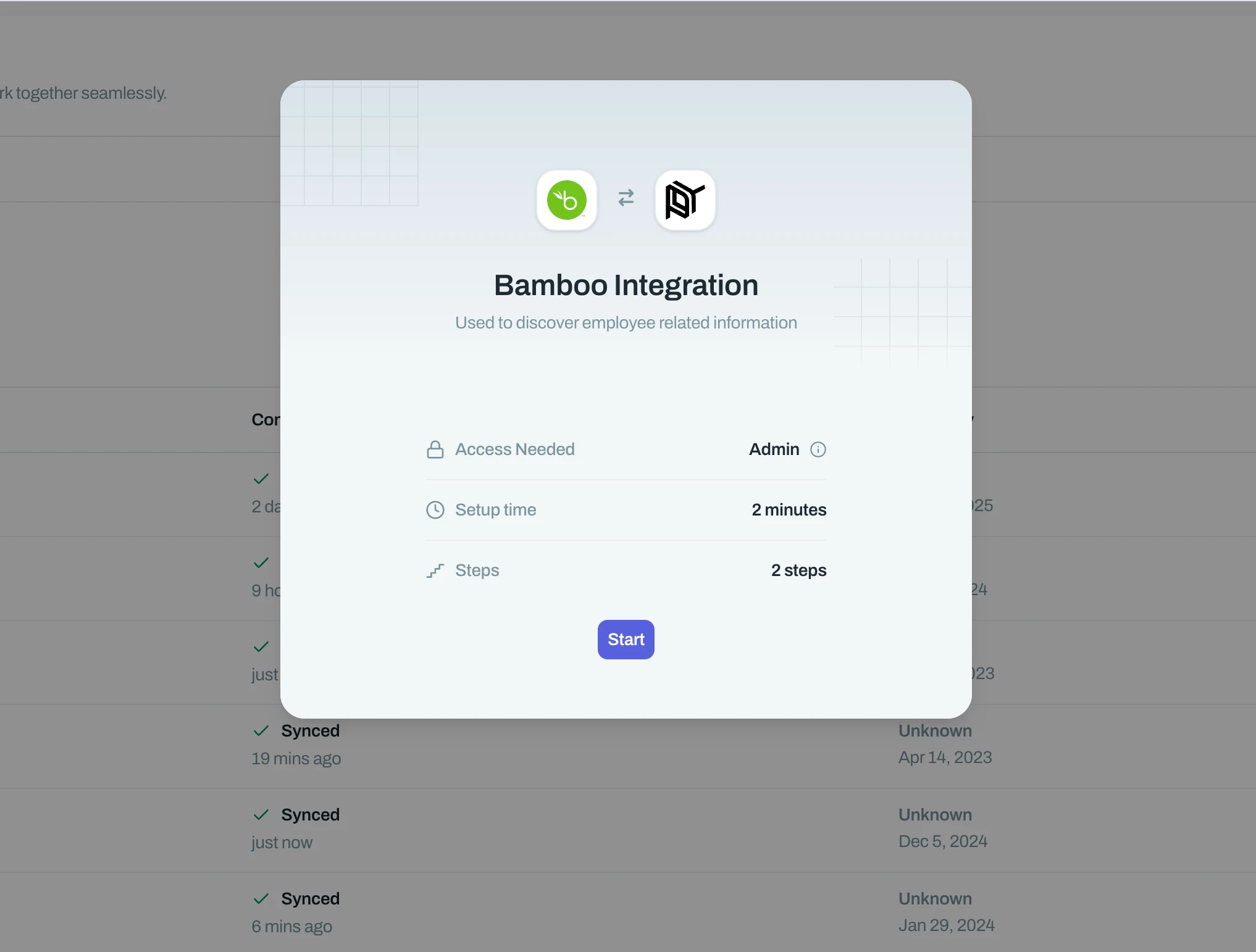
We’ve added an integrations catalogue which makes it easier to surface and search for the all integrations Ploy offers along with the purpose of the integration.
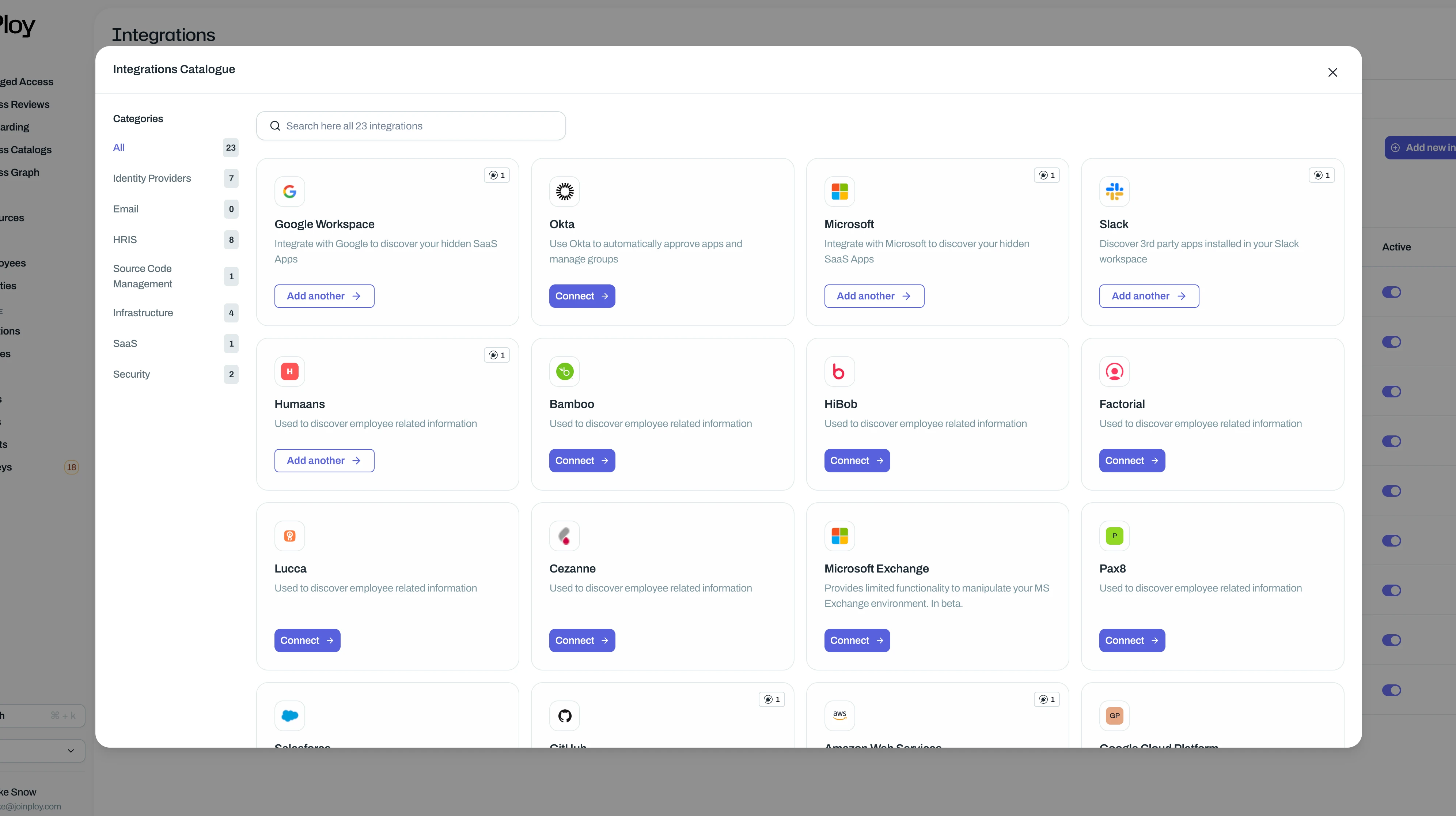
We’ve also added additional information about the health and status of the integration, we’ve added the ability to see the last time an incremental scan was run on the integration and clear information about the current status, as well as who the integration was added by (from this point forward)
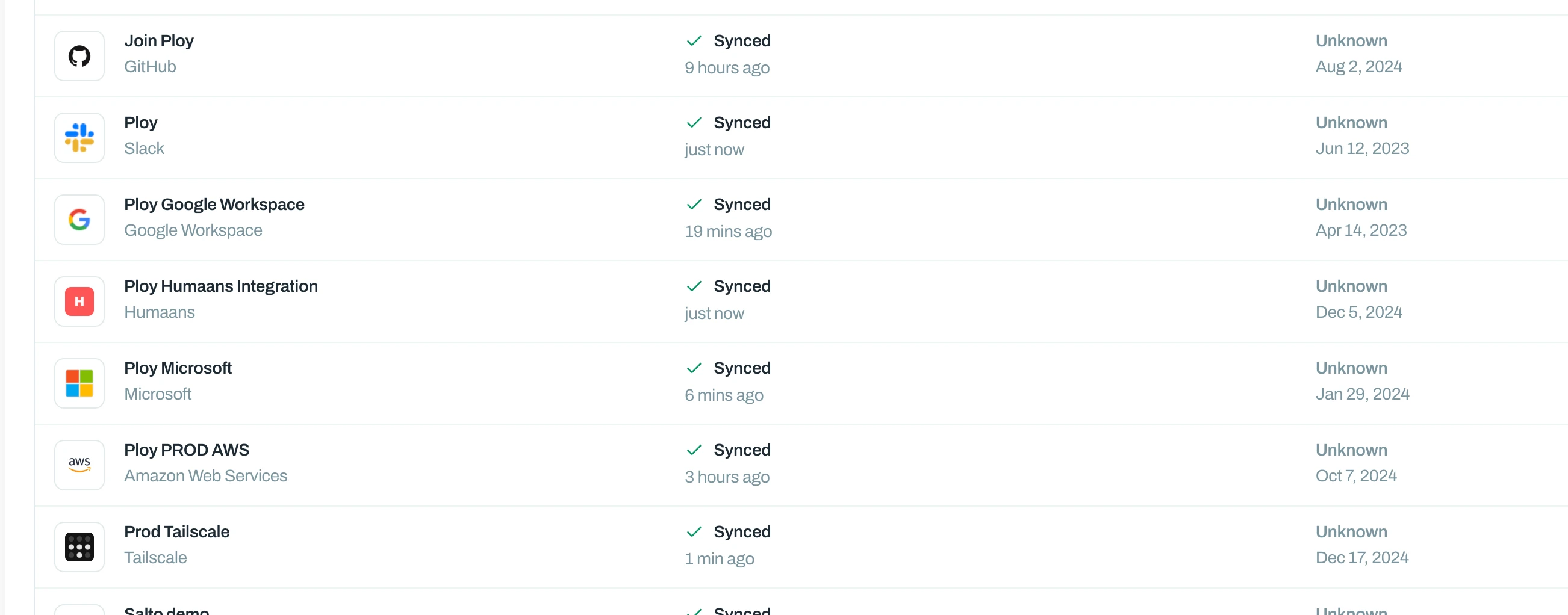
We hope this makes it easier to integrate your applications with Ploy, if you have any feedback, please let us know!
- 2025
Add / Remove Users from Atlassian Groups
If you’ve integrated Atlassian with Ploy, you’re now able to add and remove Atlassian users to (or from) groups, directly from Ploy.
You can automatically add / remove group access via flows during onboarding & offboarding: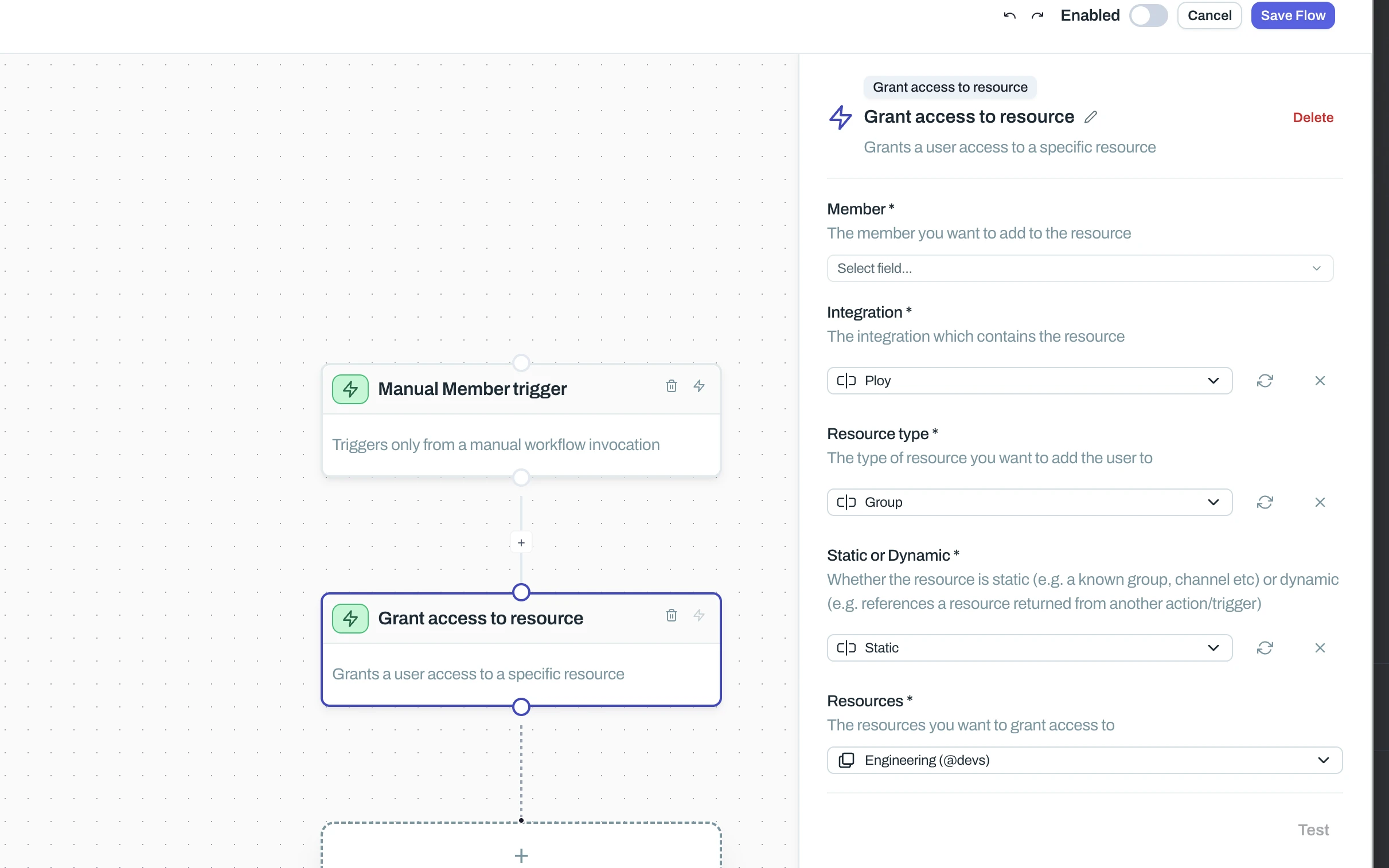
You can be confident that any changes made to groups from directly within Atlassian will be updated automatically in Ploy - we continuously synchronise them in the background.
- 2025
Invite and Remove Users from your Github organisation
If you’ve integrated Github with Ploy, you’ll now be able to add (invite) and remove users to and from your Github organisation, directly from within Ploy. We’ve also given Luna a huge level up to allow her to help identify and match Github identities to the right employees.
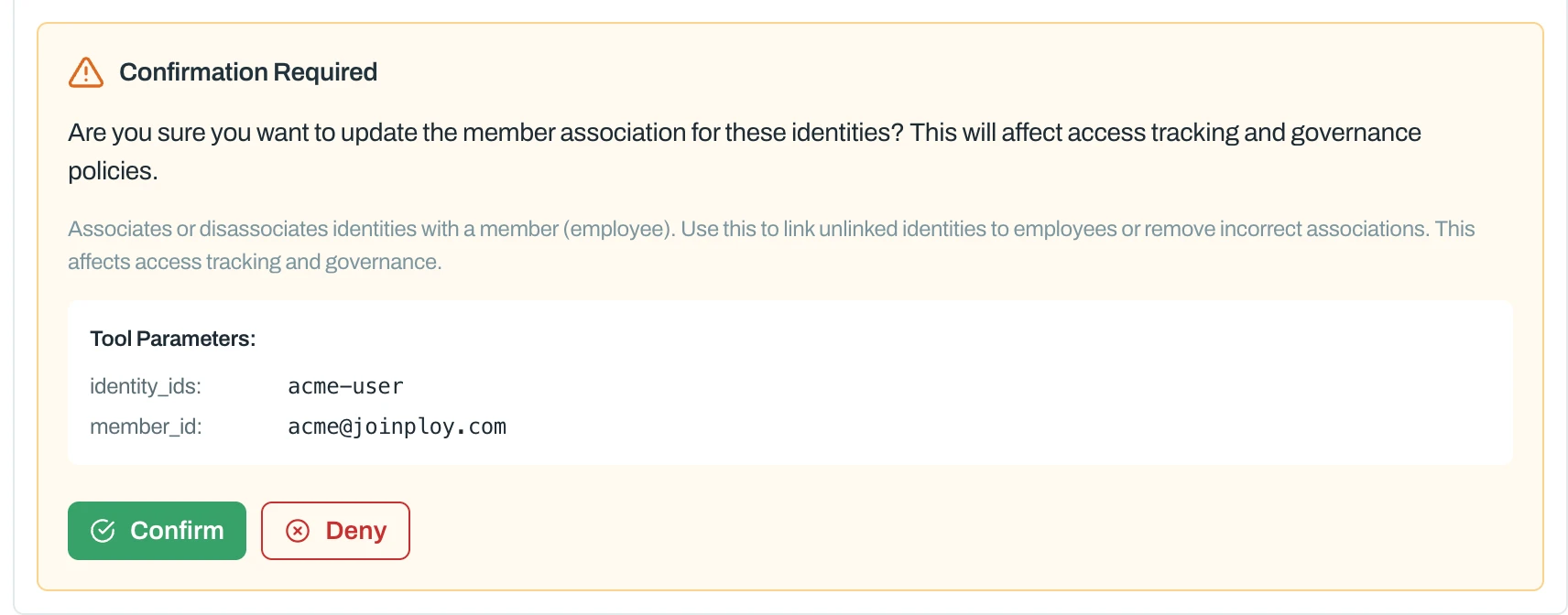
To get started jump in to Luna and try the following prompt:
- 2025IMPROVED
Revoke employee portal + extension sessions
This feature helps increase the security of Ploy and your employees and helps us meet the security requirements of larger companies. You’re now able to instantly revoke all sessions across the employee portal and extension at the click of a button, great if you believe an employee device has been stolen, or compromised.
To do this, visit: https://app.joinploy.com/settings/auth-sessions and click the big button at the top.

- 2025IMPROVED
Non-human and multi identity access requests
Employees are now able to request access for a specific identity they control, whether that be them having multiple identities in a single integration (e.g. user + admin account) or a non-human identity they manage.
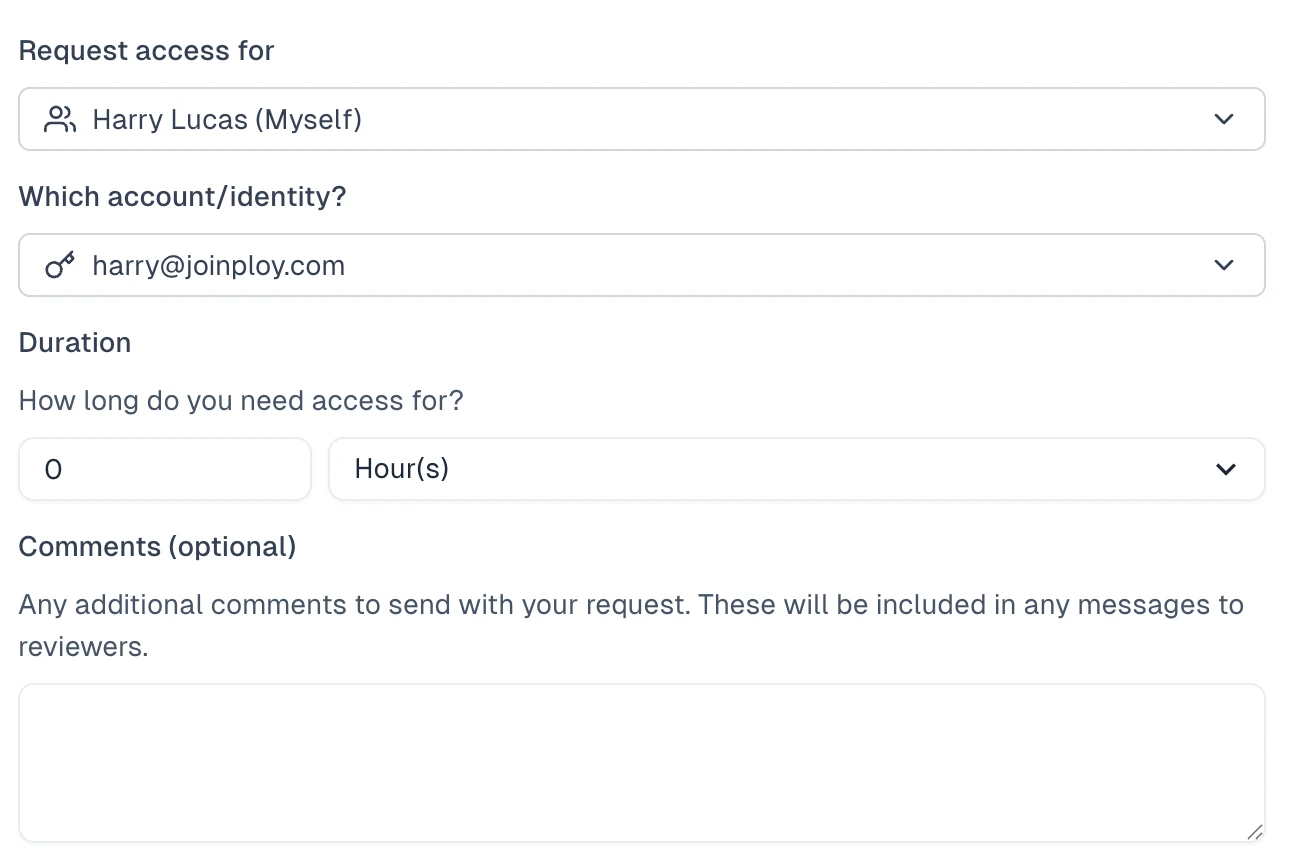
If the user now has access to multiple identities, associated with item they are trying to request access to, they will be presented with a dropdown to select the most identity they want this access request for.
- 2025IMPROVEDWORKFLOWS
Salesforce Updates
We’ve now added the ability to assign users Roles, Territories and callcenters via the Salesforce integration in Ploy. This can be done via Workflows or via assigning users access through the access catalog/admin dashboard.
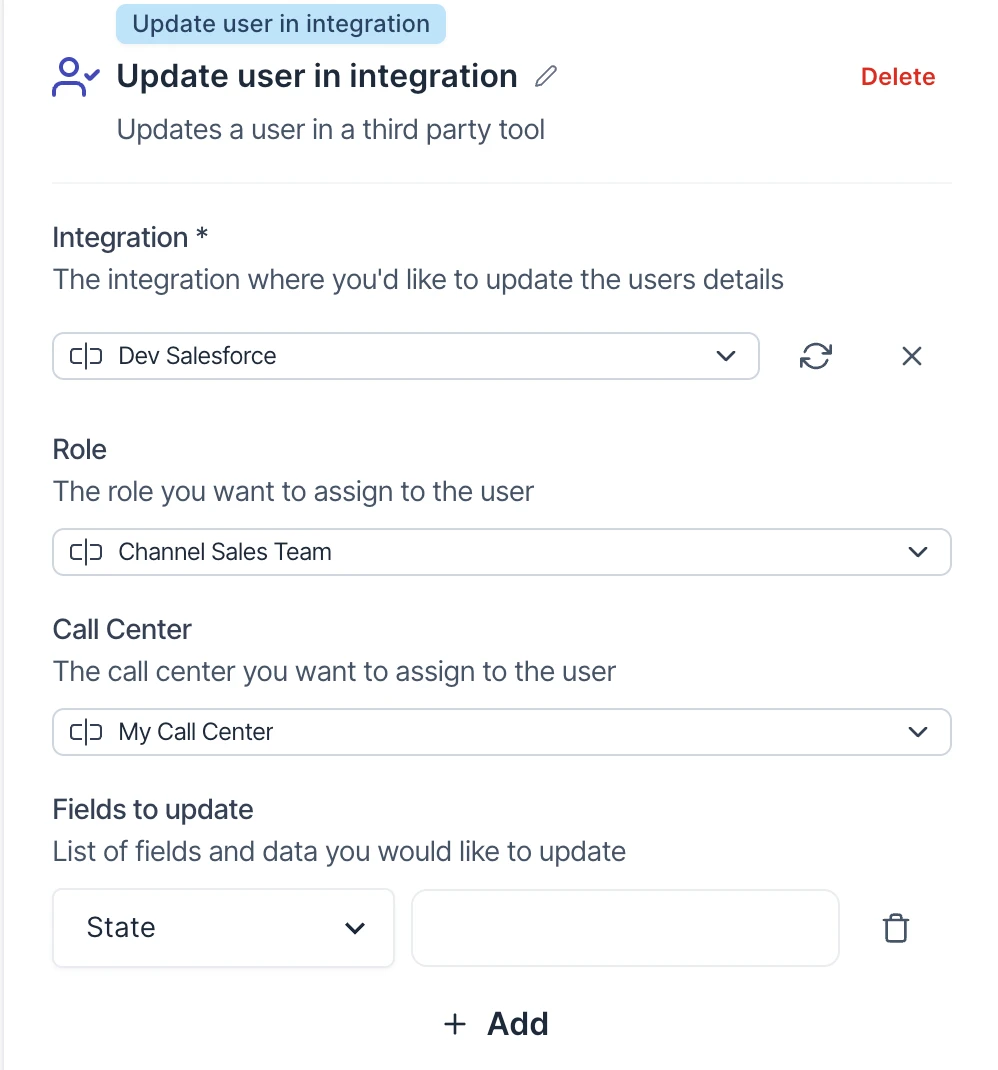
- 2025NEW
Jumpcloud Integration
We’ve now got a new IdP integration in Ploy - Jumpcloud 🎉
Integrating with Jumpcloud is extremely straightforward and allows you to pull in and manage all your Jumpcloud identities, applications and groups straight from Ploy.
You can read our setup documentation here.
- 2025
Activity Streams
We’re excited to announce that from today you’ll start seeing much more in-depth contextual data about whats happening in real-time throughout your Ploy environment. You’ll find new detailed activity streams beginning on your overview page (if you have the activity stream module.)
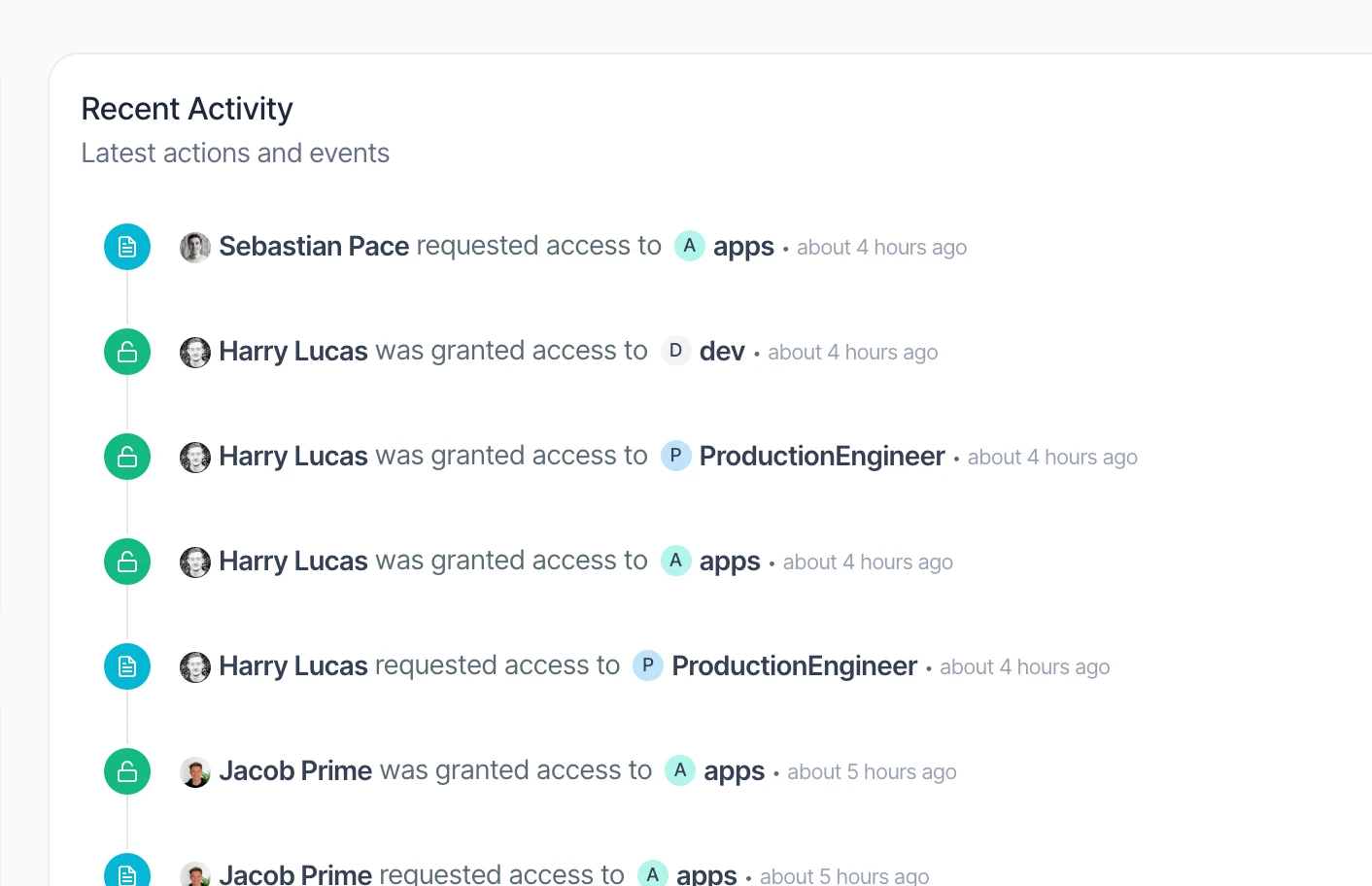
The new activity tab in the members individual view
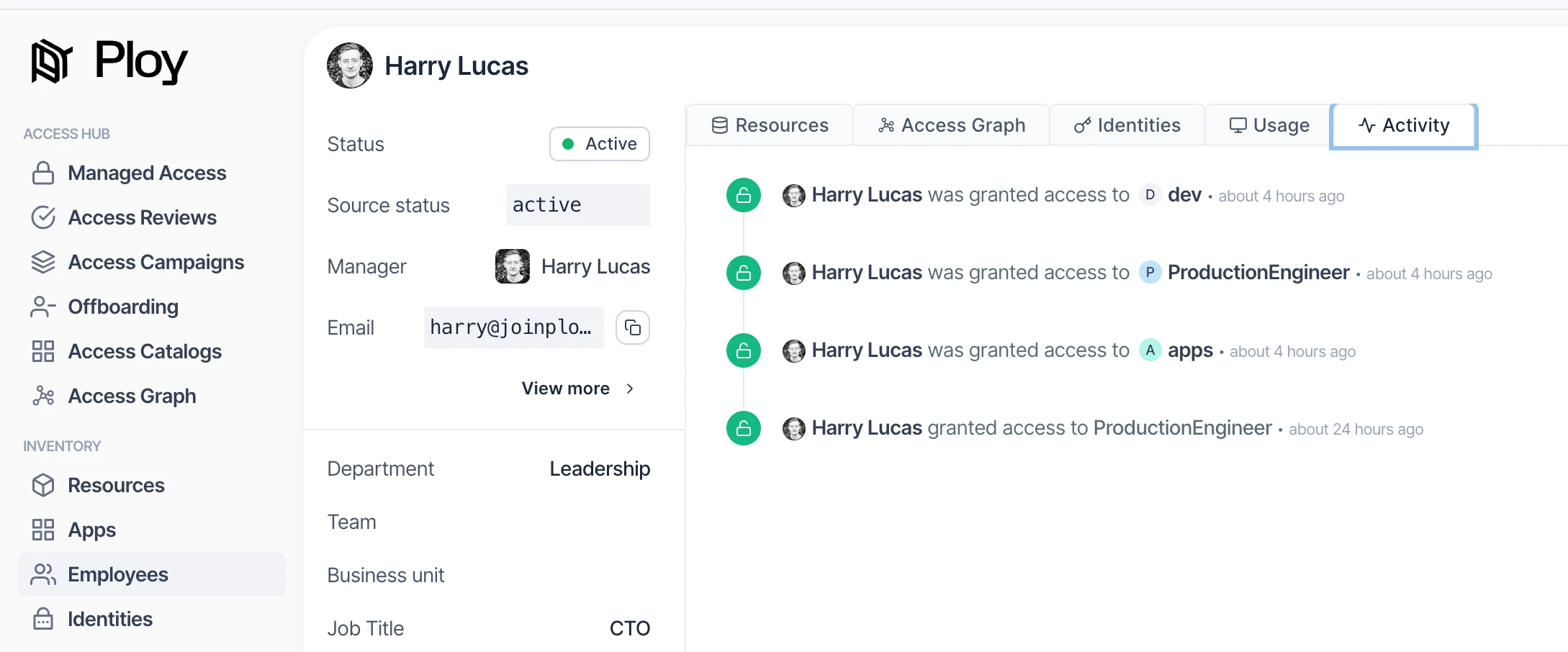
and soon you’ll start seeing more of these popping up throughout the dashboard to give you in-depth history for the area you’re in at a glance.
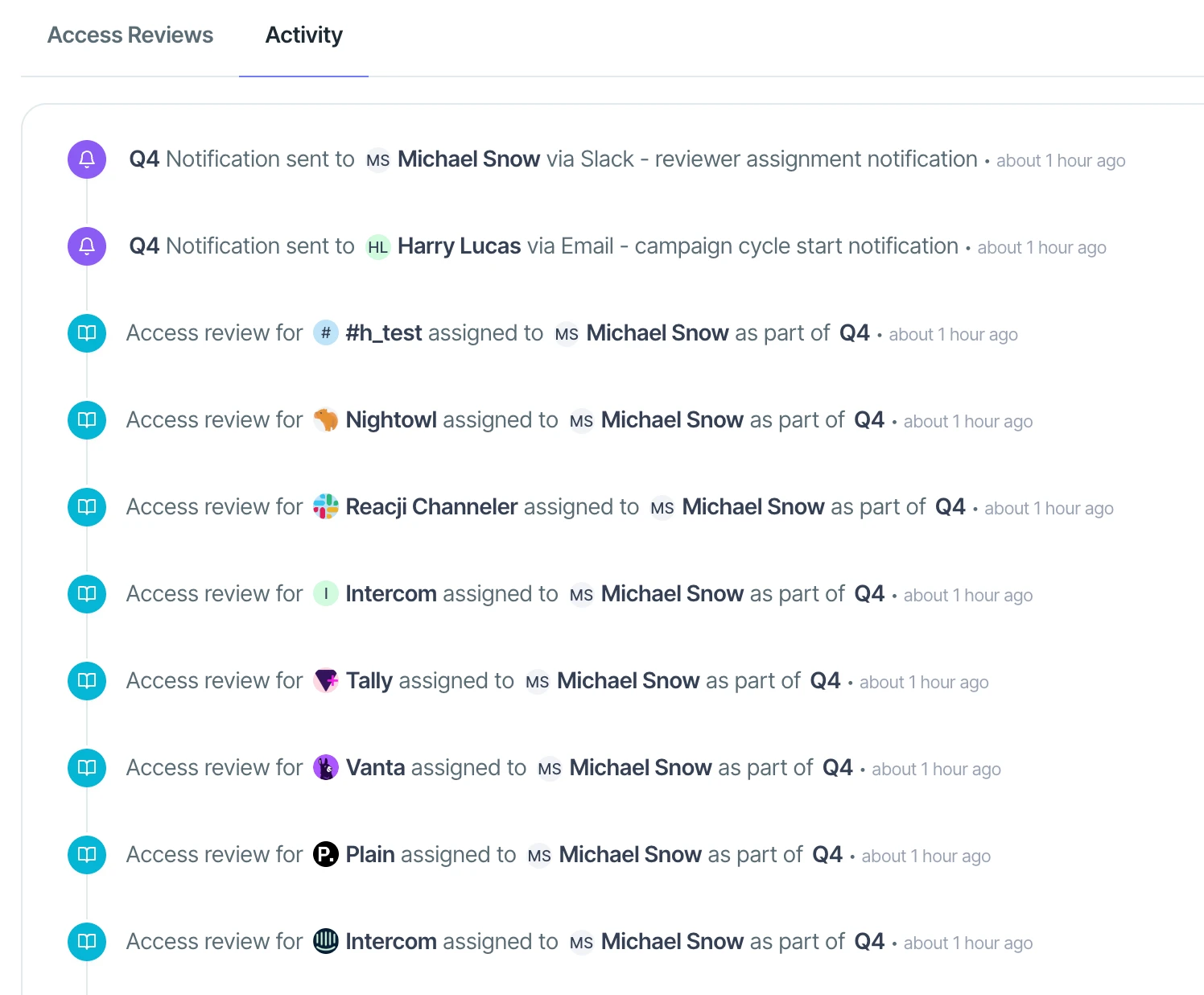
- 2025
Restrict resource access in the Ploy Dashboard
A much requested feature is finally here - the ability to limit what resources in the Ploy dashboard users can access, allowing you the ability to grant specific users the ability to manage the access and policy for a select few resources, rather then your entire real estate.
To apply these permission visit the teams settings page and you can manage the allow and block lists for each user who has the member type.
- 2025
Google Admin Role Grants
Privilege access management just got better in Ploy with the ability to grant and revoke users access to admin roles within Google, allowing you to increase your security posture and reduce you’re breached identity blast radius.
Roles can now be granted dynamically or Just-in-time (JIT) via the catalog. Visit the integrations page to add the newly required scopes to get started. - 2025
Export access requests
You’re now able to export access requests, keeping your auditors happy. We’ve also now started tracking which conditions on the approval flow were met, allowing you to see exactly why this request was automatically approved.
- 2025
✨ Inactive user with assigned tasks
Now when you have a user who’s departed the company but still has assigned tasks Luna will let you know and provide a quick-fix popup window that let’s you resolve the issue then and there, without having to dig around into different pages trying to find users who’ve left and still have tasks assigned to them.

- 2025NEW
✨Luna AI + Start page ✨
We're super excited to release (in beta) our start/overview page alongside Luna, our Identity and governance AI agent. We believe these will help you get so much more value out of Ploy as well as transform the way you manage identities and access across your organisation.
✨ Luna:
Meet Luna, Ploy's new identity and governance AI agent
Luna has access to your entire Ploy instance, as well as any integrations you have connected.
Luna can help you achieve (almost) anything in Ploy from sending reminders, diagnosing flow issues, identifying security issues and investigating shadow IT.
It's still in beta and free to use during this period so would really appreciate throwing everything you can at it and rating conversations you've had using the thumbs up + down.
Luna, won't do anything that mutates/changes anything without your explicit approval (with audit-logging builtin)
We also have introduced playbooks, which you can think of as AI powered workflows and will soon allow you to create and customise your own playbooks as well.
📊 Start/Overview page:
Along side Luna we've also released a brand new overview/start page that is fully customisable to help you get an overview of everything thats happening in your business access related
In addition to this we have a summary widget, which gives you a recent overview of everything happening in your ploy instance over the last 24 hours, great for staying on top of tasks and reviews and proactively identifying issues to ensure your access and governance estate is locked down
If there's a widget/chart/graph you think is missing - as always drop us a message and we'll push it out for you.
- 2025NEW
Configure member portal login options
You can now restrict what login options are available to members when logging into the member portal. You can do this in the portal settings
https://app.joinploy.com/settings/portal-config
- 2025IMPROVED
Company logo in emails
Your company logo in the portal settings section will now automatically be included in all your emails sent to employees, helping increase confidence amongst your employees.
If no logo is setup, it will fallback to the Ploy logo.
- 2025
Ava sneak peak 👀
We’ve just released a sneak peak of Ploy’s brand new agentic AI Ava. Think of Ava as having an extra employee on your team dedicated to ensuring every single identity is managed across your entire organisation, without having to lift a finger.
Ava will be able to:
Automatically onboard and offboard users into the right tools and resources
Simplify access reviews and provide more detailed context to reviewers to help them make more informed decisions
Enforce company policies and remediate violations
Proactively suggest policies and access conditions to ensure your security evolves as your business does
Investigate and remediate misconfigurations across your integrations
Execute ‘playbooks’ or common pre-defined workflows your team currently spend hours per weeks on
??? ← Your own ideas for Ava
This release is just a sneak peak that help you diagnose errors in your flows, helping you understand what’s gone wrong and more importantly how to fix it. Ava has been hooked up to your integrations so can also easily query against your live data to solve common questions like “why can’t I add xyz@acme.co to group ABC”?
While this is a beta release there a couple of limitations, most importantly requiring you to rate each conversation you have with Ava to ensure we have the feedback needed to make Ava the best identity AI assistant it can be. To get started with Ava, navigate to an error on flows and click the little ‘Investigate with Ava’ button:
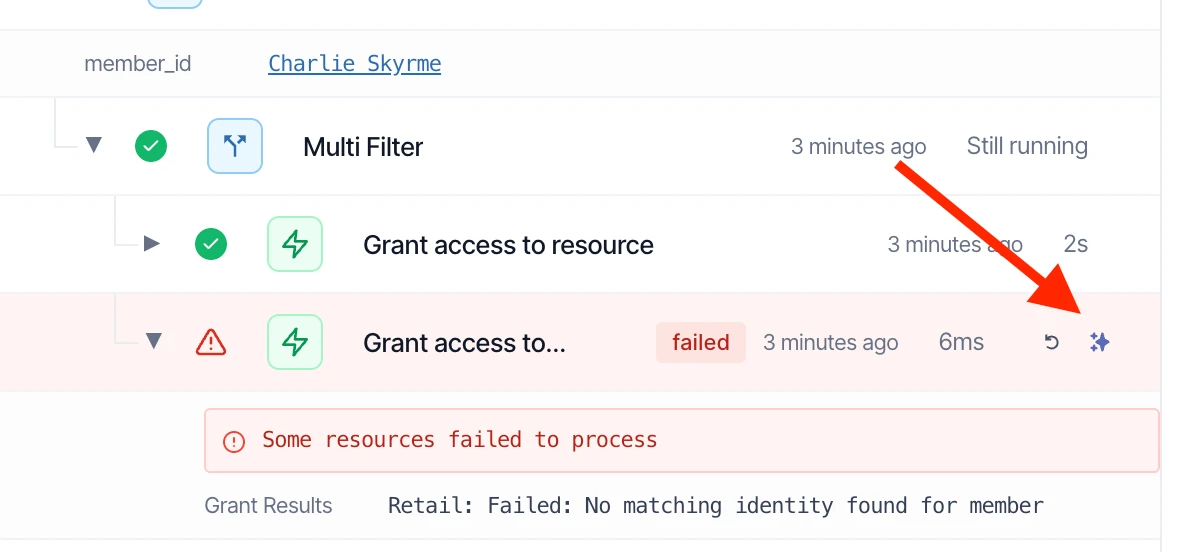
A note on security:
We’ve spent a lot of time adding in guardrails and security features to ensure that Ava is protected against common attack vectors and ensuring it only has access to your data. Additionally nothing you send to or interact with Ava is ever used to train models or seen by model providers. All inference is provided by AWS Bedrock currently in the EU region.
- 2025IMPROVED
Approve/reject requests from dashboard
You can now approve or reject access requests directly from the dashboard, great for cases where the reviewer is un-responsive.
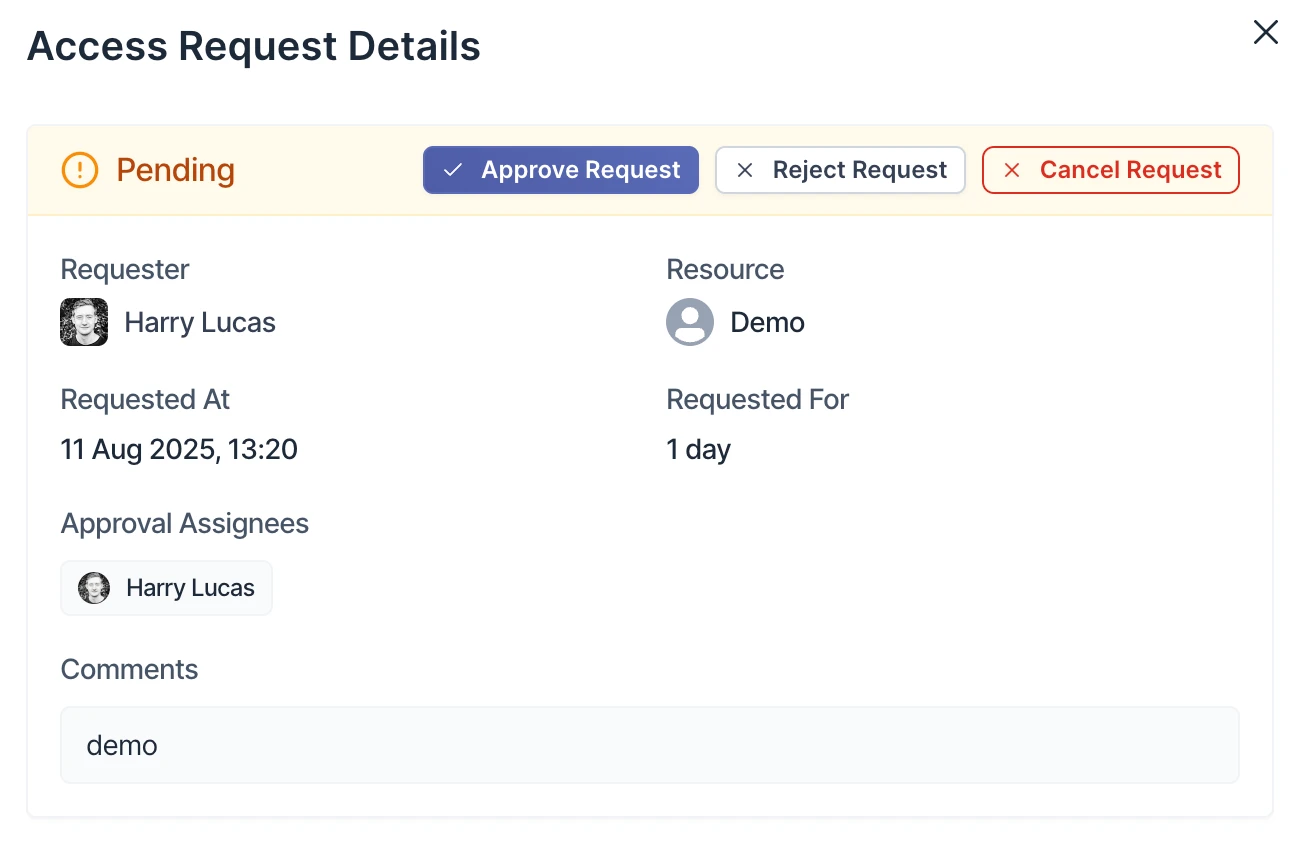
- 2025IMPROVEDWORKFLOWS
Flows improvements
You can you now manually trigger flows from within the flow page itself instead of having to execute it only from the list of flows.
Speaking of list of flows, you’re now able to see the last time a flow was executed as well sort by the last execution column.
- 2025
Identities on employees
You can now see each employees associated identities on the employee page directly, without having to visit the identities page.
- 2025IMPROVED
Flows execution tree
A long awaited feature but you can now see the full execution tree for each flow execution including branching, and searching.
- 2025IMPROVED
Configurable request access on behalf of
Previously, employees would only be able to request access on behalf of employees they directly managed. With this release however your now able to manually assign and configure extra employees in which a person is able to request access on behalf of.
To do this, simply visit the page of the employee who you want to allow to request access on behalf of someone else and in the left hand sidebar you will see the ability to configure who they can request access on behalf of.
- 2025NEW
✨ AI Powered Access requests
We’re super excited to release AI insights for access requests, giving reviewers the context they need to make informed decisions about access requests, instead of just guessing based on incomplete data.
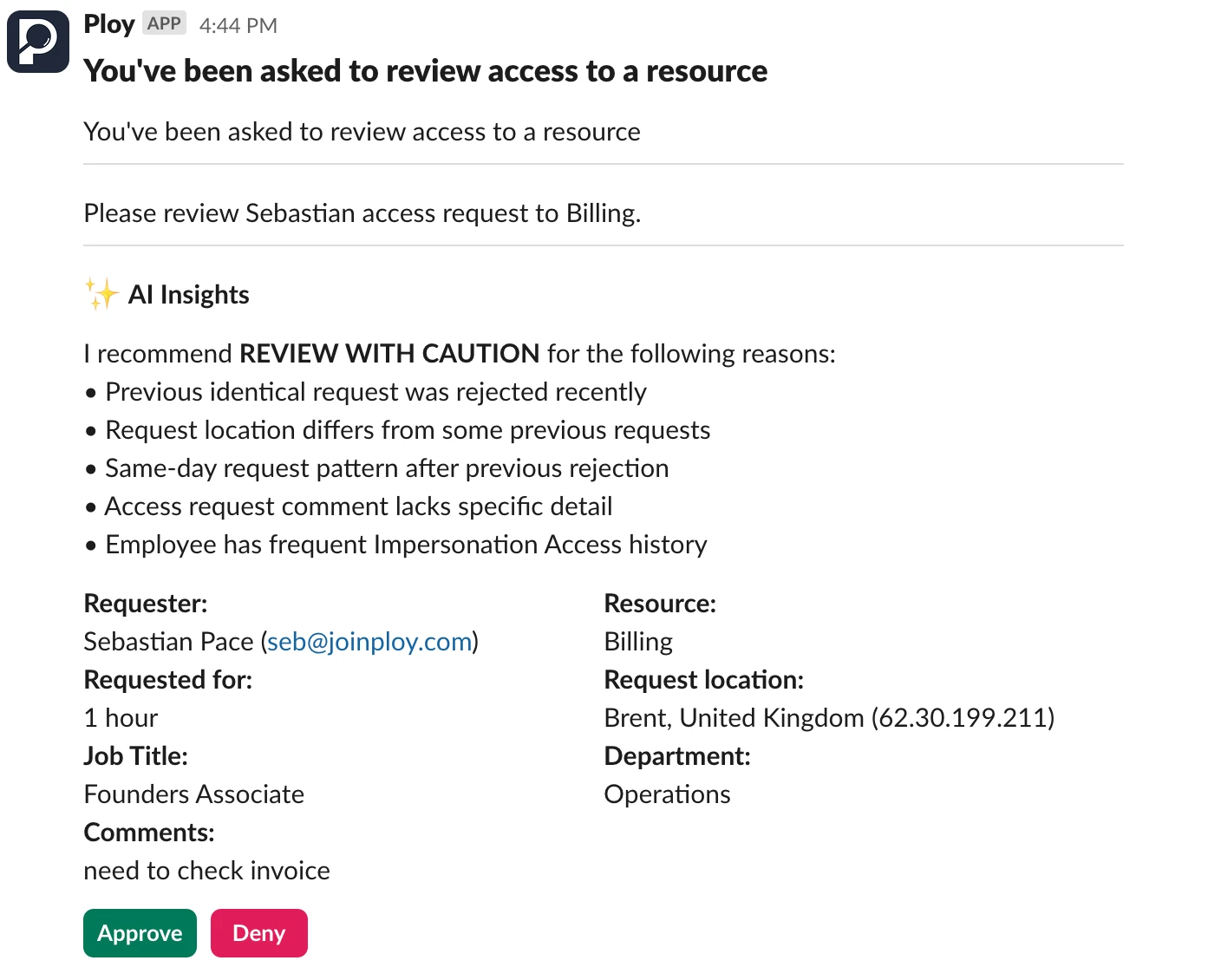
Ploy pulls in as much relevent context as possible for this insights including but not limited to things like who has current access? what were the employees last requests like? is there anything anomalous about this request and more…
Ploy uses AWS bedrock in the EU region to power this feature, meaning none of your data leaves our AWS environment or the EU region and none of your data is used to train the models or shared with model providers, see below from AWS’s faq for bedrock:
With Amazon Bedrock, your content is not used to improve the base models and is not shared with any model providers.If you’d like this enabled in your account, please reach out to Seb
- 2025NEW
Recurring Campaigns
Following up on last month's release of Access Review Campaigns, we've now introduced Recurring Campaign Templates.
This allows you to set up a Campaign once, and have it automatically recur at a cadence. The dynamic nature of Campaigns means that it really is a set-and-forget experience!
Some example use cases include:
Automating quarterly compliance reviews (e.g. for SOC2 or ISO27001)
Automating access review checks for recent leavers
Automating monthly Admin account reviews
- 2025IMPROVED
Campaigns Improvements
We’ve made a bunch of iterative improvements to our Access Review Campaigns:
Created optional notifications that can be sent at each stage of a Campaign
Created an optional feedback loop whereby marking a user as Not Required in an access review will automatically deprovision their access
Added the ability to create new Assignment Configs via the Campaign modal
- 2025FIXED
Campaigns Bug Fixes
We’ve fixed a bunch of bugs in our Access Review Campaigns feature:
Status field is now working correctly
Notifications are now sent to reviewers upon creating a Campaign
Filter is now displaying variable names correctly
Preview page now loads correctly
- 2025NEW
Source of Truth Status
We now pull in the status field from your source of truth so that you can reference it in Ploy.
- 2025IMPROVED
Flows 'Get Members' Node
You can now multi-select the employee status field in the 'Get Members' node.
- 2025FIXED
Bug Fixes Update
We’ve fixed a bunch of niggling bugs to improve the overall user experience:
Access Reviews: Fixed a bug where the user couldn't add roles to a member
Apps: Fixed a bug where usage data for Okta wasn't being pulled in correctly
Assignment Configuration: Fixed a bug where the fallback assignee was not working
Flows: Fixed a bug where Offboarding 'Start on End Date' toggle was not working
Google Integration: Fixed a bug where nested Google Org Units were not pulling in
Task Reminder Messages: Fixed a bug where users were getting sent the message incorrectly
- 2025IMPROVED
IdP Integration Improvements
Okta Integration
You can now add & remove users from Okta IdP Apps
You can now create users in Okta
You can now update any user attribute field in Okta
We now pull in Usage data for the Okta app itself
Google Workspace Integration
We can now pull in Google Org Units as a resource
- 2025NEW
Deleting Flow Nodes ❗
Sometimes it's the little things...
We've finally built the ability to delete a node in Flows without it deleting the rest of the flow!
We can't tell you how good this one feels!
- 2025IMPROVED
Managed Apps Page Improvements
We have 5 improvements to the Managed Apps page:
You now have a count of the total number of Managed Apps at the top of the page
You can now filter the page on any column you want
You can now sort the page by the Owner column
The ‘warning’ sign on the Owner column now indicates a missing or terminated employee
You can now export the managed apps page
- 2025IMPROVED
Flows - Filter on Resource Access
You can now filter by whether members do/don’t have access to specific resources. This can either be done via the Get Members node (as above), or via the Multi Filter (As below).

- 2025NEW
Access Review Campaigns
Introducing Access Review Campaigns!
Rather than conducting access reviews on a per app basis, you can now conduct access review campaigns on your entire estate, applying any filters you wish.
Example use cases include:
Creating a campaign to review access on any resources tagged with 'soc2'
Creating a campaign to review access to any resources granted since 1st Jan
Creating a campaign to review access on any accounts with MFA Disabled
Campaigns can also be set to recur at a cadence, so all you have to do is create them once!
- 2025NEW
Jira Integration
We now have the concept of tickets in Ploy which can optionally be two-way synced with Jira. Tickets will sync in real-time so can either be managed in Jira, or directly through Ploy.
For now, tickets can only be created via Flows. But coming soon will be the ability to create tickets for access approval & provisioning.
- 2025IMPROVED
New Offboarding Page 📴
The Offboarding page has been completely revamped to make it simpler and more intuitive than ever before.
You can now quickly find key information at a glance towards the top, and more easily track all the actions that need completing towards the bottom.
- 2025NEW
Offboarding Flow - Send Admin Tasks in Advance
When a Tool Admin is leaving the company, it’s important that they transfer their Admin rights to another team member before leaving.
We now have the ability to send these Admin Rights Transfer tasks ahead of time, and without triggering the rest of the offboarding. An example flow might be:
Two weeks before the end date → Send the admin rights tasks
At 5pm on the last day → Start the rest of the Offboarding
- 2025NEW
Flows - 'Wait Until' Node
We’ve added in the ability to pause a flow until a specific time of the day. An example use case could be as follows:
Send a user a question or a survey
Wait until 4pm
If no response → Follow up
- 2025IMPROVED
New Employee Portal
We've completely revamped the employee-facing portal; adding in a sidebar and improving the UI of each constituent page.
We’ve also introduced a homepage which offers a seamless way to:
view your current access
extend access that’s expiring soon
view any outstanding tasks
view available access catalogs
Making it a one-stop-shop for your employees.
Bonus: We've also (finally!) included a link to the Employee Portal in our Admin Console.
- 2025NEW
Access Conditions 🚦
For the first time, you can now set conditions that must always be True for a user to maintain access to a resource. Access will be automatically be Suspended if a user no longer meets the conditions, and can optionally be automatically reinstated if the conditions are met again.
For example, is access to a resource team-dependent? Does it require MFA to be enabled? Do you have location-based access written into your client contracts?
Access Conditions now give you a whole new lever to manage access in a seamless yet dynamic manner.
- 2025NEW
Easily Re-request Access
If you find yourself wanting to request access to a resource that you’ve recently lost access to, you can now easily do this by clicking the ‘Re-request access’ button in the deprovisioning message.
This helps ensure that enforcing least privilege access is as frictionless a process as possible.
- 2025NEW
Delete a Task
You can now delete Tasks if you so wish. This is useful to ensure you don’t get reminders for tasks that are not going to get actioned.
- 2025NEW
Delete an Access Review
You can now delete access reviews. Doing so will delete all its constituent data though which means it won’t be auditable.
- 2025NEW
Access Expiring Notification
For employees that are due to lose access to resources within the next 24 hours, we will now send them a message at 10am UTC to notify them.
This is to help ensure that employees are informed and maintain business continuity.
- 2025NEW
Task Reminder Messages
To help with stakeholders completing any outstanding tasks, we now send a reminder message every day at 10am UTC to anyone with tasks that need actioning.
This can optionally be turned off in Settings.
- 2025NEW
Message Batching
To avoid users getting spammed with messages (e.g. if multiple resources are deprovisioned at the same time), we will now batch messages together into one overarching message.
- 2025NEW
Welcome Message to employees
To help with the rollout with Ploy across your company, we’ve also now added the ability for employees to receive a fully customisable welcome message that will be sent out before they receive any other messages. This is a great way to introduce the product, explain any new processes and send them a link to the new employee access portal.
You can configure these settings by visiting: https://app.joinploy.com/settings/messages
- 2025IMPROVED
Quality of life improvements
We’ve released 3 new quality of life improvements to today to make using Ploy just a little bit nicer 😀
Custom task title and description on flow created offboardings
Fallback assignee for flow create offboardings
You’re now also able to assign a fallback assignee in offboarding so that if an application is missing an owner or the owner is no longer active, the task will be assigned to a fallback to be completed.
Access review names & deletion
You’re now also able to give your access reviews a name as well as delete test or draft access reviews to keep your audit history clean 🧼
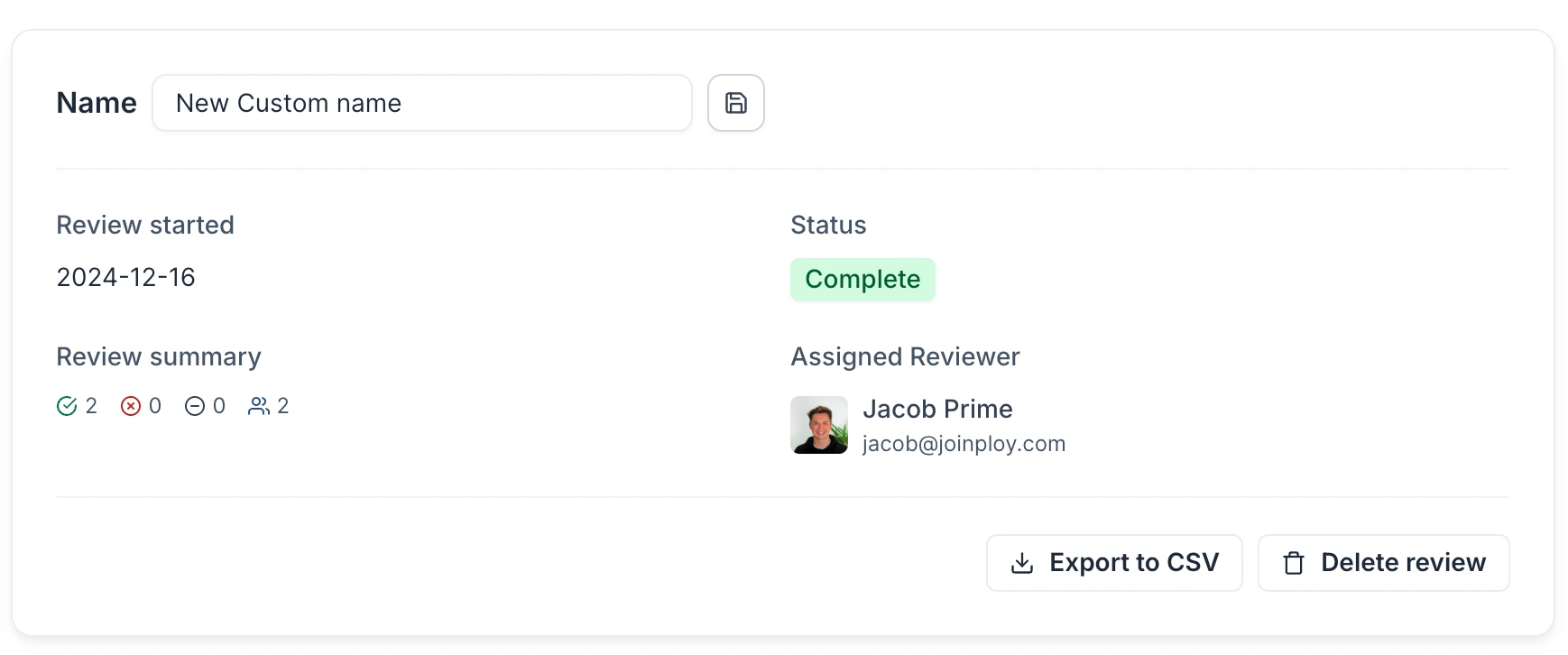
- 2025NEW
Import users into apps & resources via CSV
We’ve now added the ability to import users via CSV into apps and resources, ensuring that Ploy becomes your single source of truth. It’s as simple as selecting a CSV with all your users and mapping the columns to the fields in Ploy.
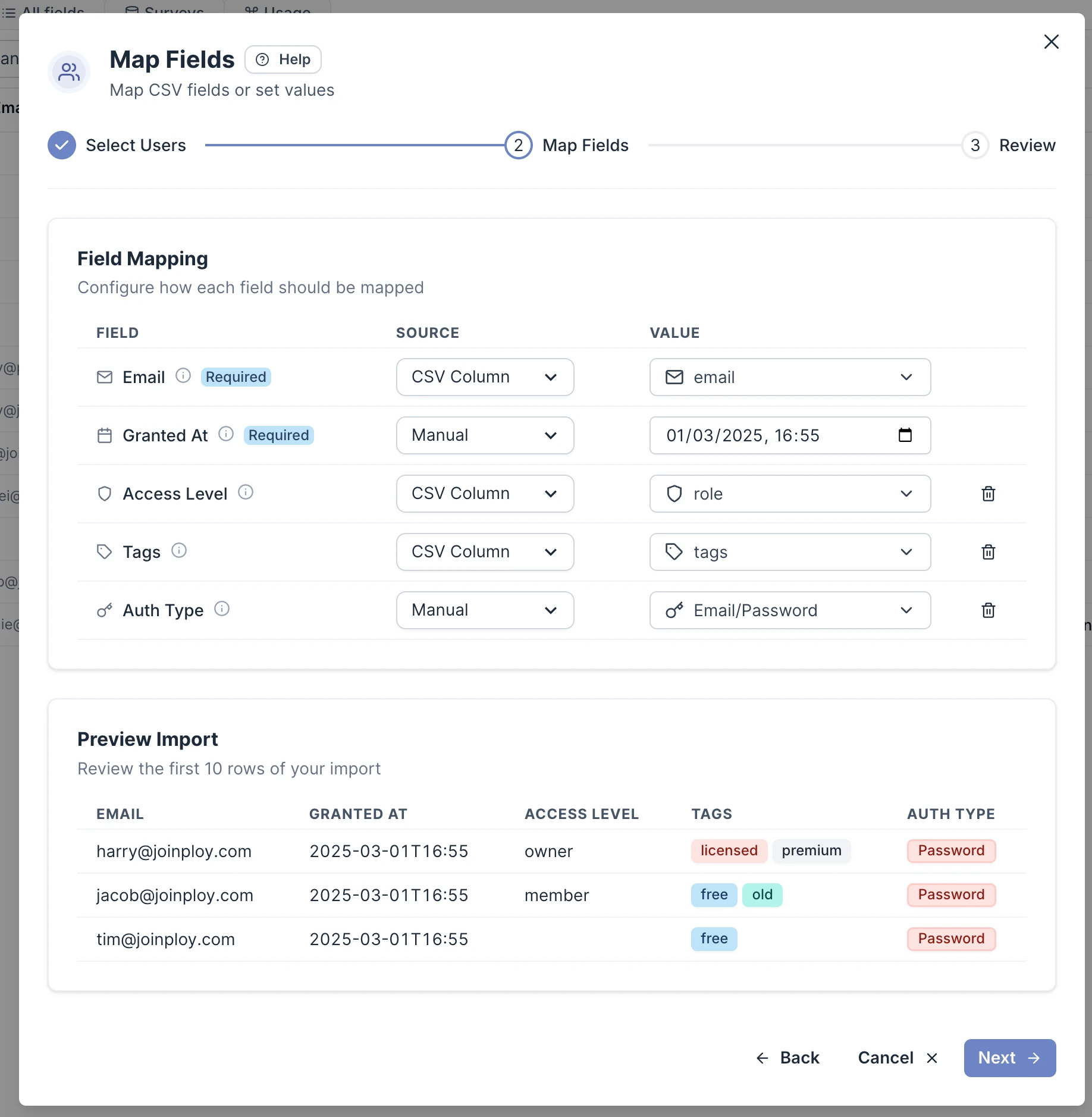
- 2025IMPROVED
Launch URL's & Custom names
You’re now able to add ‘Launch URLs’ to your managed access via their access policy making it easier for employees to know where to go after access has been granted. An example of a Slack message is visible below.
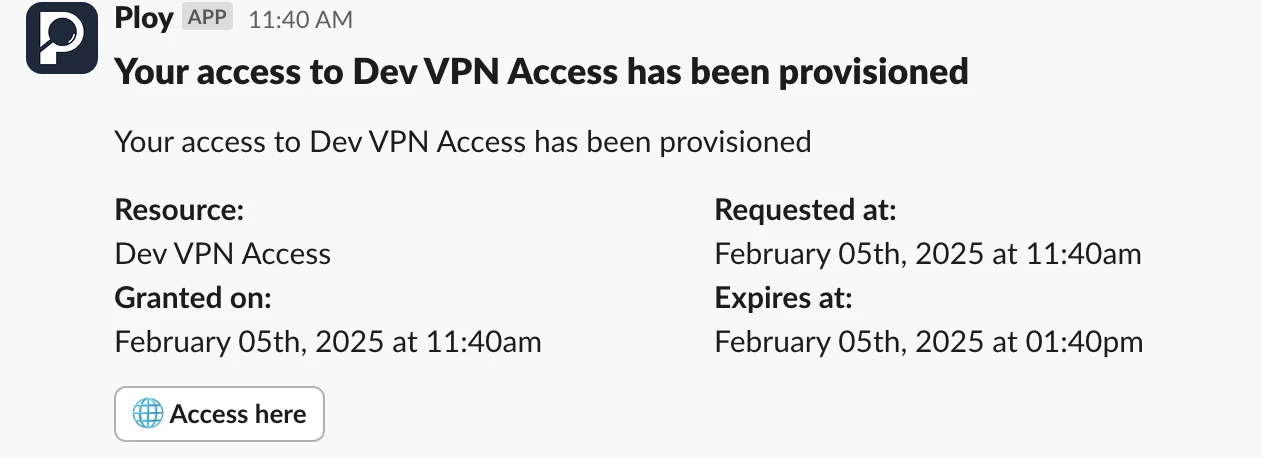
You are also now able to change the name that’s shown to users when access is granted to be different from the resource that’s granting access (e.g. it’s a group granting access, but it’s Miro that access is granted to).
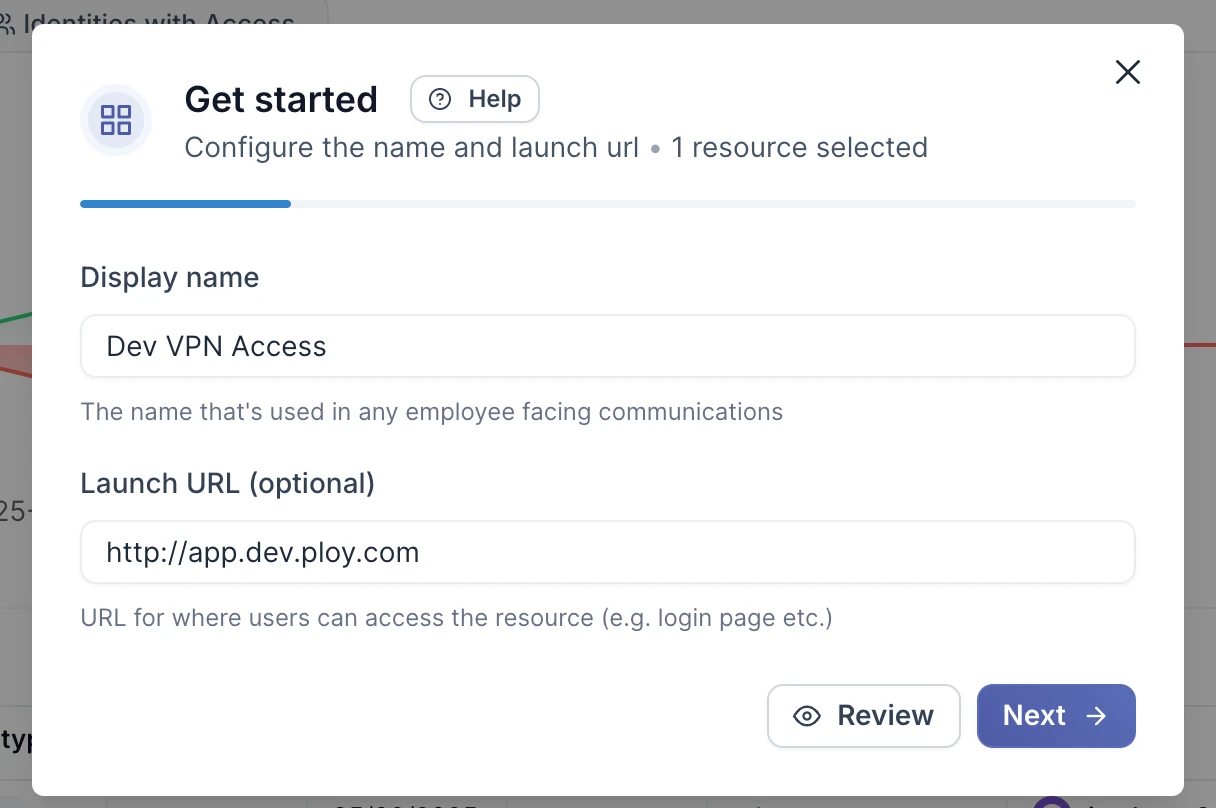
- 2025WORKFLOWS
'Has access to' filter + UI/UX improvements
We’ve added a new filter option to member/employee filtering in Ploy as well as greatly improved the UI / UX to make it easier to select the right reference.
‘Has access to’ and ‘doesn’t have access to’
There are 2 new filter operations if you select a member reference in the multifilter node in workflows. This let’s you combine queries such as ‘does not have access to X’ and ‘is in department Y’ → ‘Add to group Z’.
Improved selection UI
One complaint we commonly got with the reference selector (e.g. picking a field/reference from a previous node in the workflow) was that it was hard to tell which field it was referencing and when, leading to multiple instances of referencing the wrong node/variable. We’ve greatly improved this UI/UX and turned it into a multi level dropdown selector where you start from the node you want to reference and work your way down to the field.
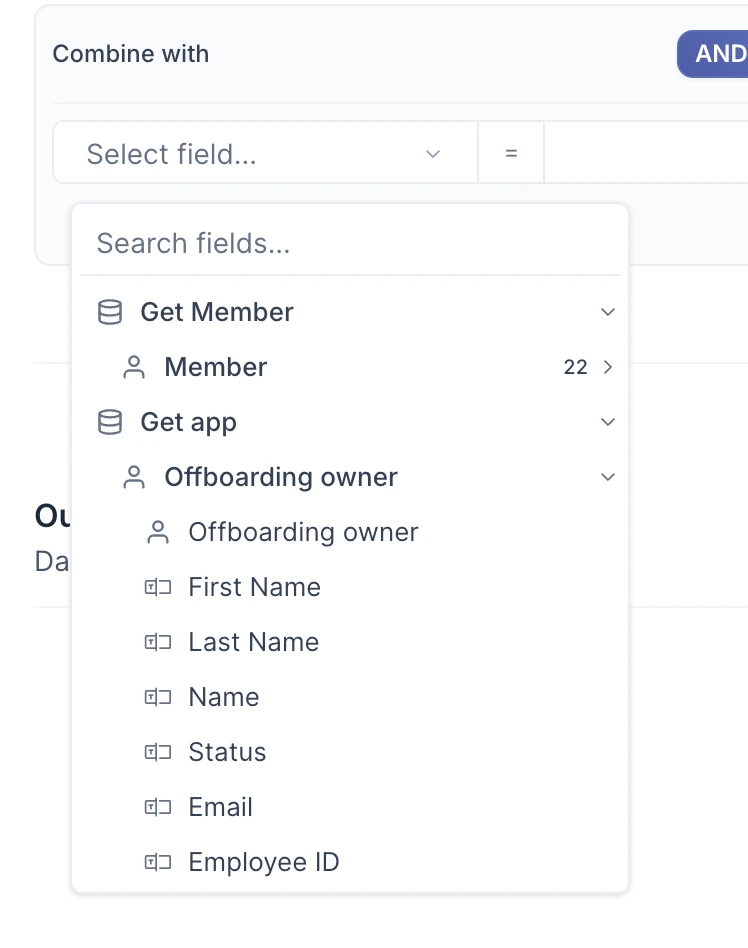
- 2025IMPROVED
Auto-revoke violating access
Access Policies on resources now have the ability to automatically revoke access if it’s detected that the granted access violated the approval policy.
Why do we think this is cool?:
Now regardless of where your access is granted for a resource, whether that be via your Ploy access request portal, directly inside an integration or even through another third party, if it violates your approval policy, Ploy will automatically revoke that access.
How do I enable this?:
Head to any resource in Ploy and either setup or add a new access policy and select ‘Revoke’ as the auto-enroll policy failure action:
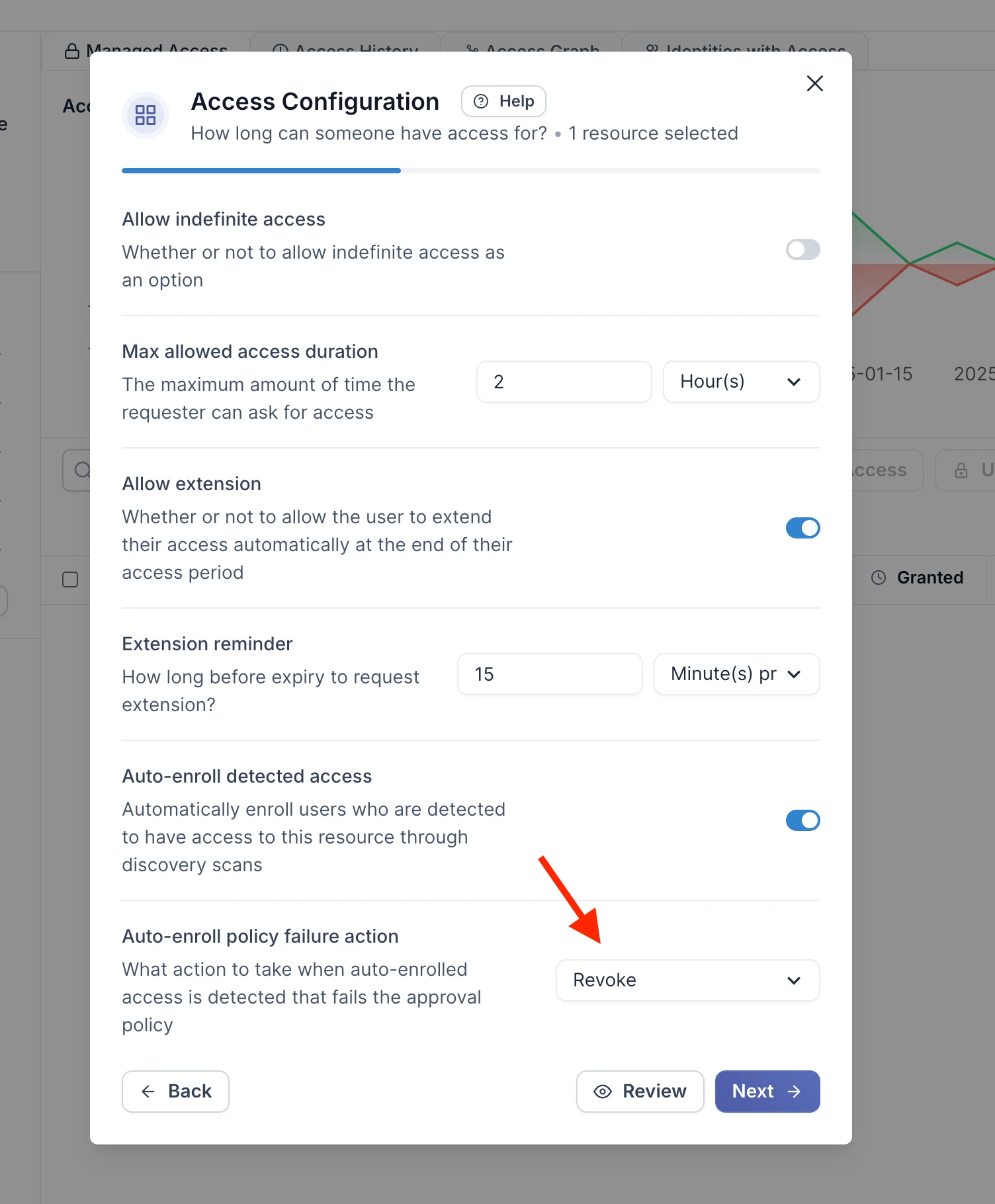
Then just ensure you have at least one condition in your approval policy that rejects and you’re good to go!
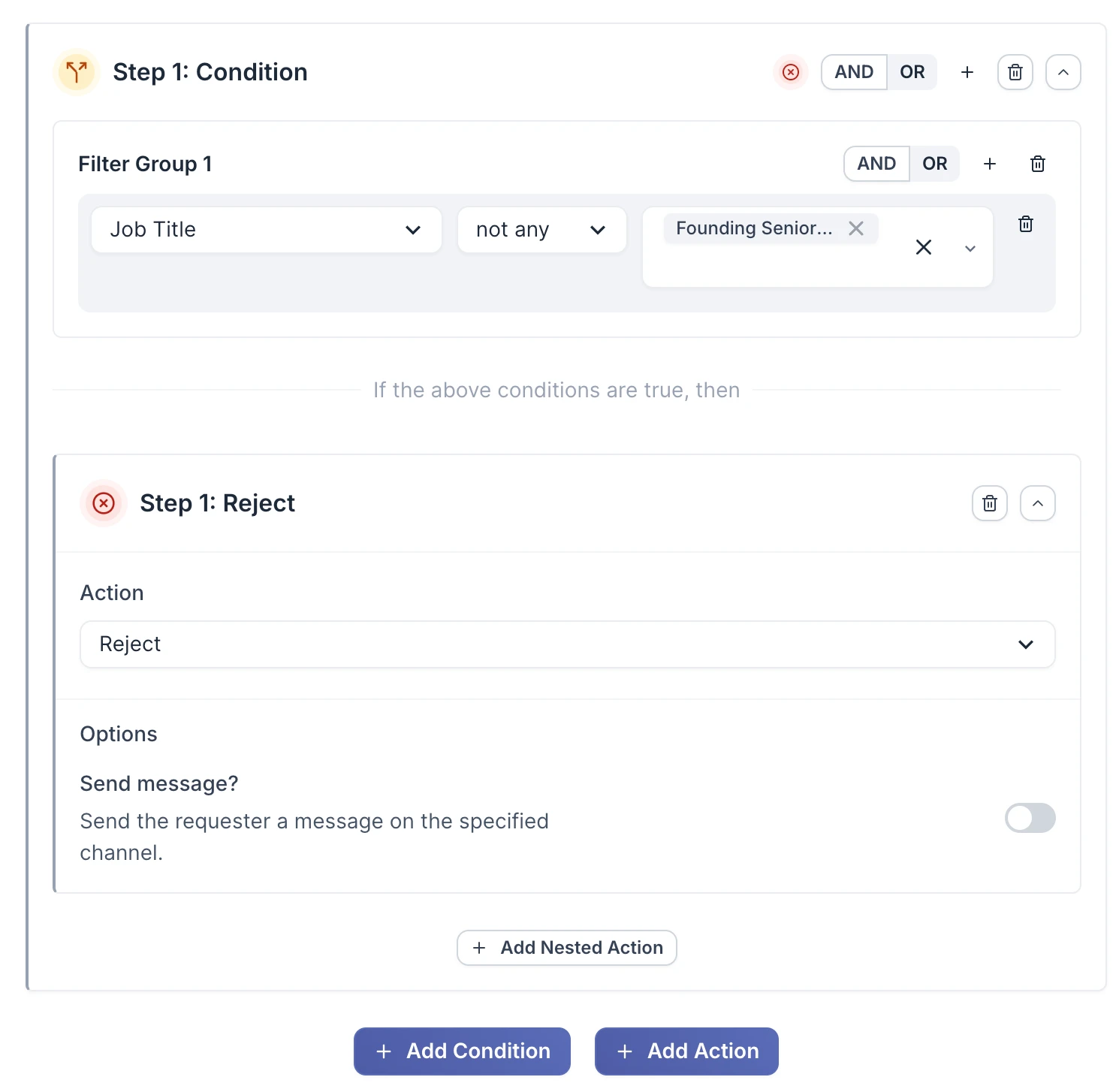
- 2025IMPROVEDACCESS REVIEWS
Notes on access reviews & multiple roles
You’re now able to add individual notes to each row in an access review, allowing you to capture particular nuances that might not otherwise be obvious. They’re also included in our CSV export meaning no back and forth clarification with auditors.
Multiple roles
You’re now also not limited to assigning a single role per account with access review, allowing you to capture those more complex permission structures present in some applications.
- 2025IMPROVED
Access Review notifications
You’re now able to receive notifications for any important event related to an access review lifecycle to ensure you’re remaining up to date and compliant across you’re access reviews.