Break-glass accounts and on-call access: request, time-bound grant, verified revoke
Emergency access without standing admin. How to run break-glass accounts and on-call access as a governed path: request, approval, time-bound grant and verified revoke.
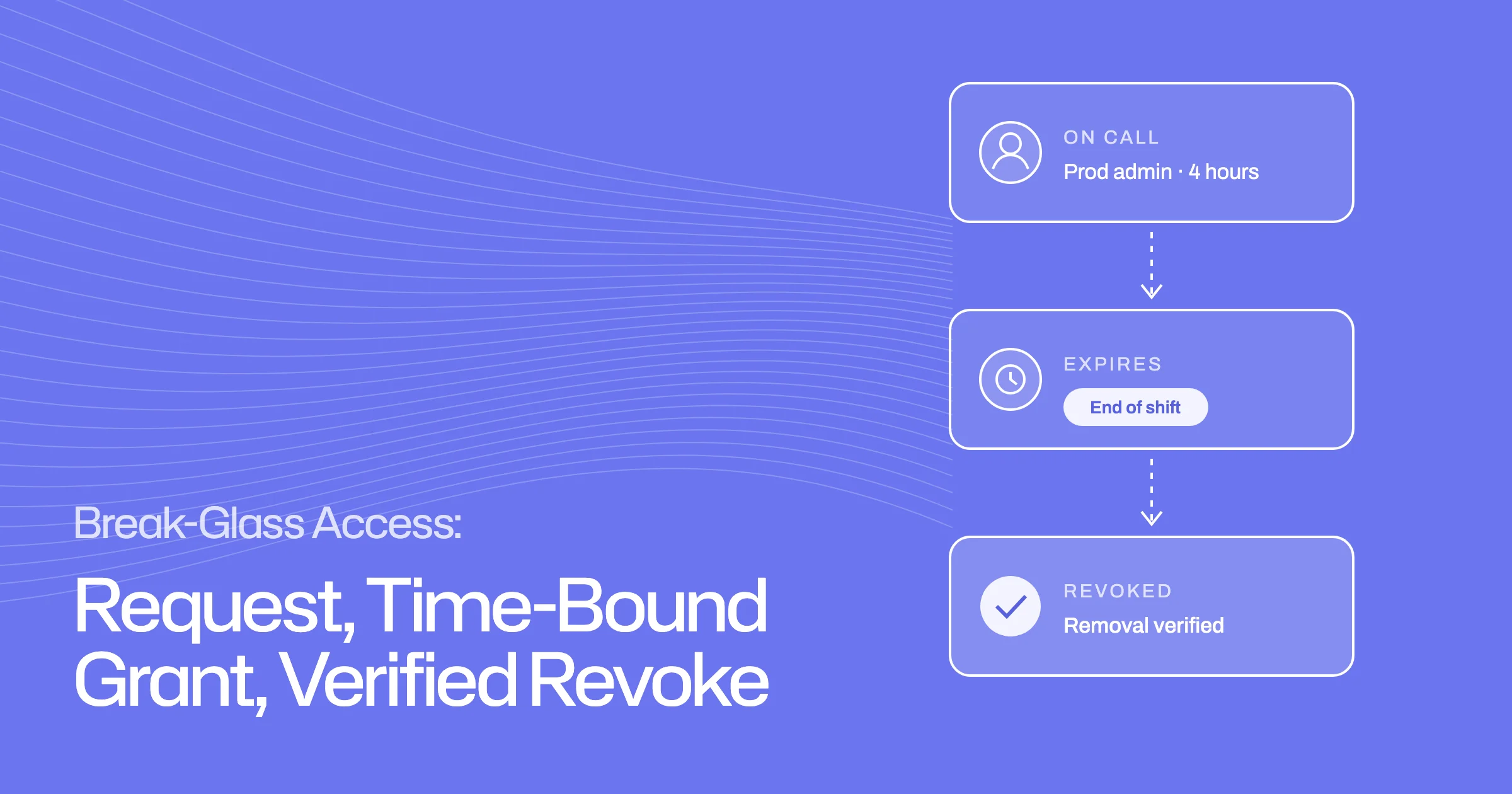
- Break-glass is an exception path with an expiry, not a shared admin password.
- Keep a small number of true emergency accounts, stored securely and monitored.
- For everyday incident work, grant time-bound access tied to who is on call.
- An emergency grant is finished when its removal is verified, not when it expires.
A break-glass account is emergency access that bypasses the normal process when the normal process cannot work: the identity provider is down, an admin is locked out, or an incident needs privileged access now. Done well, it is a governed exception: requested, approved under policy, granted for a set time and removed afterwards, with a record of each step. Done badly, it is a shared admin password that never changes.
This guide is for security, IT and on-call leads who need emergency access that is fast in an incident and clean afterwards. It covers the two kinds of break-glass access, how to request and grant it with an expiry, how on-call schedules can act as an access condition, and what to record once the window closes.
What is a break-glass account?
There are two related patterns, and most organisations need both.
- A few accounts that work when SSO does not
- Stored securely, used rarely
- Every sign-in investigated
- Elevated access for the person on call
- Granted for hours, not kept
- Requested, approved and removed
Emergency accounts are a small number of highly privileged accounts kept for when normal sign-in fails, for example an identity provider outage or a lost admin. They should be excluded from the controls that might lock you out, protected with strong credentials, stored securely and monitored so that any use raises an alert.
Incident access is the everyday case: an on-call engineer needs production or admin access to fix something now. This should not use the emergency accounts. It should be a fast, time-bound grant to the engineer's own identity.
Break-glass without standing privilege
The common failure is turning incident access into permanent access. Engineers are given standing admin "in case of incidents", or a shared account whose password lives in a team vault for years. Both leave privileged access in place every day to cover a few hours a month. Just-in-time access fixes this: the access exists only while it is needed.
Request, approve, grant with an expiry
Treat emergency access as a short workflow, designed in advance so it is fast under pressure.
- RequestWho, what, whyResource, role, reason and duration.
- DecidePolicy or approverOn-call can auto-approve; others go to a person.
- GrantTime-boundAccess with its removal already scheduled.
- RevokeVerifiedRemoved at expiry and confirmed.
What the request should include
- who needs access, on their own identity, not a shared account
- what resource and role, as narrow as the incident allows
- why, with a link to the incident where there is one
- how long, chosen from a short list rather than open-ended
Who can approve under policy
Decide this before the incident. A common pattern: the person currently on call for a service is approved automatically for a defined set of roles, while anyone else, or any role outside that set, goes to a named approver. Write the policy down so nobody is negotiating access at 3am.
Expiry and automatic revoke
Every emergency grant should carry its expiry from the moment it is created, and a maximum duration that the requester or approver cannot exceed. If the incident runs long, the engineer asks again and the extension is recorded.
On-call schedules as an access condition
The person on call is the person most likely to need emergency access, and your on-call tool already knows who that is. Using the schedule as a condition does two things: on-call engineers get access without waiting for an approver, and the access ends when the shift ends, rather than lingering until someone remembers.
Incident tooling and access requests
Incident and on-call tools hold the rota, the shifts and the incident itself. Access tools hold the grants. Connecting the two lets a reviewer see who was carrying the pager when access was granted, without reconstructing it from a calendar. Check exactly what each integration reads and writes. Many on-call integrations are read-only and supply context for access decisions rather than granting access themselves.
Verified revoke and evidence
An emergency grant is finished when its removal has been confirmed, not when the timer runs out. Removals can fail: an API error, a changed role, an account someone edited by hand.
After the window closes, you should be able to show:
| Field | What to record |
|---|---|
| Requester | The person, on their own identity. |
| Access | Resource and role granted. |
| Reason | The incident or justification. |
| Decision | Auto-approved by policy (and which condition), or the approver. |
| Window | Granted at, expiry, and actual removal time. |
| Verification | How the removal was confirmed. |
For the emergency accounts themselves, review every sign-in, rotate the credential after use, and test the accounts on a schedule so they work when needed.
How Ploy handles break-glass and on-call access
Ploy's access requests handle the request, decision, provisioning and removal as one flow. Every temporary grant carries its expiry from the moment it is created, and nobody can extend it beyond the maximum the policy allows. On-call status from your on-call tool can be used as an access condition, so break-glass access is revoked automatically once the shift ends. Ploy reads on-call schedules from tools such as incident.io and Grafana OnCall, so the rota is part of the access record.
Ploy does not replace your emergency accounts for identity provider outages. Keep those, and govern them as described above. To see an on-call grant expire at the end of a shift, book a demo.
Frequently asked questions
What is a break-glass account?
A break-glass account is a highly privileged emergency account kept for when normal sign-in or approval cannot work, such as an identity provider outage. It should be stored securely, used rarely and monitored, with every use investigated.
What is the difference between break-glass access and just-in-time access?
Break-glass usually means emergency accounts or emergency elevation that bypasses normal approval. Just-in-time access grants access only for the time it is needed. Incident access works best as just-in-time access tied to on-call, keeping true break-glass accounts for outages.
How long should break-glass access last?
As short as the work allows: typically hours, with a maximum set in policy. Tying access to the on-call shift, with a maximum duration as a backstop, avoids both mid-fix expiry and leftover access.
How do you audit break-glass access?
Record who requested it, what was granted, why, who or what approved it, when it started and ended, and how the removal was verified. Alert on any use of emergency accounts and review each one.