Access review campaigns: how to scope by risk, usage and exclusions
Design access review campaigns reviewers can finish. Scope by risk, use usage signals carefully, handle exclusions on the record and automate the repeat cycles.
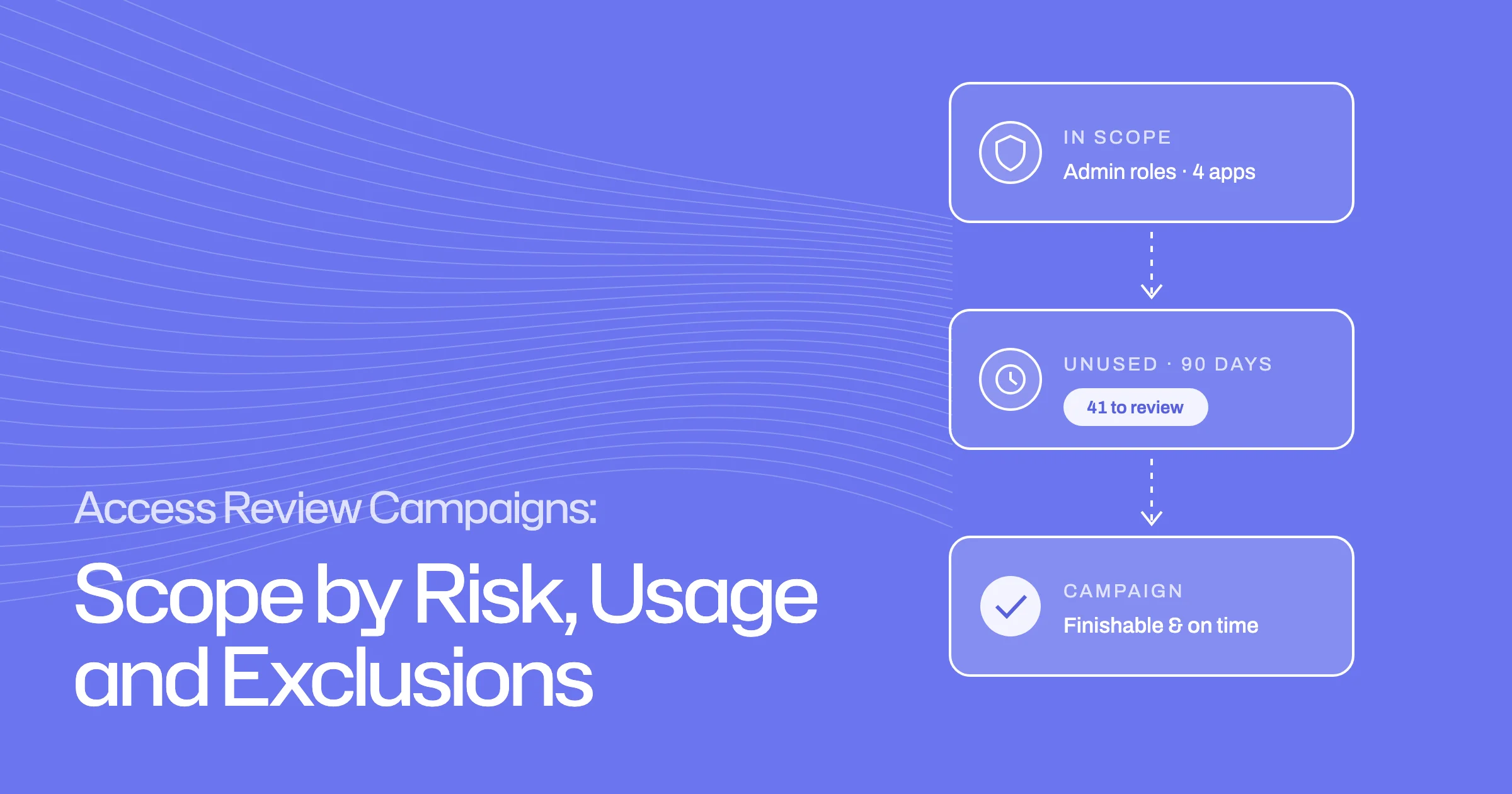
- An unscoped campaign produces rubber stamps, not decisions.
- Start from risk: admin rights, sensitive apps, recent movers and dormant accounts.
- Usage is a strong signal, but 'unused' needs a defined window and a human check.
- Exclusions belong on the record with an owner, a reason and an expiry.
A good access review campaign is one reviewers can finish with real decisions. That depends mostly on scope: which identities, applications and entitlements go in, which stay out, and who reviews each part. Campaigns that include everything tend to end with reviewers approving rows they never read.
This guide is for compliance, IT and security teams who build access review campaigns and want them smaller, sharper and easier to defend. It covers scoping by risk, using usage signals, handling exclusions and making repeat cycles cheap. For what happens after a reviewer decides, see SOC 2 access reviews: from reviewer decision to verified revocation.
Why unscoped access review campaigns fail
When a manager receives hundreds of rows with no context, the quickest path is to approve them all. The campaign closes on time, and the evidence says every account was reviewed, but few decisions were actually made.
- Hundreds of rows per reviewer
- No context on who uses what
- Approve-all to hit the deadline
- Risky access reviewed first
- Usage and peer context on each row
- Decisions a reviewer can explain
Scoping does not mean reviewing less of what matters. It means putting reviewer attention where the risk is, and keeping the rest of the estate covered on a cadence that fits it.
Scope access reviews by risk first
Start with the access that would hurt most if it were wrong. Common starting points:
- Admin and owner roles in any application
- Sensitive systems: production, finance, customer data, HR
- Recent movers, who may keep access from their old role
- Dormant accounts that have not signed in for a set period
- Service accounts and other non-human identities with standing access
- Accounts without MFA where MFA is expected
Match scope to the audit you are running
If the campaign exists for an audit, scope it to the controls the auditor will test. A SOC 2 review of in-scope systems is a different campaign from a company-wide clean-up, and mixing them makes both harder to finish.
Route risky rows to the right reviewer
Not every row needs the same reviewer. Admin entitlements can go to a second reviewer, and anyone who appears in their own review set should be rerouted to someone else. That keeps segregation of duties intact.
Use usage signals, and know their limits
Usage is one of the best scoping and decision signals you have. Access nobody has used in months is a strong candidate for removal. But "unused" needs care.
Define "unused" before you use it
Agree a window, such as 90 days, and know what each application can report. Some apps record a last sign-in per user; others only record activity at the application level, or not at all.
Pair usage with peer context
Usage tells you whether access is exercised. Peer context tells you whether it is normal for the role. A reviewer who sees "3 of 12 peers also hold Admin" and "last used 4 months ago" can make a confident call.
Handle exclusions on the record
Some access will always be excluded: break-glass accounts, an integration account the business depends on, or an entitlement that is reviewed in a different process.
| Field | Why it matters |
|---|---|
| What is excluded | The identity, application or entitlement, precisely. |
| Reason | An auditor will ask why it was left out. |
| Owner | Someone answers for the access while it is excluded. |
| Expiry | Exclusions should end, or be renewed on purpose. |
| Where it is reviewed instead | Excluded from this campaign should not mean never reviewed. |
An exclusion without an expiry tends to become permanent. Review the exclusion list itself at least as often as the campaigns it affects.
Entitlement-level or user-level reviews?
User-level reviews ask a manager to look at everything one person holds. They suit leaver checks and team clean-ups.
Entitlement-level reviews ask an application or resource owner to look at everyone who holds one role. They suit sensitive roles, because the reviewer knows what the role allows.
Most programmes need both. Use entitlement-level campaigns for admin and sensitive roles, and user-level campaigns for broad hygiene.
Make repeat campaigns cheap
The first campaign is the expensive one. After that, reuse.
- OnceTemplateScope, reviewers, deadlines and escalation.
- Each cyclePreviewCheck the resolved scope and gaps before launch.
- OptionalReview the changesShow only what changed since last time.
- CloseEvidenceDecisions, removals and sign-off on record.
Two habits save most of the effort:
- Preview the scope before launch. Check that every application in scope is connected or has an owner who can remove access. Otherwise the campaign stalls halfway through.
- Decide between full and changes-only reviews. Some teams review the difference since the last campaign; others want the full set every quarter. Pick deliberately, and make sure your auditor accepts it.
How Ploy helps scope access review campaigns
Ploy's access reviews start from templates for audits you already run, including SOC 2, dormant accounts, recent movers and MFA verification. Scope filters resolve against your live directory as you type, and the preview flags anything that would stall the campaign before it launches. A repeat campaign can show only what changed since the last one. Luna prepares each row with HR, usage and peer context and recommends approve, revoke or a closer look, but nothing changes until a reviewer certifies it. Admin entitlements can go to a second reviewer, reviewers who appear in their own set are rerouted, and service accounts are reviewed alongside people.
To see a campaign scoped, previewed and closed with evidence, book a demo.
Frequently asked questions
What should an access review campaign include?
Start with the access that carries the most risk: admin roles, sensitive systems, recent movers, dormant accounts and non-human identities. Add broader hygiene campaigns on a slower cadence, rather than putting everything in one.
How do you reduce reviewer fatigue in access reviews?
Give reviewers fewer, better rows: scope by risk, add usage and peer context to each row, route admin roles to the right reviewer, and review only what changed where your auditor allows it.
Should unused access be removed automatically?
Not without a check. Define the window, confirm the application actually reports usage, and let a reviewer or owner confirm before removal. Seasonal access can look unused for months.
What counts as an access review exclusion?
Any identity, application or entitlement deliberately left out of a campaign. Each should have a reason, an owner, an expiry and a note of where it is reviewed instead.