SOC 2 access reviews: from reviewer decision to verified revocation
Build a traceable access review process: scope, reviewer decisions, verified revocations, exceptions and evidence for your SOC 2 audit.

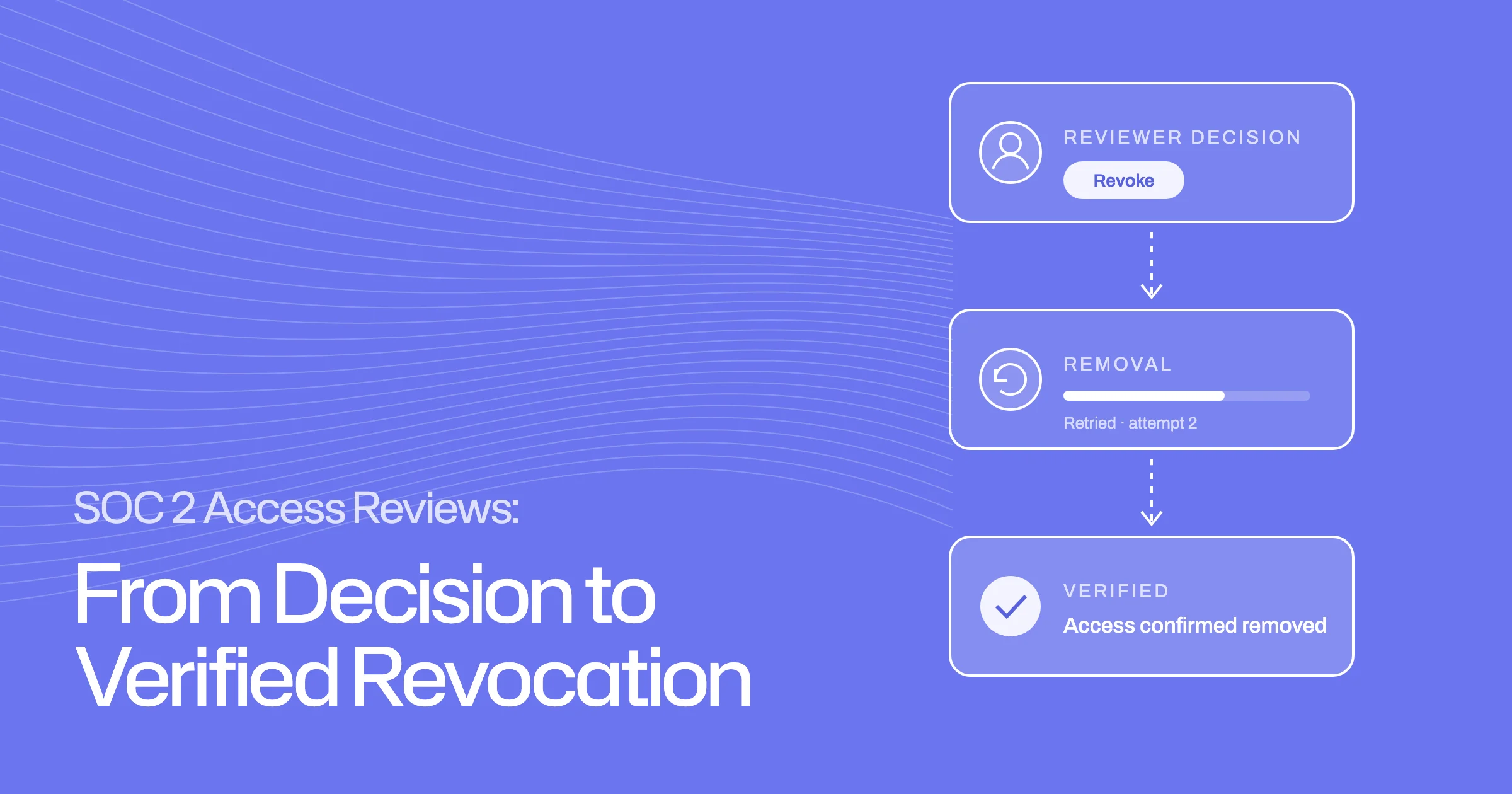
- A review is complete when every decision has a verified outcome, not when reviewers submit.
- Record the recommendation, the human decision and the sign-off as three separate things.
- Track every revoke through pending, running, failed, retried and verified, and keep the failures.
- Exceptions are fine if they have a reason, an owner and a revisit date.
An access review is only complete when every decision it produced has been carried out, checked and recorded. A reviewer clicking "revoke" is not the end of the review. It is the start of a change that still has to happen in a real system, and that change can fail, stall or be done by hand without anyone noting it.
This guide is for IT, security and compliance owners who already run user access reviews and want the evidence to hold up. It covers what to scope, how to keep analysis separate from sign-off, how to track each removal to an outcome, and what to keep for your auditor. It is operational practice, not an interpretation of the SOC 2 criteria: your auditor decides what evidence satisfies your controls, so agree the specifics with them.
What makes an access review operationally complete?
A review is operationally complete when you can show, for every grant in scope, who decided, what they decided, why, and what happened as a result. Most review programmes record the first three well. The fourth is where gaps appear.
Separate a reviewer decision from an executed change
Treat a decision and its execution as two separate records. "Revoke" is an instruction. "Removed, and confirmed removed on this date" is an outcome. If your tooling or spreadsheet only stores the instruction, you have evidence that someone wanted access removed, not evidence that it was.
- Reviewer clicked "revoke"
- Timestamp and reviewer name
- Nothing about what happened next
- Reviewer decision, with reason
- Removal attempted, with result
- Access confirmed gone, with date
This matters most for removals that depend on someone else: an app owner who has to act in an admin console, a ticket in another team's queue, or an integration that returns an error.
Record exceptions rather than silently treating them as done
Some decisions will not end in a clean removal. Access might be kept on purpose because the person needs it until a project ends. A removal might be blocked because the app has no API and its owner is on leave. Or the account might turn out not to exist.
Each of these is a legitimate result, as long as it is written down with a reason, an owner and, where relevant, a date to revisit it. An exception you recorded is evidence that the control is working. One you never recorded makes the whole review look less reliable.
Define scope and accountable reviewers
Decide what the review covers before it starts, and record that decision. Auditors and your own team will both want to know why a given system was or was not included.
Include connected and disconnected resources
Scope is not the same as "everything our identity provider knows about". Many estates have applications with local accounts, admin consoles that sit outside single sign-on, or tools adopted by one team. If a system is in scope for your audit, it needs to be in the review, even if access to it can only be checked and removed by hand.
For each resource, note:
- who owns it and who reviews access to it
- how its account list is obtained (an integration, an export, or a manual list)
- how access is removed (automatically, through a task for the owner, or by ticket)
A resource with no owner, or with no way to remove access, will stall a review partway through. It is better to find that before launch than in week three.
Capture point-in-time identity and entitlement context
Reviewers decide on what they can see, so keep a snapshot of what they saw. That means each identity's department, manager and employment status, the entitlement or role held rather than just "has an account", and signals such as last use and MFA status where you have them.
Identity data changes during a review: people move teams, leave, or are granted new access. A snapshot taken at the start of the review shows what each decision was based on, even if the underlying data has changed since.
Keep analysis and authorisation separate
Preparing a review and approving it are different jobs, and the record should show who did each.
AI recommendations, reviewer decisions and named sign-off
Automation, including AI, can do a lot of the preparation. It can group accounts that match a department's normal access, flag accounts unused for 90 days, or spot access that almost none of a person's peers hold, which is a common sign of privilege creep. That makes the reviewer's job smaller and more focused.
The decision still belongs to a named person. A sound record keeps three things distinct:
- The recommendation: what was suggested, by which tool or person, and the reasoning given.
- The decision: who accepted, changed or rejected it, and when.
- The sign-off: a named attestation that closes the review.
If a recommendation was accepted for a whole group of accounts at once, record that it was a group decision and which accounts it covered. Where it matters to your controls, stop people reviewing their own access. That is a basic segregation of duties check.
Track every revoke decision to an outcome
Every "revoke" should become a tracked piece of work with a visible state, rather than a note in a spreadsheet column.
Pending, running, failed, retried and verified states
A simple, explicit set of states makes it obvious what is unfinished:
| State | What it means | What should happen next |
|---|---|---|
| Pending | Decision recorded; no change attempted yet. | Starts automatically or is assigned to an owner, with a due date. |
| Running | A removal has been sent to the system or the owner. | Wait for a result; escalate if it does not arrive in the agreed time. |
| Failed | The removal returned an error or the owner could not complete it. | Record the reason, then retry, reassign or raise an exception. |
| Retried | A failed removal has been attempted again. | Keep the history of each attempt; do not overwrite the failure. |
| Verified | The access is confirmed gone in the target system. | Store how it was verified and when. Only now is the row complete. |
| Exception | Access is deliberately kept, or cannot be removed for now. | Record the reason, owner and review date; get approval where required. |
- Step 1Reviewer decidesRevoke, with a reason, against a snapshot.
- Step 2Removal attemptedBy integration, or as a task for the app owner.
- Step 3Access verified goneRe-read the app, or attach the owner's proof.
- If it failsRetry, reassign or log an exceptionKeep the failure on the record.
A review should not close while any row is still pending, running or failed without an owner.
"Verified" should mean someone or something checked, not just that a request was sent. For integrated apps, that can be a fresh read of the account list after the change. For manual removals, it can be an export or screenshot from the app owner, attached to the row.
Manual removals and evidence from app owners
For apps without an integration, the removal is a task for a person. Make that task specific: which account, which role, by when. Ask for proof that matches what you would get from an integration, such as an updated user export. Then reconcile that export against your list, because it can also reveal accounts nobody knew about, including orphaned accounts.
Chase overdue tasks to a rule you set once (remind, then reassign, then escalate) rather than relying on someone to notice.
Access review evidence checklist
Use this as a starting point for what to keep for each review. Your auditor may want more or less, so confirm with them.
| Evidence | What to record | Why it matters |
|---|---|---|
| Scope | Resources included and excluded, with reasons; review period. | Shows the review covered what it was meant to. |
| Snapshot | Identities, entitlements and context as they were at the start. | Shows what each decision was based on. |
| Decision | Keep, revoke or change, per grant. | The core output of the review. |
| Reason | Why access was kept or removed, especially for privileged access. | Distinguishes a considered decision from a rubber stamp. |
| Reviewer and time | Named reviewer and timestamp for each decision. | Accountability, and a check against self-review. |
| Execution result | Final state of each removal and how it was verified. | Proves the decision took effect. |
| Exception owner | Who owns each exception, the reason and the revisit date. | Keeps accepted risk visible and time-bound. |
| Attestation | Named sign-off closing the review. | Confirms someone accountable stands behind the result. |
| Export | One record, in a format a third party can read without your tools. | Lets an auditor follow the trail unaided. |
Questions to ask an access review vendor
Demos tend to show the happy path. These questions test the rest of it:
- Show me a removal that fails. What does the reviewer or admin see? Is the failure kept in the history after a retry succeeds?
- How is "removed" verified? Is it confirmed by reading the target system again, or assumed because a request was sent?
- What happens with an app that has no integration? How is the owner asked to act, how is their proof attached, and how are overdue tasks chased?
- Can I see what the reviewer saw? Is there a point-in-time snapshot behind each decision?
- Where do recommendations stop? If AI or rules suggest decisions, can the record show the recommendation separately from the human decision?
- How are exceptions recorded? Is there an owner, a reason and a revisit date, or just a free-text note?
- What does the final export look like? Can someone who has never used the product follow it?
How Ploy approaches the workflow, with the Luno example
Ploy's access reviews are built around the loop described above. Campaigns start from a template, and a preview before launch flags resources with no owner or no way to remove access. Luna, Ploy's identity agent, reads each account against HRIS context, how the app is actually used and what peers hold, then recommends approve, revoke or a closer look, with her reasoning attached. Nothing changes until a reviewer certifies it. Each remove decision then becomes a tracked remediation (in progress, failed, retried, complete), and closing the cycle produces a certificate that records the context as it was at review time, alongside named sign-off.
Luno, a cryptocurrency and tokenised stock platform with 600 employees across Africa, Europe and Southeast Asia, runs its access reviews this way. Several of its systems sit outside its identity provider, so it needed coverage established system by system and one consistent record for auditors.
Source: Luno customer story.
We needed a tool where we could very accurately schedule reviews and make sure that they were done — and record the results of those reviews in a consistent manner, so we can show any auditor around the world: this is how we do it.
If you want to see the failure and exception paths rather than just the happy path, book a demo and ask us the questions above.
Frequently asked questions
How do we automate access reviews without losing human sign-off?
Automate the preparation and the follow-through, not the decision. Let tooling gather accounts, add context, suggest decisions and carry out removals. Keep a named reviewer approving each decision, or each clearly defined group of decisions, and a named attestation closing the review. The record should show both the recommendation and the human decision.
What evidence should a completed access review include?
At minimum: the scope, a snapshot of what reviewers saw, each decision with its reviewer, time and reason, the verified outcome of every removal, an owner for every exception, and a named sign-off. Keep it as one export a third party can follow. Confirm the exact requirements with your auditor.
What should we ask to see in an access review demo?
Ask to see a removal fail and be retried, an app without an integration being handled through its owner, an exception being recorded, and the final export. If those paths are vague in the demo, they are likely to be vague in your audit evidence too.
Is a review finished when every reviewer has submitted?
No. It is finished when every decision has an outcome: verified removed, kept with a reason, or recorded as an owned exception. Submission only means the decisions have been made.