Employee offboarding best practices: a checklist for verified access removal
Go beyond disabling the identity provider: plan, revoke, verify and record employee access removal across accounts, sessions, tokens and owned resources.
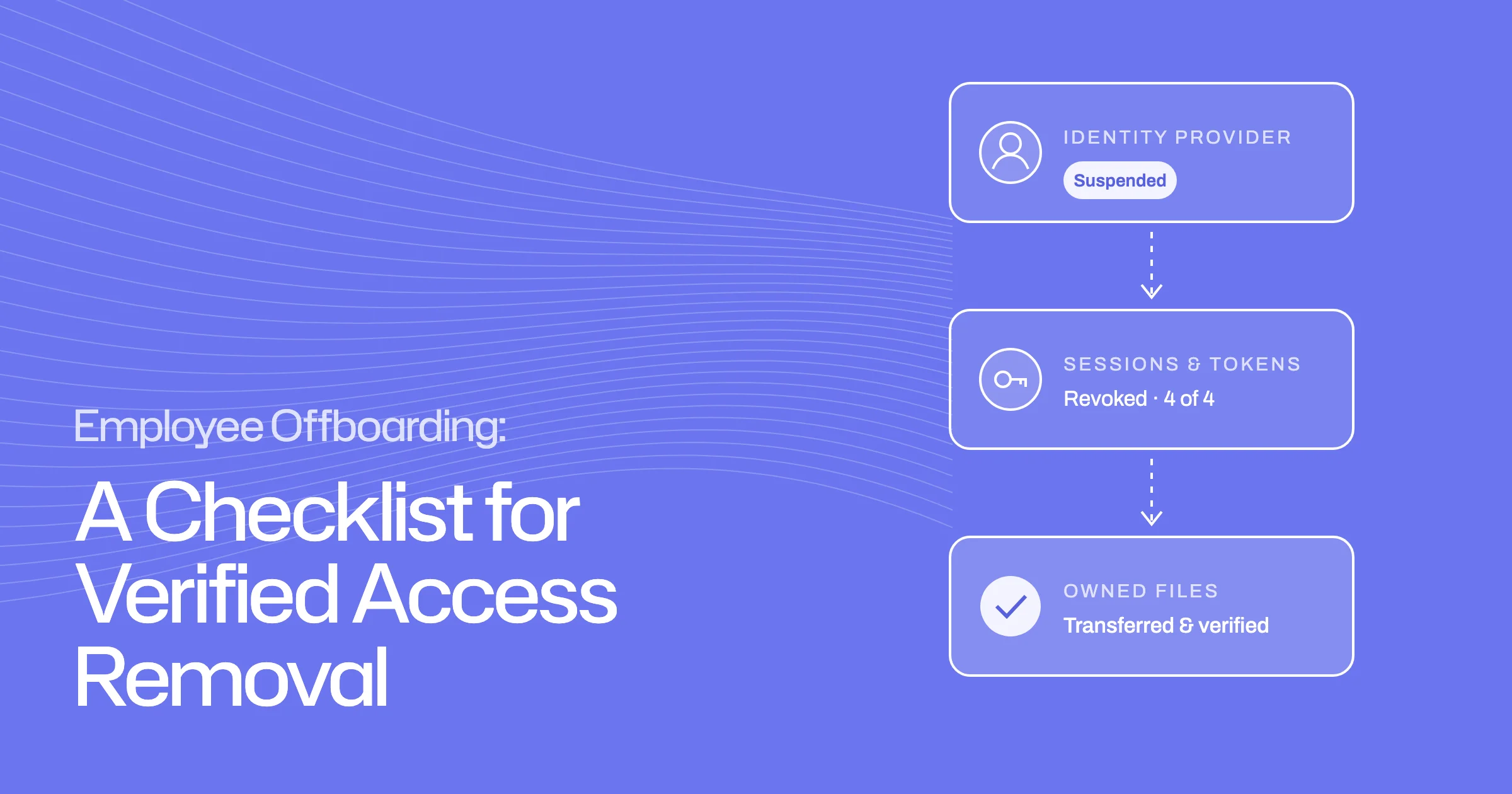
- Disabling the identity provider is the first step of an exit, not the whole of it.
- Revoke everything at the agreed time; don't leave app accounts for the next day.
- Close sessions, OAuth grants and API tokens, not just logins.
- An exit is complete when every item is verified or logged as an owned exception.
Disabling someone's identity provider account is the start of offboarding, not the end of it. A complete exit removes every route the person had into your systems, transfers what they owned, and leaves a record showing each step was done and checked.
This checklist is for IT operations and security teams who run leavers today and want fewer gaps. It covers what to scope before the departure, what to revoke and when, how to hand over ownership, and how to verify the result.
What must employee access offboarding cover?
Offboarding has to cover every way a person could still reach your data after they leave, not just their main login. In most organisations that means:
- the identity provider (IdP) account, such as Google Workspace, Microsoft Entra ID or Okta
- SaaS accounts that sit outside single sign-on, or have their own local login
- active sessions, OAuth grants, API tokens and personal access tokens
- admin and owner roles in applications
- files, mailboxes, shared drives and resources the person owns
- access nobody recorded, such as tools a team adopted on its own (often called shadow IT)
Why disabling the IdP is not the whole exit
- New single sign-on logins blocked
- Open sessions may still work
- Tokens and local accounts untouched
- Every account removed or transferred
- Sessions, OAuth grants and tokens revoked
- Each item checked and recorded
Disabling the IdP account stops new single sign-on logins. Depending on the app, it may not end a session that is already open, revoke a token issued to a script or integration, or touch an account with its own username and password. Apps that are not connected to the IdP keep working as before.
Treat the IdP as one item on the list, usually the first, rather than the switch that turns everything off. How each app behaves varies by vendor and by how it is configured, so check the apps that matter most rather than assuming.
Before the departure: scope, owners and timing
Most failed exits go wrong before the leaving date: nobody knew which accounts existed, or who was meant to remove them.
Accounts, shadow access, admin rights and owned resources
As soon as a leaving date is known, build the list for that person:
- Accounts: every app where they have an account, including those outside the IdP.
- Shadow access: accounts discovered through sign-in logs, expense data or app admin exports that are not in your directory.
- Admin rights: apps where they are an administrator or owner. These need a successor before they go, or you risk an app with nobody able to manage it.
- Owned resources: files, folders, mailboxes, repositories, dashboards and integrations they own.
Give every item an owner who is responsible for removing or transferring it. Unowned items are where orphaned accounts come from.
Coordinate sensitive exits with HR, legal and security
For most departures, access is removed at the end of the last working day. Some exits need different timing. A dismissal, a redundancy, or someone joining a competitor may call for access to be removed at the moment they are told, and may need a separate, discreet process so the change does not show up in shared channels first.
Agree the approach with HR, legal and security in advance, and decide case by case rather than applying one rule to every exit. The last working day and the contractual end date can differ, so be clear which one drives the revocation.
Revoke access at the agreed time
Revoke access at the agreed time, across all systems together. Do not leave app-level accounts for the following day as a matter of routine: anything left open is still open.
- BeforeScope and ownersEvery account, admin role and owned resource listed.
- Leaving timeRevoke togetherIdP, apps, sessions and tokens at once.
- Same dayTransfer ownershipFiles, admin roles and mailboxes to named people.
- AfterVerify every itemRe-read each app; chase what is open.
IdP, direct SaaS accounts, groups and roles
At the agreed time:
- Suspend or disable the IdP account.
- Remove the person from groups that grant access through the IdP.
- Deprovision or disable accounts in connected apps, either through an integration or by the app owner.
- Remove admin and owner roles, once a successor is in place.
Sessions, OAuth grants, API tokens and provider limitations
Then close the routes that survive a disabled login:
- sign the person out of active sessions where the app allows it
- revoke OAuth grants they authorised for third-party apps
- revoke or rotate API keys and personal access tokens they created
- check for shared credentials they knew, and rotate them
Transfer ownership without exposing data
Ownership transfer keeps the business running without giving someone broader access than they need.
Files, applications, administrative roles and mailboxes
- Files and folders: transfer to the manager or a named successor, or archive under your retention policy. Avoid transferring everything to one person by default if it contains data they should not see.
- Applications: make sure every app the person administered has another admin before their access is removed.
- Mailboxes: decide per case. Options include forwarding for a set period, delegated access for a named person, converting to a shared mailbox, or archiving. Retention and privacy rules apply, so check with HR or legal rather than converting every mailbox automatically.
- Integrations and automations: anything running under the person's account (scripts, scheduled jobs, connected apps) will break or keep running with their permissions. Reassign them to a service account or a named owner.
Verify outcomes and chase exceptions
An exit is complete when each item has been confirmed, not when each request has been sent.
Failed API calls and manual owner actions
Automated removals can fail: an API error, a rate limit, a licence state the app did not expect. Manual removals can be forgotten. For each item, record the outcome and how you confirmed it: a fresh read of the app's user list, an export, or a screenshot from the app owner.
When something fails, keep the failure on the record, retry or reassign it, and escalate if it is still open after an agreed time.
Keep a live incomplete-work tracker
Keep one tracker per leaver, with every open item visible until it is closed. Chase owners from the tracker on a schedule rather than relying on memory. Do not mark the exit complete while any item is still open; if something genuinely cannot be removed yet, record it as an exception with an owner and a date.
Regular access reviews are a useful backstop: they catch accounts an exit missed. For what to keep as review evidence, see SOC 2 access reviews: from reviewer decision to verified revocation.
Offboarding checklist and evidence fields
Use a row per system and fill in every column. A row is only finished when the outcome is verified or recorded as an exception.
| Column | What to record | Example |
|---|---|---|
| System | The app, account or resource. | GitHub organisation |
| Owner | Who removes or transfers it. | Engineering manager |
| Action | Revoke, transfer, suspend, archive or rotate. | Remove from org; revoke personal access tokens |
| Scheduled time | When it should happen, agreed in advance. | Last working day, 17:30 |
| Outcome | Done, failed, retried or not required. | Done |
| Verification | How it was confirmed, and when. | Member list re-checked the next morning |
| Exception | Anything still open: reason, owner and date. | None |
The examples are illustrative. Your list of systems, and the evidence each one can produce, will differ.
How Ploy supports the exit workflow
Ploy's lifecycle management treats an exit as tracked work rather than a one-off script. An end date arriving from your HR system starts the offboarding across accounts, grants, sessions, tokens, admin rights and owned resources. Accounts discovered outside the directory get their own offboarding list, so the exit covers access IT did not know about. Every app the leaver owned is marked pending, transferred or not required. Luna, Ploy's identity agent, chases the owners and verifies the work, and the tracker cannot be marked complete while any account or task is still open.
What Ploy can remove automatically depends on which apps are connected and how they are configured. Apps without an integration become tasks for their owners, tracked on the same list. To see an exit end to end, including the failure and exception paths, book a demo.
Frequently asked questions
Is disabling the identity provider enough when an employee leaves?
No. It stops new single sign-on logins, but may not end active sessions, revoke API or OAuth tokens, or remove accounts that sit outside the identity provider. Treat it as the first step on a list that also covers direct SaaS accounts, tokens, admin roles and owned resources.
How do we prove every SaaS account and token was revoked?
Record an outcome and a verification for each system: a re-read of the app's user list, an export or a screenshot, with a timestamp. Keep failures and retries on the record, and do not close the exit until every row is verified or logged as an owned exception.
When should access be removed?
Usually at the end of the last working day, across all systems together rather than leaving app accounts for later. For sensitive exits, agree earlier timing with HR, legal and security in advance.
What should we ask to see in an offboarding demo?
Ask to see an exit where one app fails to deprovision, an app with no integration handled through its owner, an account found outside the directory, and an ownership transfer. Then ask what stops the exit being marked complete while something is still open.