Slack access requests: approvals, provisioning and automatic expiry
Design a Slack access request workflow with clear approvals, provisioning checks, time-bound access and a complete decision trail.

- Collect person, resource, role, reason and duration on every request.
- Let policy approve routine requests; send only exceptions to a person.
- Approval is a decision, not a change: provision, then confirm it worked.
- Plan the removal when the access is granted, and treat a failed expiry as urgent.
A governed access request in Slack does four things: it collects enough context to decide, routes the decision through policy, provisions the access and confirms it worked, then removes it when the agreed time is up. Taking requests in Slack is the easy part. The value comes from what happens after someone asks.
This guide is for IT leaders and app owners in organisations that run on Slack and want to replace "can someone give me access to…" threads with something faster for employees and easier to audit. It assumes you know the basics of just-in-time access. If not, start there.
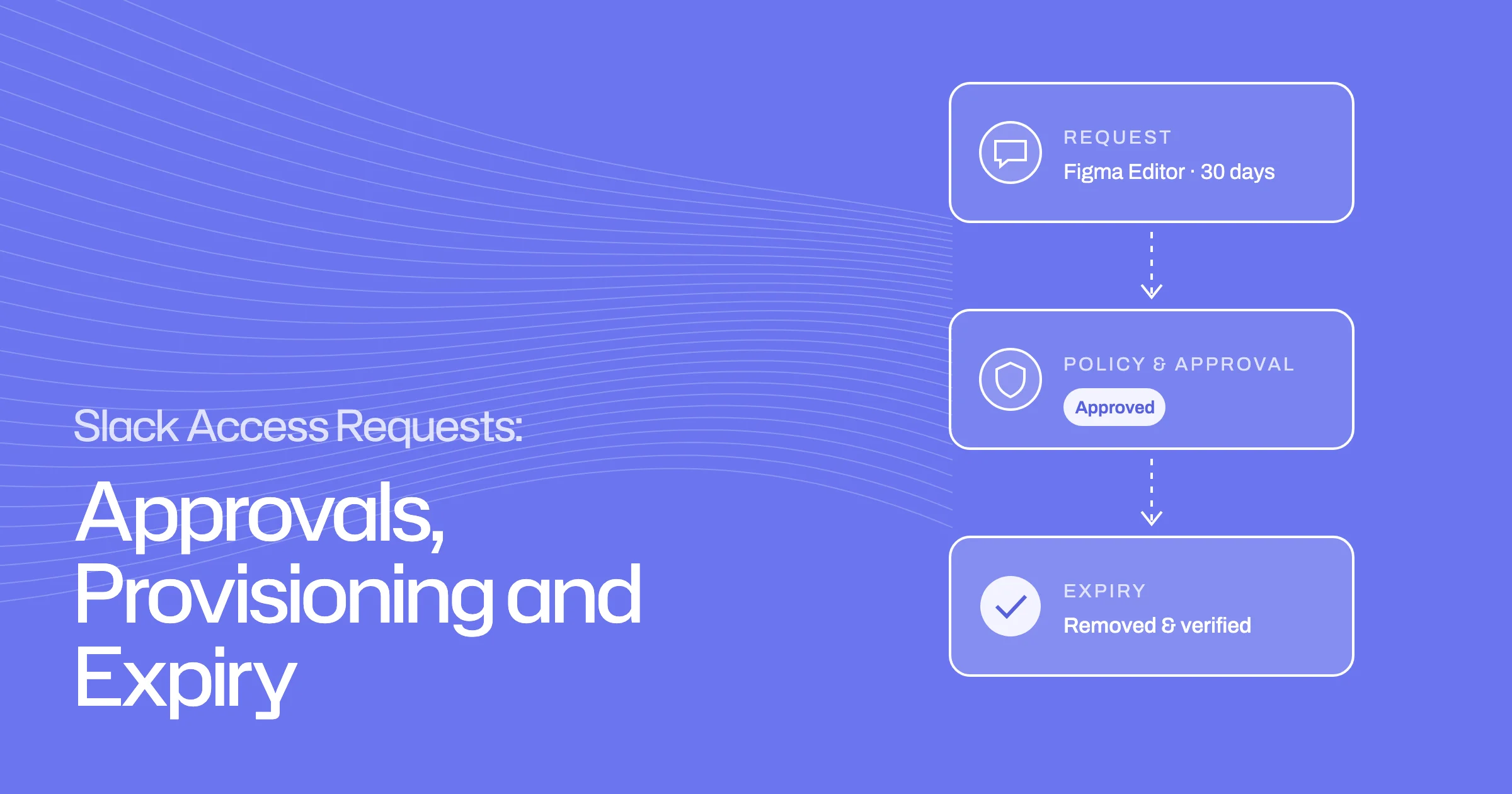
- AskRequest in SlackWho, what, which role, why and for how long.
- DecidePolicy, then a personRoutine requests auto-approve; exceptions go to an approver.
- GrantProvision and confirmThe right account gets the right role.
- ExpireRemoved and verifiedAccess ends on time and is checked.
What should a governed Slack access request include?
A request should carry everything an approver, or a policy, needs to decide without going back to the requester.
Person, resource, role, reason and duration
Collect five things on every request:
- Who the access is for. The requester, or someone they are asking on behalf of, such as a new team member.
- The resource. The specific app, group, workspace or project.
- The role or entitlement. "Editor in Figma", not just "Figma". The level of access matters more than the app.
- The reason. A sentence the approver can judge, such as "covering the Q3 brand refresh".
- The duration. Hours, days or a set period. A request with no end date should be the exception, not the default.
If the request comes in as free text ("can I get into the finance dashboard?"), the workflow should ask follow-up questions in the same thread rather than sending the person to a form.
Route requests through policy
Most requests are routine. Policy should handle those, so people only see the ones that need judgement.
Routine approvals versus human exceptions
Write rules that decide a request in one of three ways:
- Approve automatically when it matches a standard pattern. For example, a role most of the person's team already holds, at a standard level, for a limited time.
- Send to a person when it falls outside those patterns: admin roles, sensitive data, unusual durations, or access almost nobody in the team has.
- Block access that should never be granted this way.
Rules should be able to read context such as department, employment type, MFA status and how sensitive the access is. Start with a small number of clear rules and widen them as you see which requests keep reaching people unnecessarily.
Sensitive access and no self-approval
For sensitive access, use more than one approval stage where it matters, for example the app owner then the security team. Set a fallback for when the first approver does not respond, so requests do not sit unanswered.
Make sure nobody can approve their own request, whichever route it arrives by. This is a basic segregation of duties control, and it needs to be enforced by the system rather than left to goodwill.
Give approvers enough context
An approver should be able to decide from the message in front of them, without investigating.
Existing access, peer context and requested duration
Show the approver:
- what the person already has in that app, so they see what would change
- how many of the person's peers hold the same access, which is the quickest check on whether the request is routine
- the reason and the requested duration
- any previous requests for the same access
Let approvers approve or reject directly in Slack, with the detail one click away. An approval that needs a separate login tends to wait.
Provision and confirm the result
Approval is a decision, not a change. The access still has to be created, and someone should check it was.
Connected apps versus owner tasks
For apps with an integration, provision the access automatically once it is approved, then confirm that the right account received the right role.
For apps without an integration, turn the approval into a task for the app owner, with the person, the role and the deadline in the message. When they reply that it is done, record that as the outcome and, where you can, check it.
Tell the requester clearly where things stand: approved and live, approved and waiting for the app owner, or rejected with a reason.
Failure, timeout and escalation paths
Plan for what goes wrong:
| What happens | What the workflow should do |
|---|---|
| Approver does not respond | Remind, then escalate to a fallback approver after a set time. Tell the requester who it is now waiting on. |
| Request is rejected | Record the reason and tell the requester, so they can ask for something narrower. |
| Provisioning fails | Keep the error on the request, retry, then hand to the app owner as a task if it still fails. |
| App has no integration | Create an owner task with a deadline; chase it; record when it is done. |
| Requester asks for longer than policy allows | Cap the duration at the policy maximum, or send it to an approver as an exception. |
| Removal at expiry fails | Flag it immediately, retry, and assign it to the owner. The access is still live until this is resolved. |
Expire the grant and verify removal
Every time-bound grant should have its removal planned from the moment it is created. When the time is up, remove the access, check it is gone, and tell the person. If they still need it, they make a new request, which gets a fresh decision.
Keep the request, decision and execution trail together
For each request, keep one record: what was asked and why, which policy applied, who approved and when, what was provisioned, and when it was removed. That record answers the questions auditors and security teams actually ask, and it is much easier to produce if it is kept as one history rather than spread across Slack threads and tickets.
Ploy workflow and the Avantia Law example
Ploy's access requests work this way. People can ask in Slack or Teams, or through the portal, browser extension, CLI or MCP, and every route goes through the same policy engine. Routine requests are approved automatically, disallowed access is blocked, and exceptions reach a reviewer with the requester's reason, their current access and peer context already gathered. Approvals can run in stages, rotate across a group and escalate. Self-approval is blocked however the request arrives. Approved access is created in the connected system, Ploy checks the right identity received it, and each temporary grant carries its expiry from the start.
Avantia Law, a UK legal, compliance and fund services firm, moved its access requests onto Ploy from a manual, multi-step process. In its case study, Avantia reports:
Source: Avantia Law customer story. These are Avantia's results; yours will depend on your request volume and how much of it your policies can approve automatically.
Ploy has transformed how we do access requests & we wouldn’t be able to go back to the way it was.
To see the full path, including a request that fails to provision and one that expires, book a demo.
Frequently asked questions
How can employees request SaaS access in Slack with approval and automatic expiry?
Use a workflow that collects the person, resource, role, reason and duration in Slack; applies policy to approve routine requests and route the rest to an approver; provisions the access and confirms it; and removes it automatically when the duration ends. The request, decision and removal should be kept as one record.
What happens when an app cannot be provisioned automatically?
The approval becomes a task for the app owner, with the person, role and deadline included. The workflow chases the task and records when it is done. The requester is told the request is approved and waiting on the owner, rather than being left to guess.
Should every access request need a human approver?
No. Requests that match a standard pattern, such as access most of the team already has at a normal level for a limited time, can be approved by policy. Reserve people for exceptions: admin roles, sensitive data and unusual requests.
What should we ask to see in an access request demo?
Ask to see an approver who does not respond, a provisioning failure, an app with no integration, and a grant reaching its expiry. Then ask where the complete record of one request lives.