JML automation buyer checklist: test movers, source conflicts and failed provisioning
Evaluate joiner, mover and leaver automation with practical tests for HRIS conflicts, changing roles, failed provisioning and audit evidence.

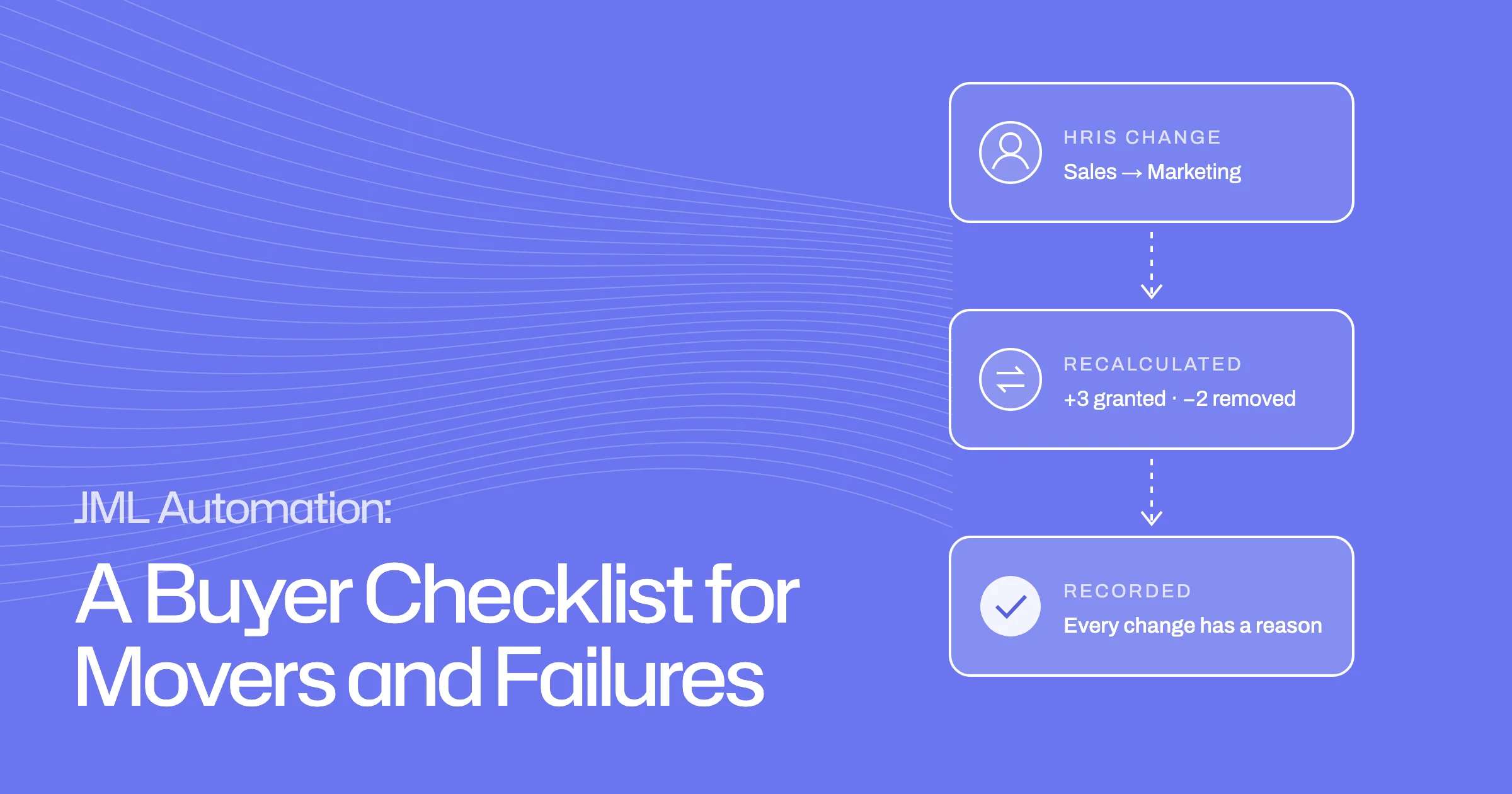
- Test movers hardest: they are where old access quietly builds up.
- Ask which system owns each field, and what happens when the HRIS and IdP disagree.
- A leaver should never be marked complete while any removal has failed or is still open.
Joiner, mover and leaver (JML) automation should prove three things: new starters get the right access on day one, people who change role lose what they no longer need, and leavers are fully closed out even when something fails. Most demos show the first. The other two are where tools differ, and where access quietly builds up.
This checklist is for IT operations and identity owners connecting an HR system (HRIS) to their identity provider (IdP) and apps. It gives you scenario-based tests to run in an evaluation, with the outcome and evidence to ask for in each. For background, see identity lifecycle management.
What should JML automation actually prove?
A JML tool turns changes in people data into changes in access. To trust it, you need to see it handle:
- Joiners: access planned before the start date and created on time, with exceptions routed rather than skipped.
- Movers: access recalculated when someone's role changes, including removal of access the old role justified and the new one does not.
- Leavers: every account, token and owned resource handled, with failures visible and retried.
- Data conflicts: sensible behaviour when the HRIS and IdP disagree.
- Evidence: a record of what changed, why, and what happened as a result.
Establish authoritative identity data
Automation is only as good as the data driving it. Before testing any flows, check how the tool decides which system is right.
Field ownership, sync timing and conflicting HRIS/IdP values
Ask the vendor to show:
- Field ownership. For each field (department, title, manager, location, employment status, start and end dates), which system is the source, and whether that can be set per field.
- Conflict handling. What happens when the HRIS says one thing and the IdP says another. A good answer is a defined rule plus a visible flag, not a silent overwrite.
- Sync timing. How often changes are picked up from each source, and what that means for same-day changes. No integration is instantaneous, so know the real delay.
- History. Whether each change is recorded with its old value, new value and source.
Ask to see a deliberate conflict in the demo: change a department in the IdP that disagrees with the HRIS, and watch what the tool does.
Test a joiner before day one
Joiners are the most demoed flow, but there is still detail worth testing.
Scheduled access, exceptions and readiness checks
Use a new starter whose record appears in the HRIS a week before their start date, in a team with a mix of standard and sensitive apps. Check that:
- the access their role needs is worked out in advance, but not granted until the start date
- accounts, licences and group memberships are created on the start date
- access that needs approval (an admin role, a sensitive system) is routed to the right person rather than granted automatically or skipped
- someone can see, before day one, whether everything is ready, and what is not
Then test a failure: an app that has run out of licences. The tool should retry, flag it and tell someone, rather than reporting the joiner as complete.
Test a mover without accumulating old privileges
Movers are where access builds up. If a tool only adds access when someone changes role, people collect permissions from every team they have been in. This is privilege creep.
Changed department, manager or employment status
Run at least three mover tests:
- Department change. Someone moves from Sales to Marketing. They should gain Marketing's standard access and lose Sales-only access.
- Manager change. Approvals and review tasks should move to the new manager.
- Employment status change. A contractor becoming an employee, or the reverse. Access rules for the two often differ.
Remove obsolete access and record the rationale
The key test: does the tool work out what the person should have now, based on their new role, rather than only adding the new role's access on top? Ask to see the list of what was removed after a move, and why.
- Marketing access added
- Sales CRM and pipeline tools kept
- Next move adds more on top
- Marketing access added
- Sales-only access removed, with a reason
- Exceptions flagged for review
Also check how it treats access granted by exception, outside the standard role. A sensible default is to flag it for review rather than remove it without warning, or keep it forever.
Test a leaver with partial integration failures
Leavers rarely fail completely. They fail partly: most accounts are removed, and one or two are not.
Retries, manual tasks and verification
- TriggerEnd date landsThe HRIS sets a leaving date; the exit opens.
- Most appsAccess removedIntegrated apps deprovisioned and confirmed.
- One appAPI call failsThe failure is visible, then retried.
- No integrationOwner taskChased until the owner confirms.
Set up a leaver whose access includes an integrated app, an app with no integration, an account outside the directory, and an admin role. Then check:
- the integrated app is deprovisioned, and the tool confirms it
- the app with no integration becomes a task for its owner, with a deadline and reminders
- the account outside the directory is found and included
- the admin role cannot simply disappear without a successor
- if one removal fails (simulate an API error), the failure is visible and retried
- the leaver cannot be marked complete while any item is still open
For more on what a complete exit covers, see our employee offboarding checklist.
Evaluate policies, approvals and history
Beyond the three flows, check how the rules are managed:
- Policy definition. Can you express "people in this department get this access" without writing a separate workflow for each team?
- Exceptions and approvals. Who approves access outside the standard, and can approvals escalate?
- Change history. For any person, can you see every access change, what caused it, and when?
- Reviews. Does lifecycle data feed your access reviews, so a reviewer can see someone has moved team?
A scenario-based vendor evaluation checklist
Run these scenarios in each evaluation. They are illustrative tests, not customer stories. Adapt them to your own teams and apps.
| Scenario | Change | Expected outcome | Failure route | Evidence to ask for |
|---|---|---|---|---|
| Joiner | New HRIS record, start date in 7 days | Access planned now, created on the start date | Licence shortage flagged and retried | Readiness view before day one |
| Joiner with sensitive access | Role includes an admin system | Admin access routed for approval | Escalation if not approved in time | Approval record with approver and time |
| Department mover | Sales to Marketing | Marketing access added; Sales-only access removed | Failed removal flagged and retried | List of removals with reasons |
| Manager change | New manager in the HRIS | Approvals and reviews move to the new manager | Open approvals reassigned | Change history showing old and new values |
| Source conflict | IdP department differs from HRIS | Defined source wins; conflict flagged | No silent overwrite | Field-level source and history |
| Leaver, partial failure | End date set; one API call fails | All other access removed; failure retried | Owner task for apps without integration | Tracker that will not close while items are open |
How Ploy lifecycle and workflows fit together
Ploy's lifecycle management keeps a live access plan for every employee and recalculates it when their identity, role, team, tools or policies change. It watches 24 employee fields, and each field names its owning source and can be locked, so two systems disagreeing does not become a silent overwrite. Each change records the old value, new value and source.
When someone moves, Ploy works out what they should have in their new role rather than comparing against the old one: what the new role needs is granted, what is no longer justified is removed, and each decision is recorded. For joiners, policy works out the access before the start date and accounts are created on the day. For leavers, the tracker cannot be marked complete while any account or task is still open.
Workflows handle the steps around this: flows triggered by HR events, with retries on failed steps, and a "run failed" event that can itself start a flow. Ploy connects to HR systems including HiBob, Humaans, Personio and Workday. What can be automated in each app depends on its integration and your configuration.
To run these scenarios against your own setup, book a demo.
Frequently asked questions
How should access change when an employee changes department?
Their access should be recalculated for the new role: standard access for the new department added, access only the old role justified removed, and anything granted by exception flagged for review. Every change should be recorded with its reason.
How do HRIS and identity provider conflicts affect provisioning?
If both systems can set the same field, they can disagree, and a tool that simply takes the latest value may provision the wrong access. Define which system owns each field, and choose a tool that flags conflicts instead of silently overwriting.
What is the most important JML scenario to test?
The mover. Joiners and leavers are well understood. Movers are where access builds up over time, and where tools vary most in whether they remove old access or only add new.
What should we ask to see in a JML demo?
Ask for a department move that removes old access, a deliberate data conflict between the HRIS and IdP, and a leaver where one removal fails. Then ask for the change history for that person.